CVSS Calculator: Build and Save a Severity Vector

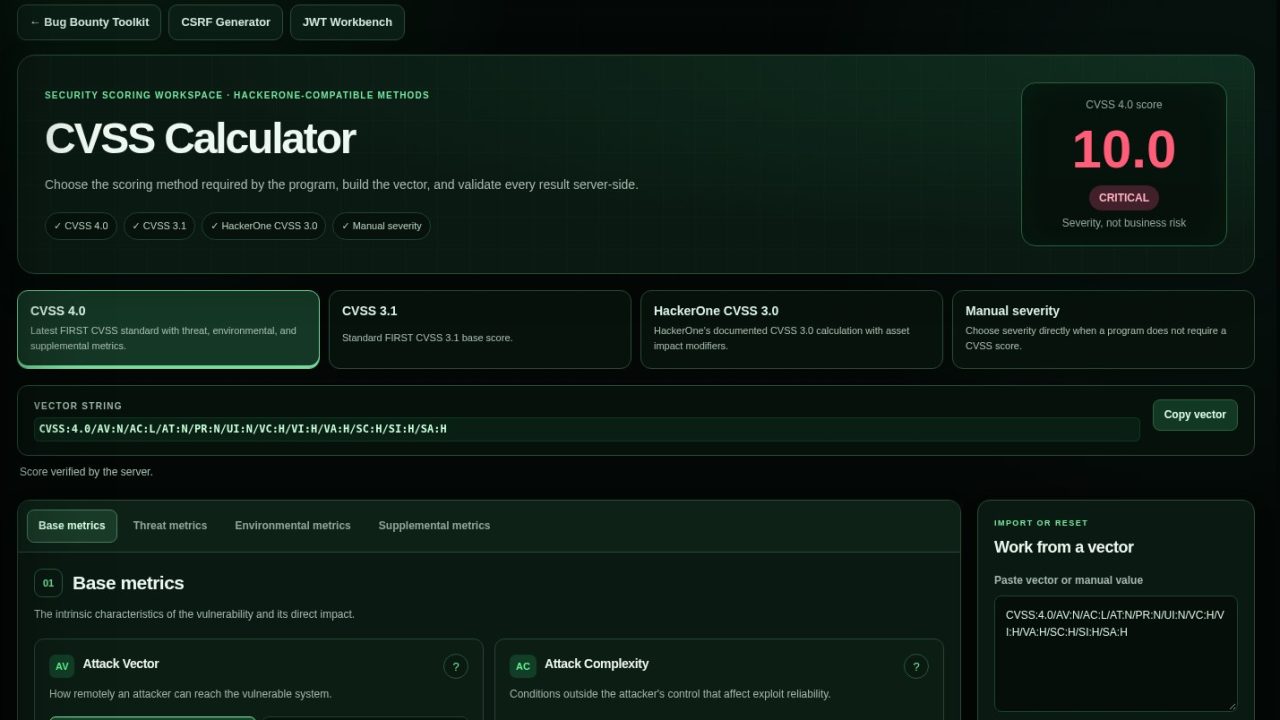
The CVSS Calculator supports the metric groups available for the selected CVSS version. It keeps the calculated score and vector synchronized with every metric change.
What this feature does
The CVSS Calculator supports the metric groups available for the selected CVSS version. It keeps the calculated score and vector synchronized with every metric change. The walkthrough below follows the current interface in the order shown on screen, and each step includes its own matching image.
Workflow at a glance
- 1.Choose the CVSS version
- 2.Set the base metrics
- 3.Add threat context
- 4.Add environmental and supplemental context
- 5.Copy or save the calculation
How to use the feature
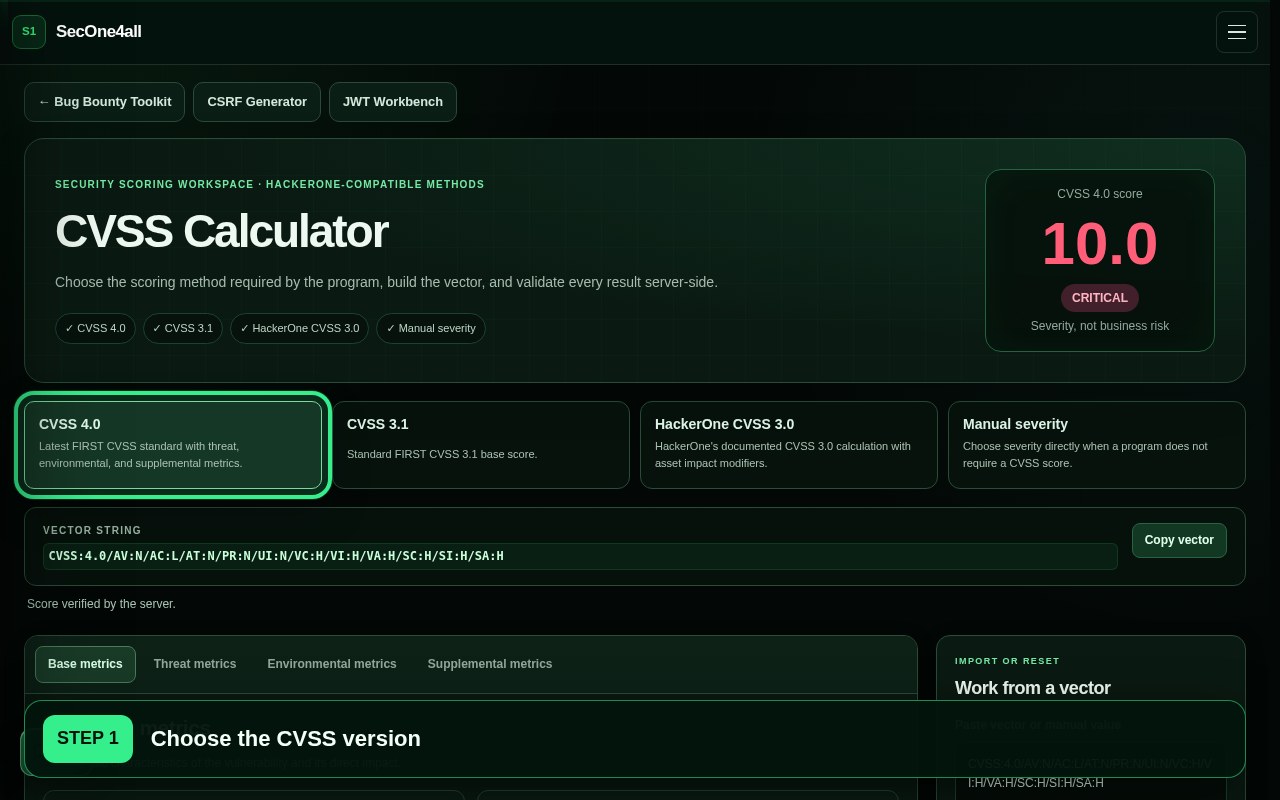
Step 1: Choose the CVSS version
Select the version required for the assessment.
What you will see: The page loads the metric set and vector format for that version.
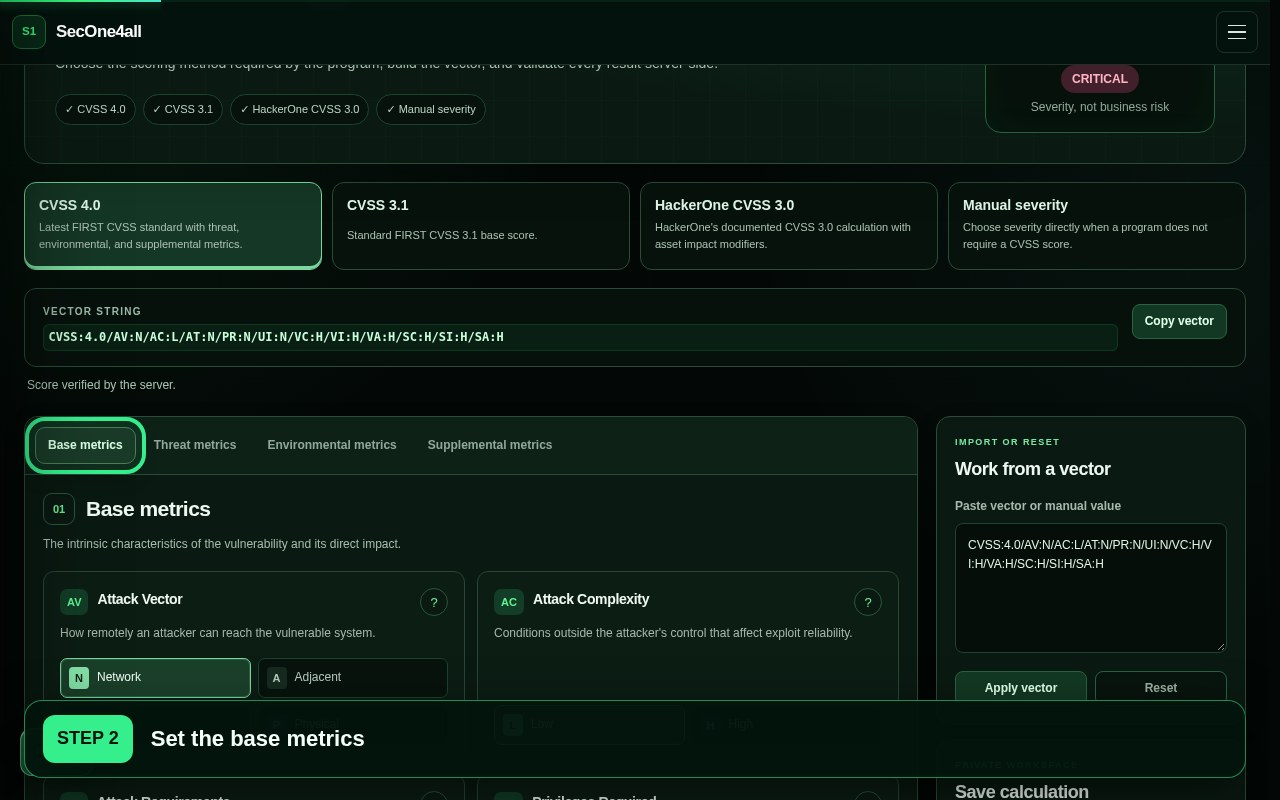
Step 2: Set the base metrics
Choose the values that describe exploit conditions and direct impact.
What you will see: The base score and vector update as the metrics are completed.
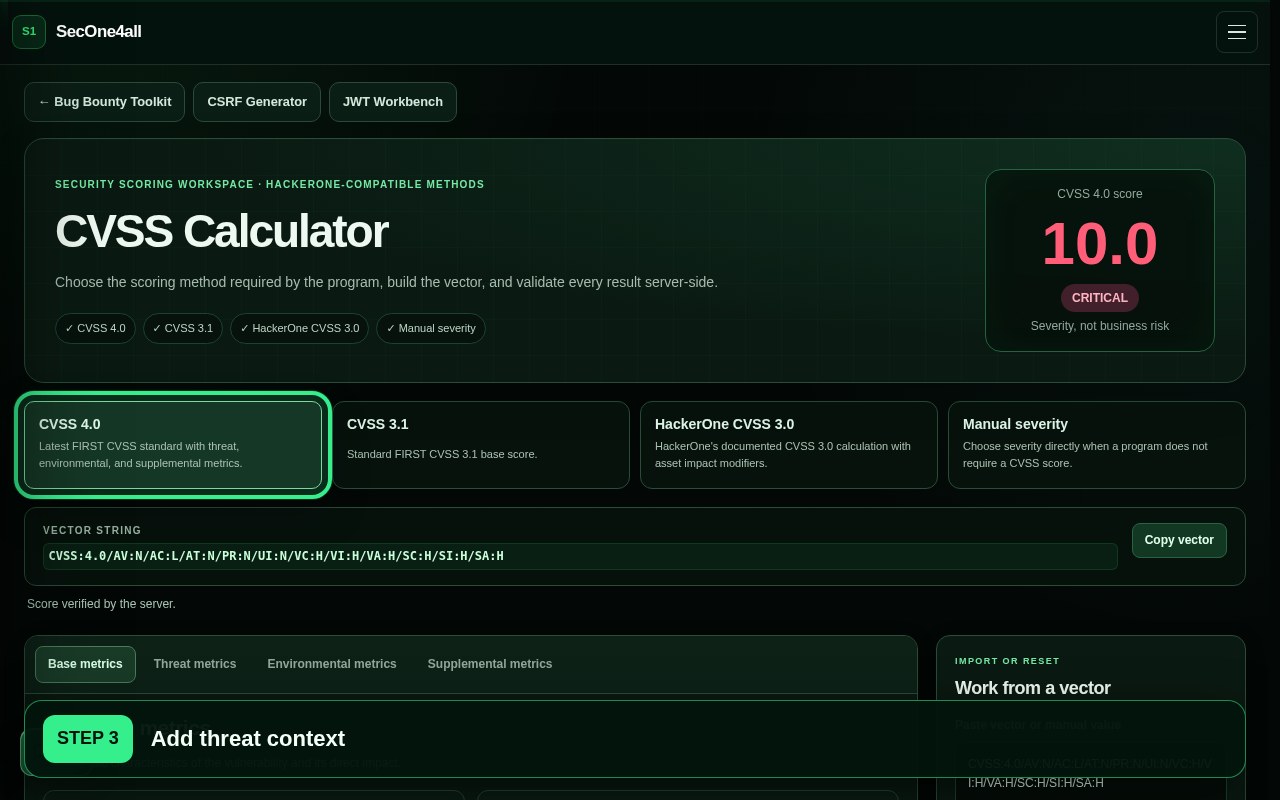
Step 3: Add threat context
Open the Threat metrics and set the current exploit context when the selected version supports it.
What you will see: The score reflects the additional threat information.
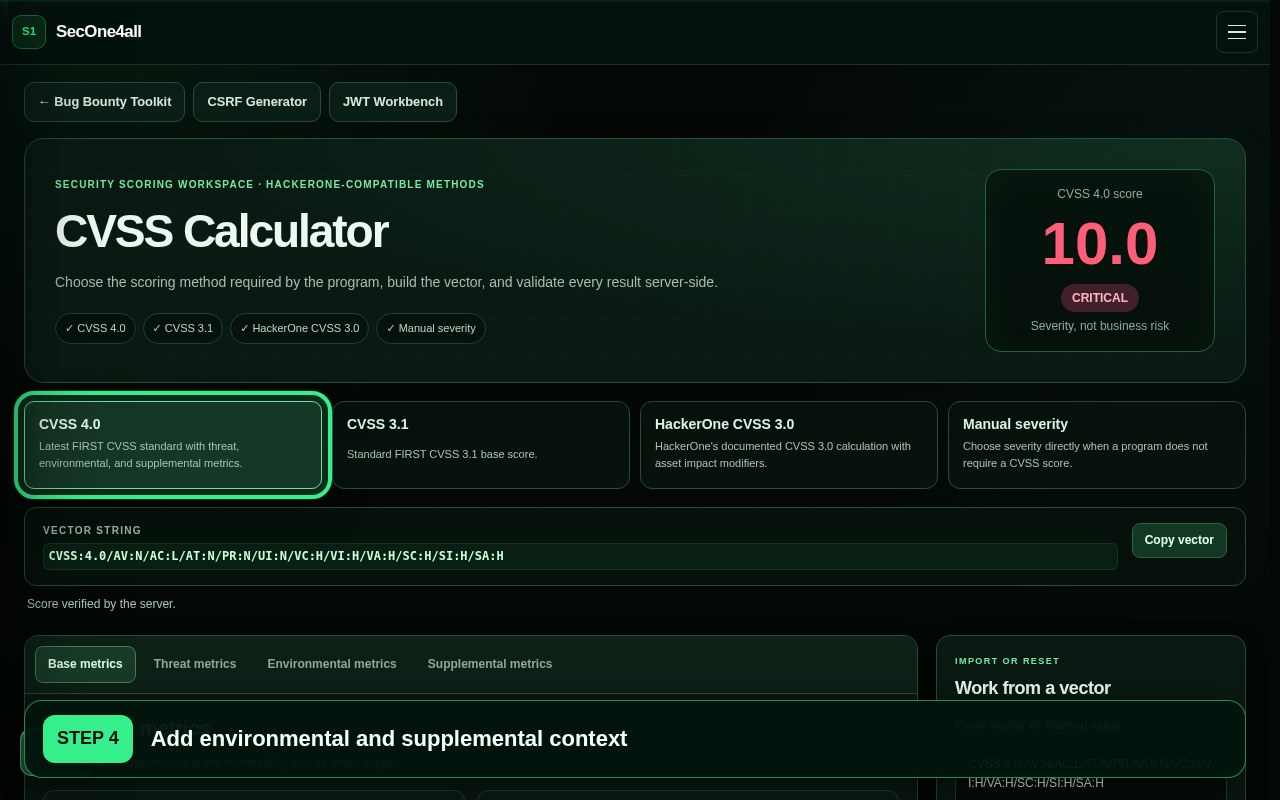
Step 4: Add environmental and supplemental context
Complete Environmental and Supplemental metrics that apply to the assessed environment.
What you will see: The calculator updates the final contextual score.
Step 5: Copy or save the calculation
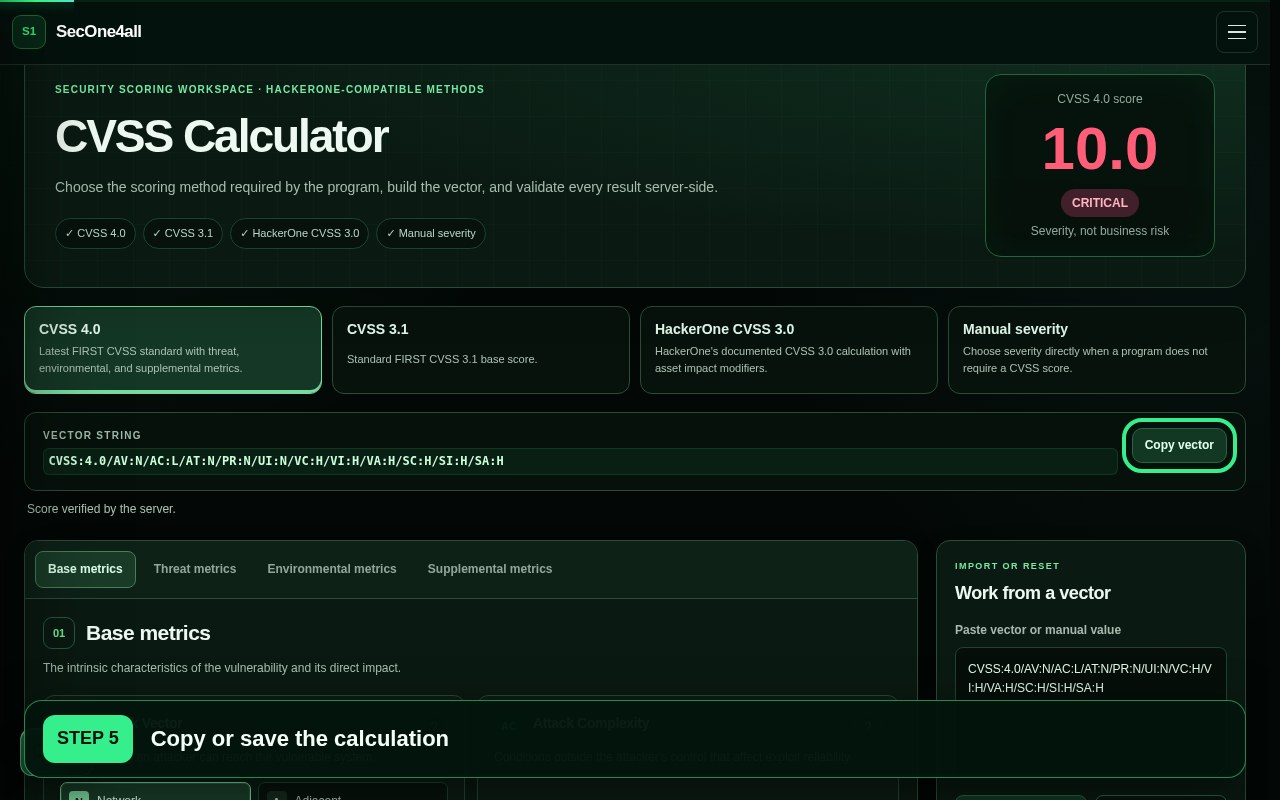
Review the score and vector, then use the available copy or save action.
What you will see: The exact metric selection can be reused in the finding.
Open the feature
Use the button below to open the current SecOne4all interface and follow the same five steps.



Leave a Reply