Bug Bounty Toolkit: Find the Right Workbench

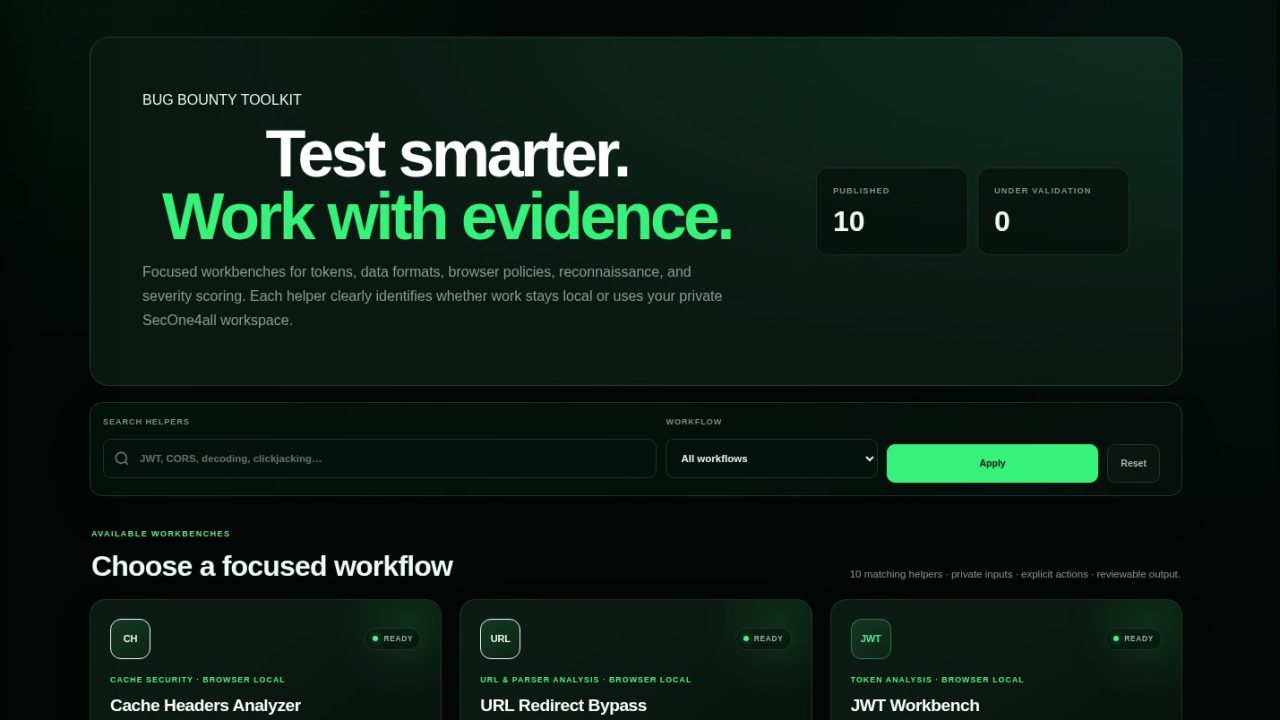
The Bug Bounty Toolkit directory groups the platform’s interactive helpers by workflow. Search and workflow filters are the fastest way to move from an objective to the correct analyzer or generator.
What this feature does
The Bug Bounty Toolkit directory groups the platform’s interactive helpers by workflow. Search and workflow filters are the fastest way to move from an objective to the correct analyzer or generator. The walkthrough below follows the current interface in the order shown on screen, and each step includes its own matching image.
Workflow at a glance
- 1.Open the toolkit directory
- 2.Search helpers
- 3.Filter by workflow
- 4.Read a tool card
- 5.Return to choose another helper
How to use the feature
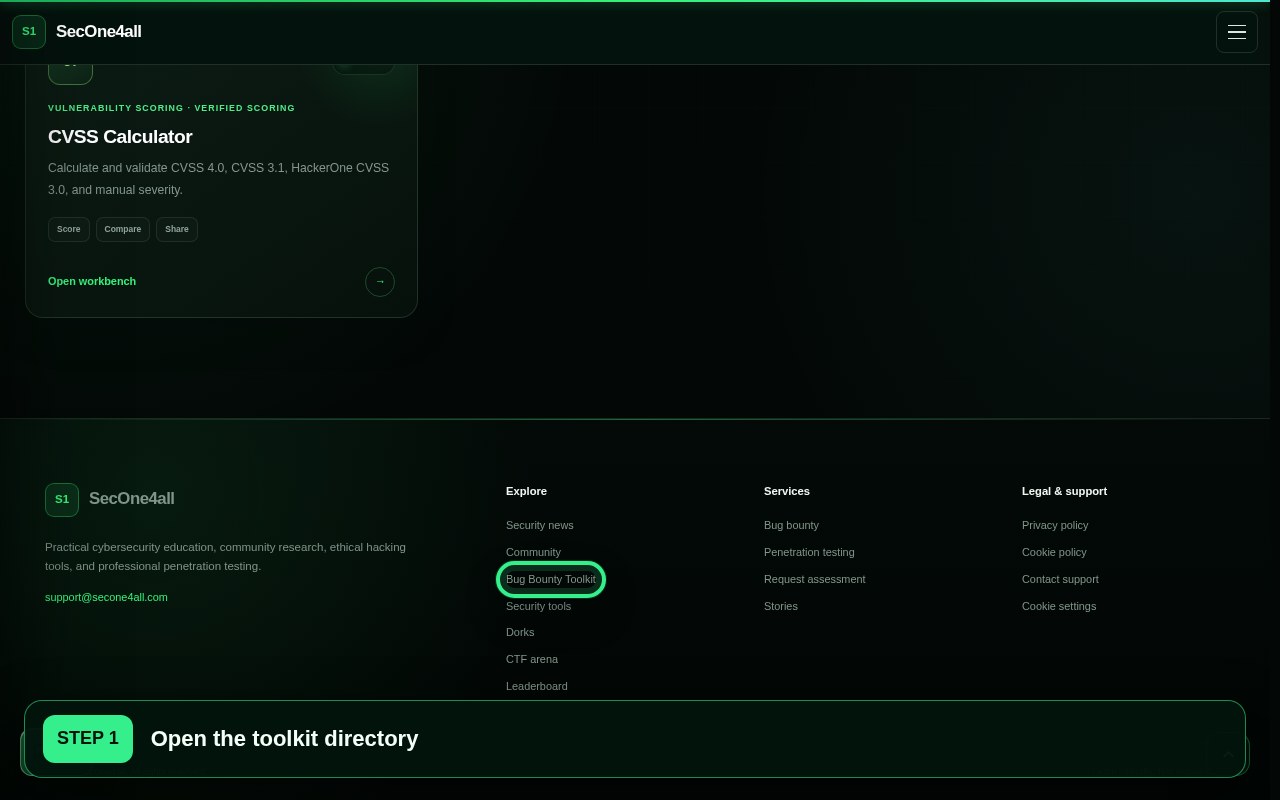
Step 1: Open the toolkit directory
Open the toolkit from the Security Tools navigation.
What you will see: The available helper cards appear in one catalog.
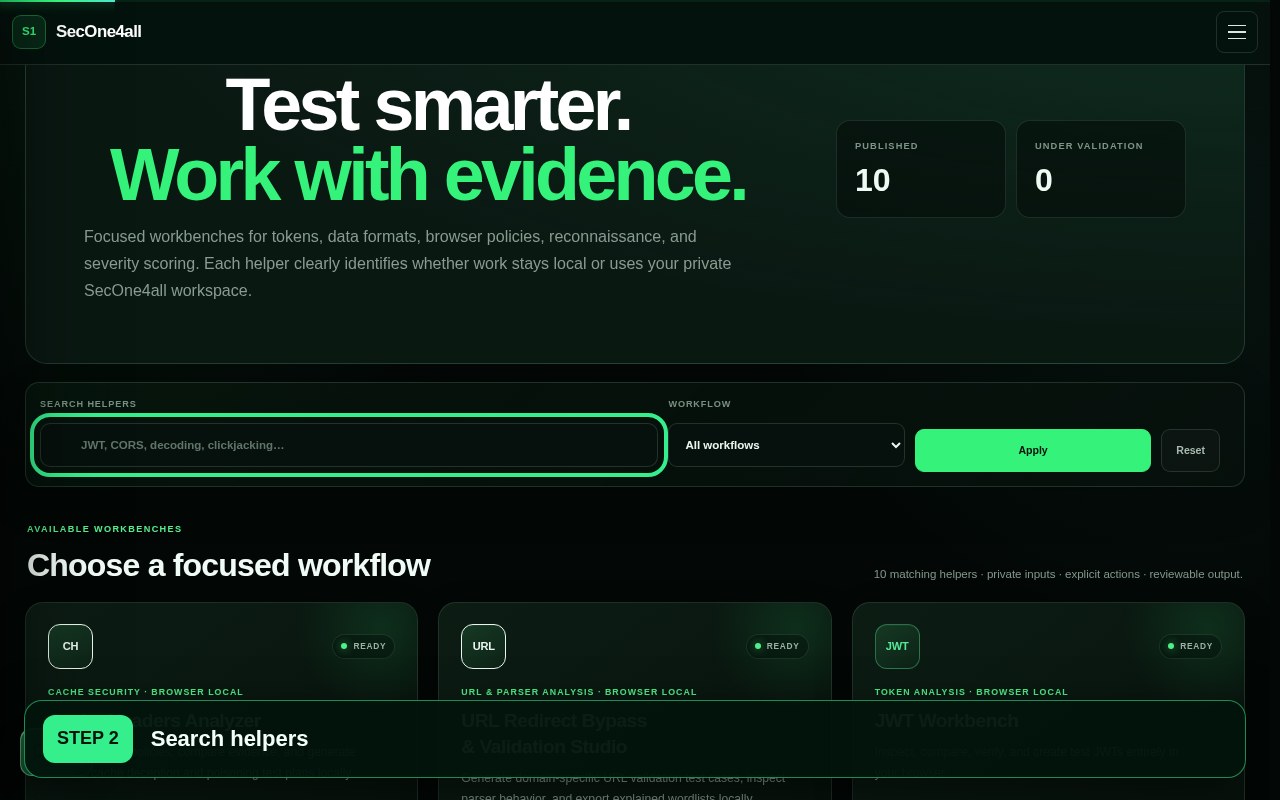
Step 2: Search helpers
Enter a feature, protocol, or testing objective.
What you will see: The directory narrows to matching workbenches.
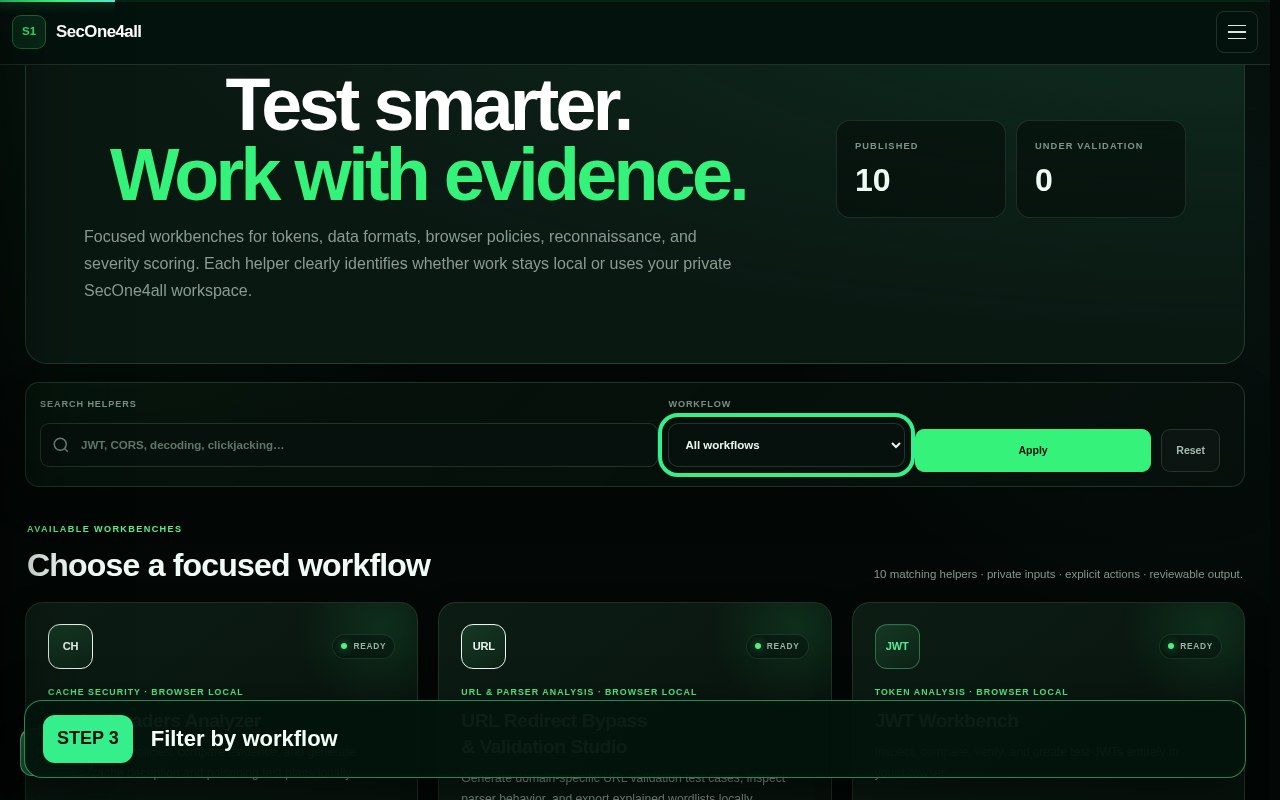
Step 3: Filter by workflow
Choose a workflow category to group tools by the kind of task they perform.
What you will see: Only helpers in that workflow remain visible.
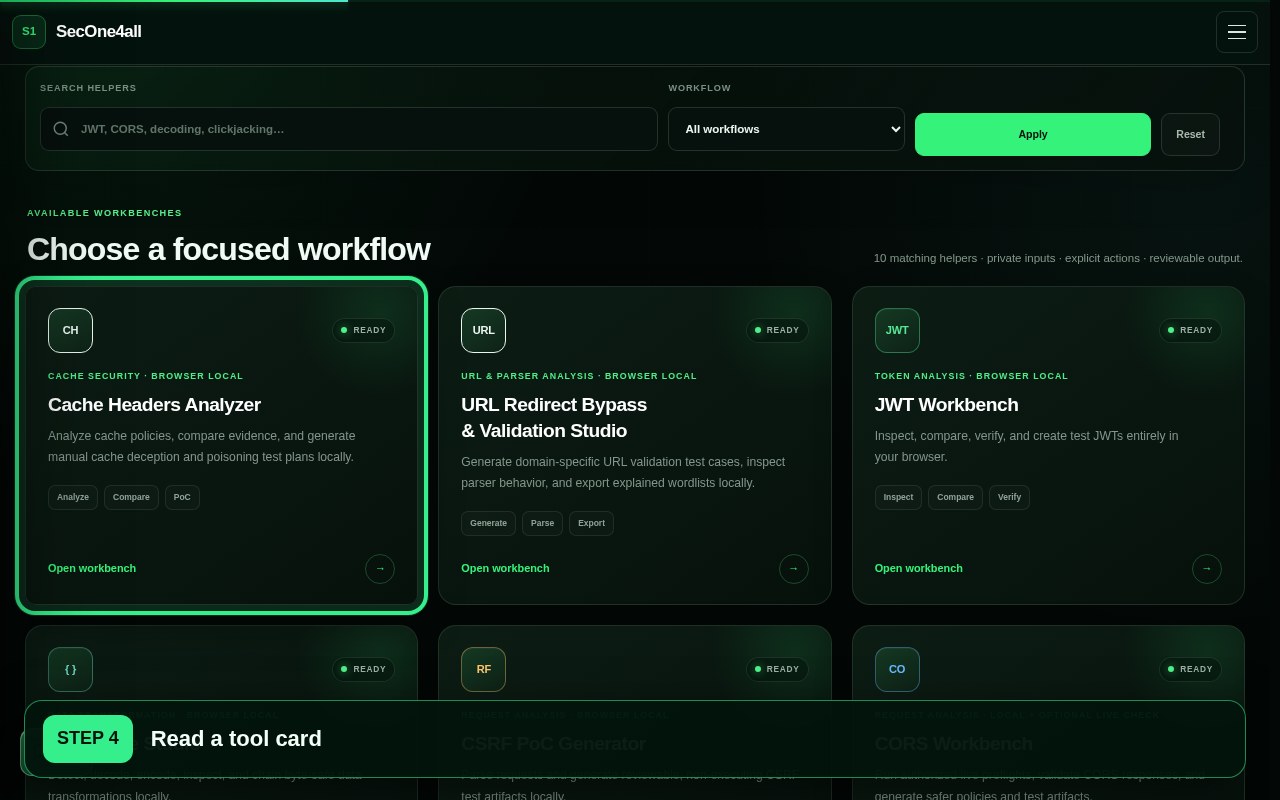
Step 4: Read a tool card
Review a matching card’s title and summary, then select Open workbench.
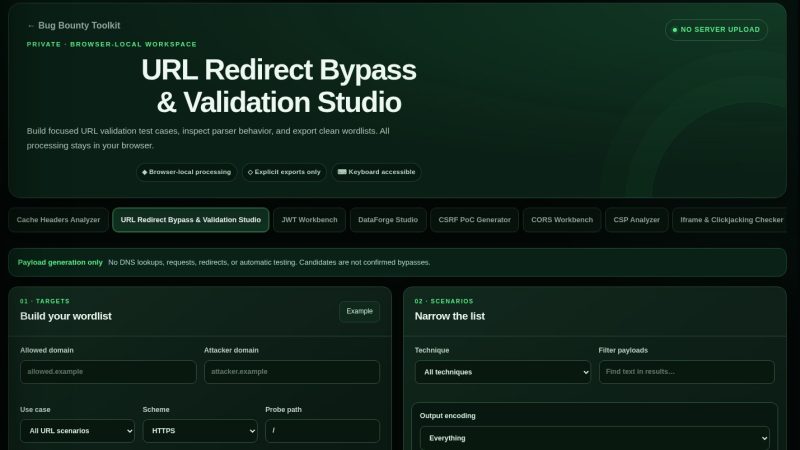
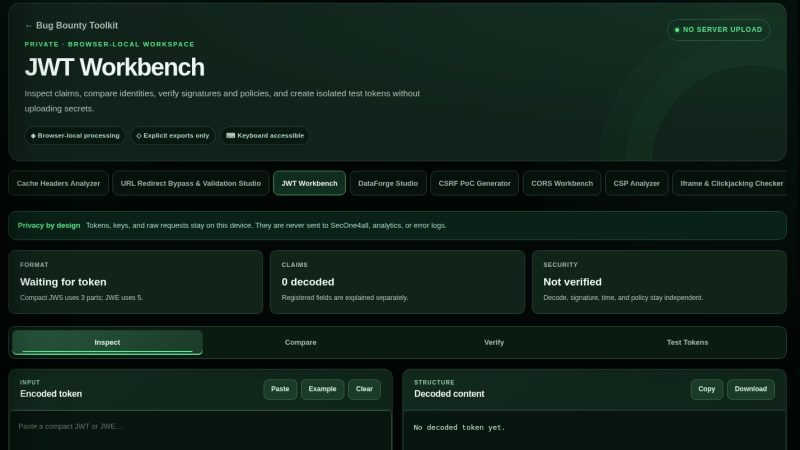
What you will see: The chosen workbench opens with its own inputs and results.
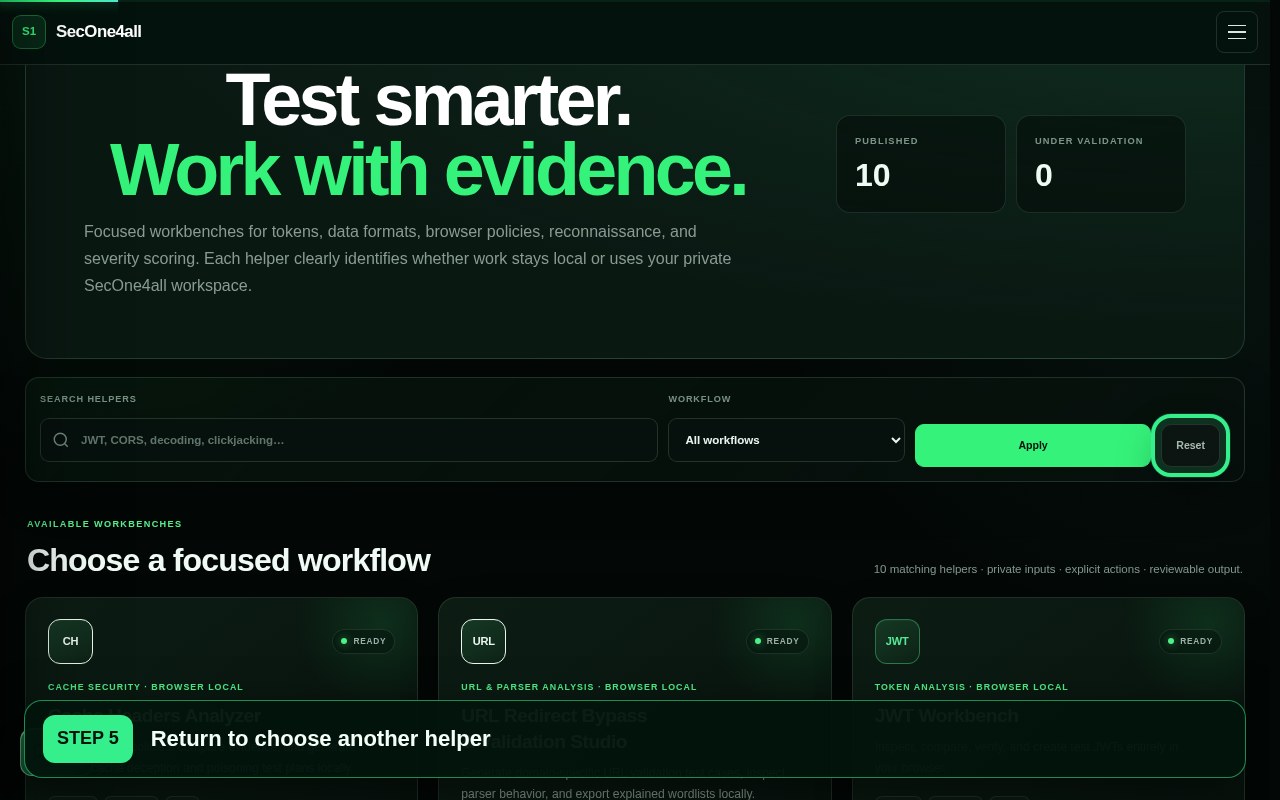
Step 5: Return to choose another helper
Use Reset when the next task needs a different workbench.
What you will see: The complete toolkit becomes available again.
Open the feature
Use the button below to open the current SecOne4all interface and follow the same five steps.
Leave a Reply