CSRF PoC Generator: Import and Model a Browser Request

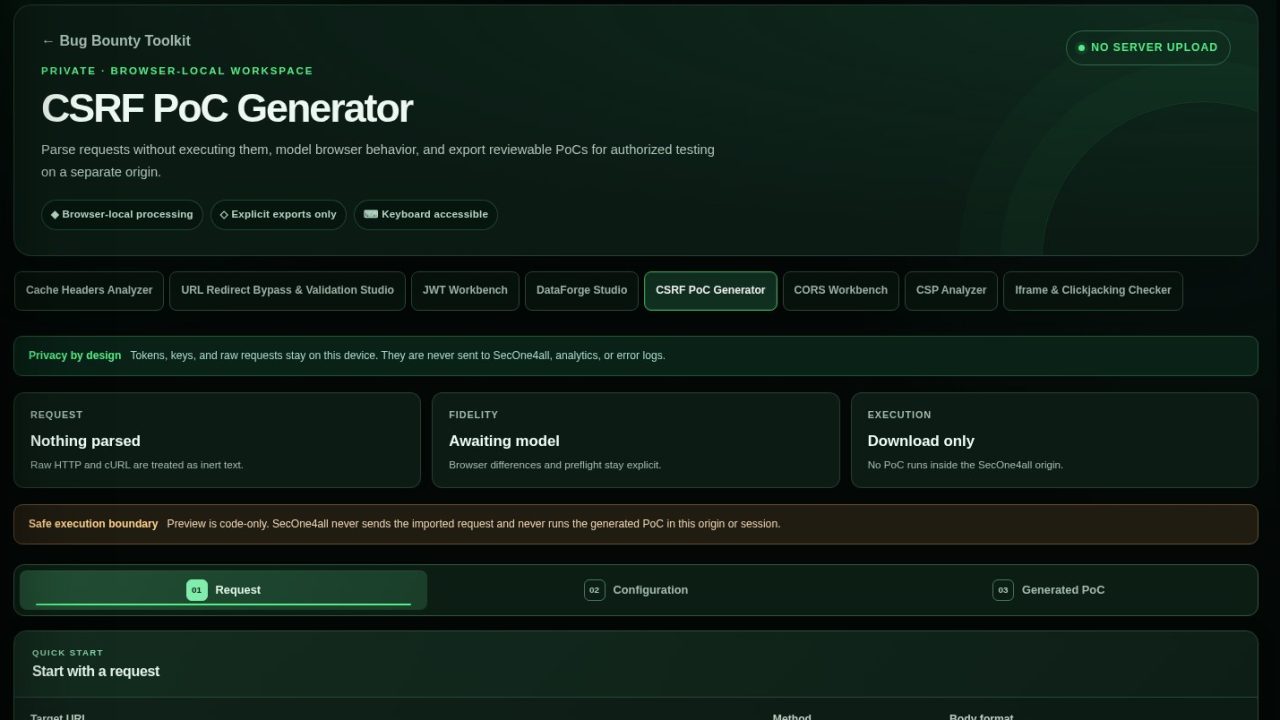
The CSRF PoC Generator organizes its workflow into Request, Configuration, and Generated PoC tabs. It can parse a raw request or accept the request components directly.
What this feature does
The CSRF PoC Generator organizes its workflow into Request, Configuration, and Generated PoC tabs. It can parse a raw request or accept the request components directly. The walkthrough below follows the current interface in the order shown on screen, and each step includes its own matching image.
Workflow at a glance
- 1.Enter the request
- 2.Parse the raw request
- 3.Review the configuration
- 4.Open the configuration flow
- 5.Review the generated output
How to use the feature
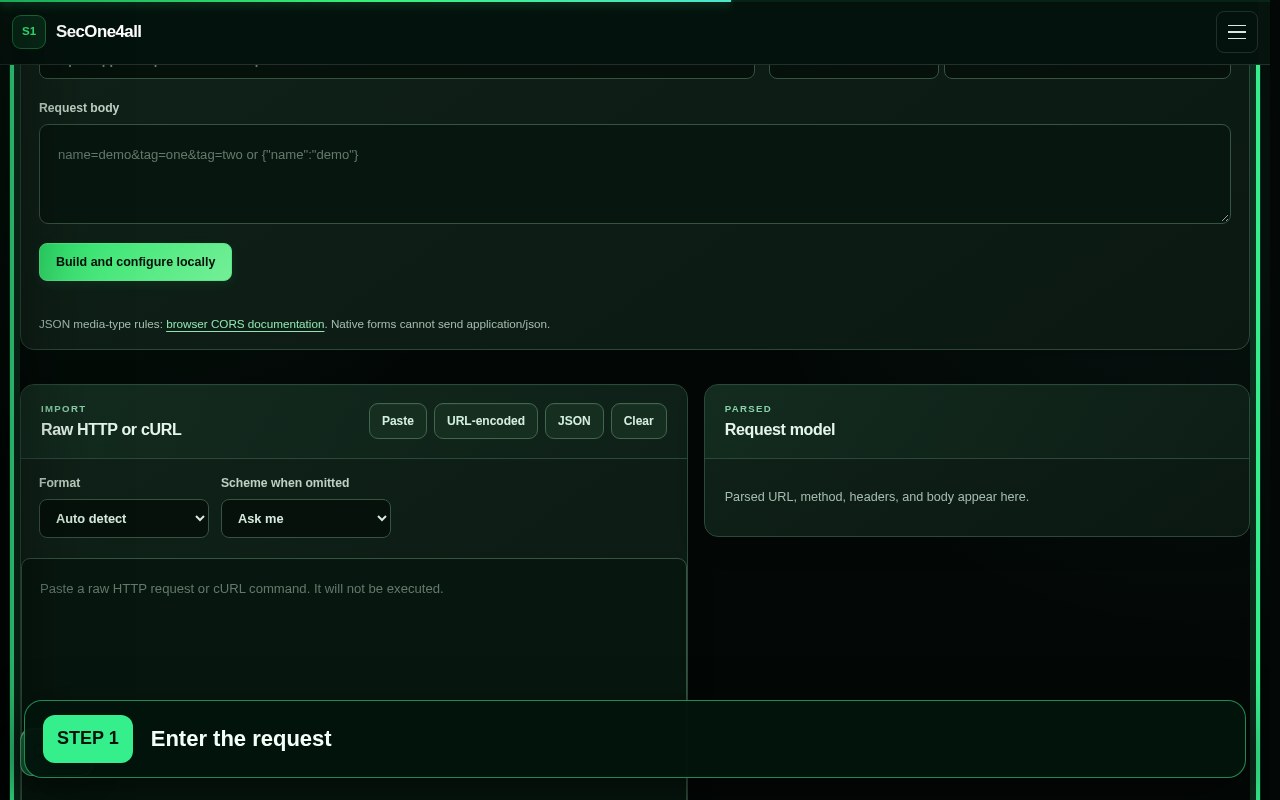
Step 1: Enter the request
Open Request and provide the URL, method, headers, and body, or paste the complete raw request.
What you will see: The original request is available for local parsing.
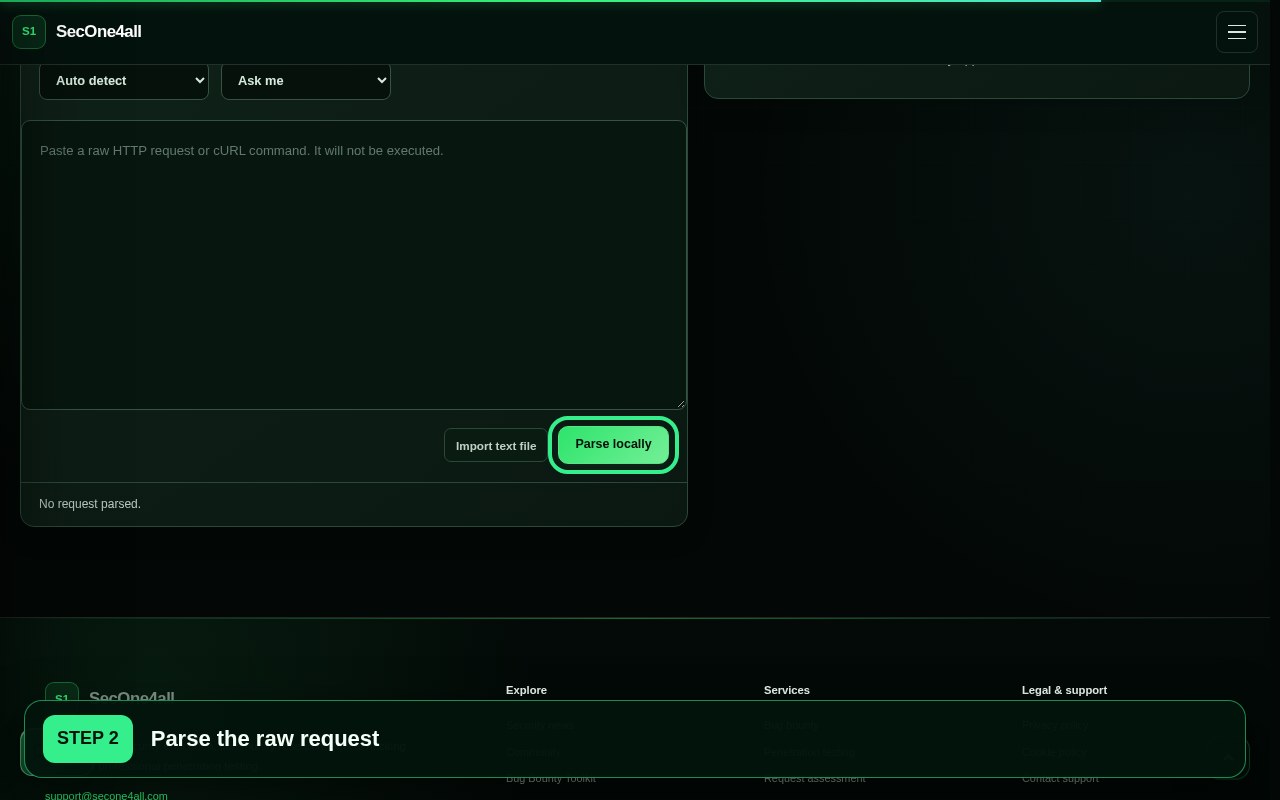
Step 2: Parse the raw request
Press Parse locally after the request is entered.
What you will see: The workbench separates the method, URL, headers, and body into structured fields.
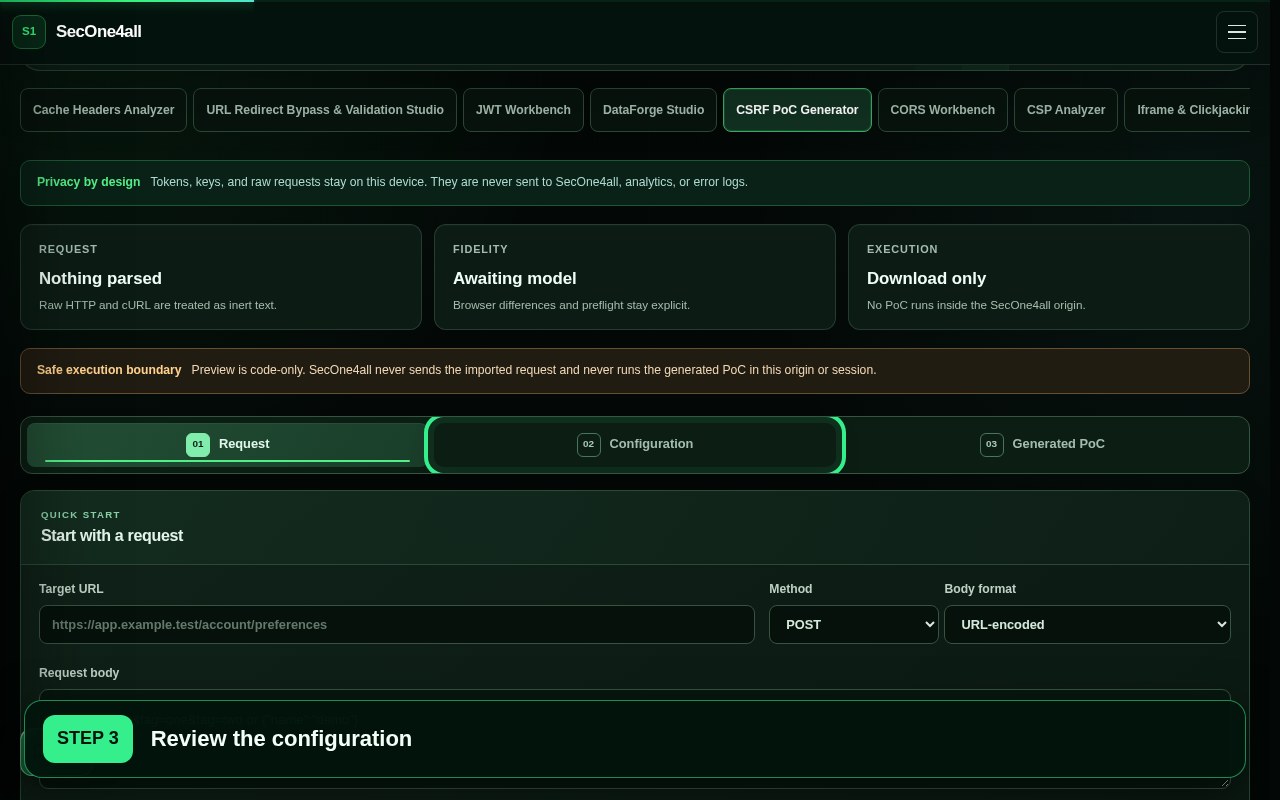
Step 3: Review the configuration
Open Configuration and choose the form, fetch, or other supported browser model shown by the page.
What you will see: The generator knows how the browser should reproduce the request.
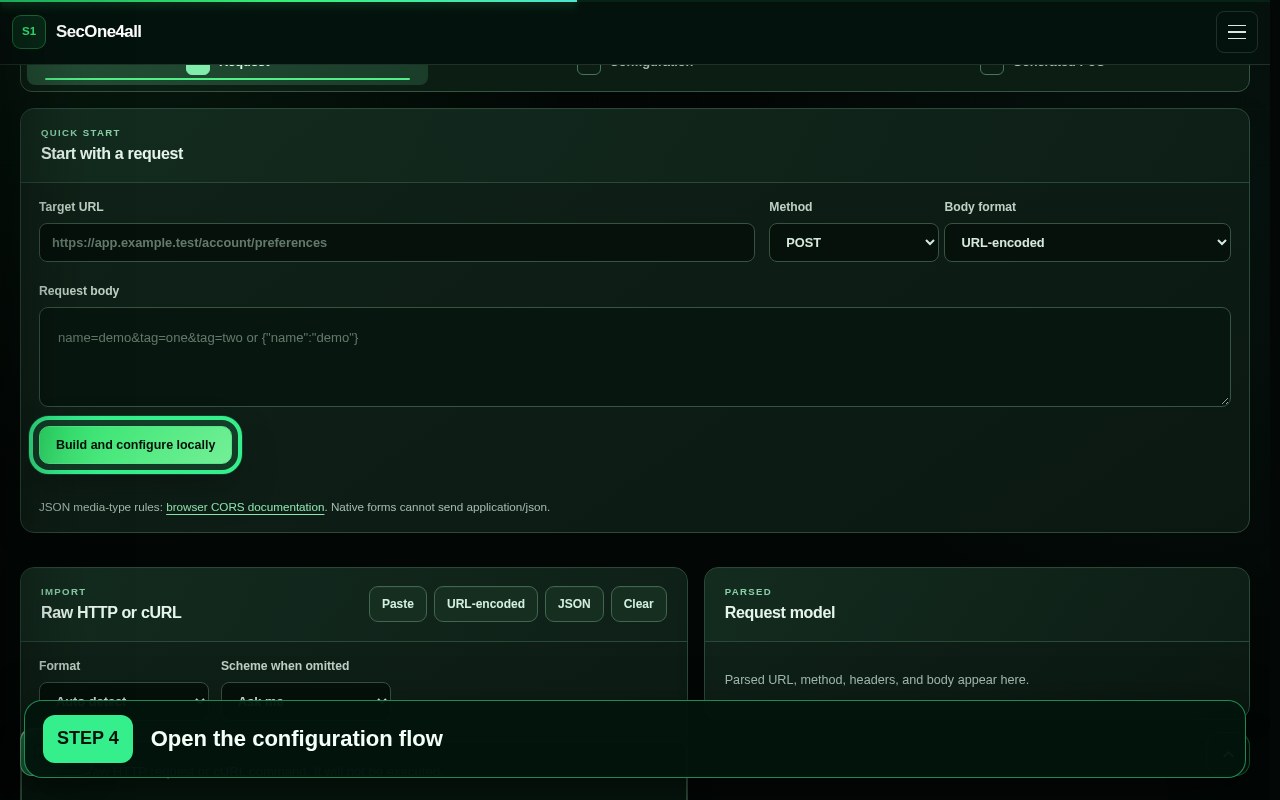
Step 4: Open the configuration flow
Use Build and configure locally after parsing the request, then complete the options shown in Configuration.
What you will see: The generator prepares the request model for the output tab.
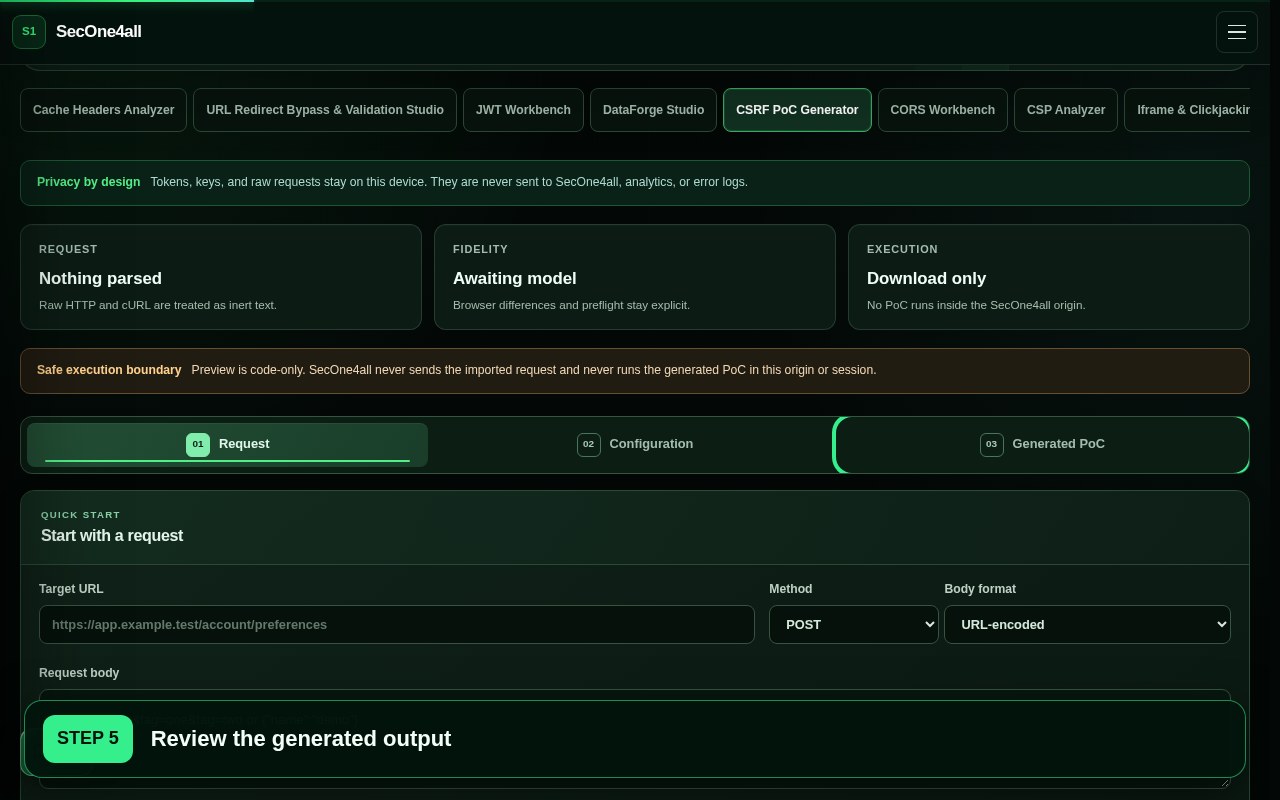
Step 5: Review the generated output
Open Generated PoC to inspect, copy, or download the produced page.
What you will see: The complete browser request model is available as a reusable artifact.
Open the feature
Use the button below to open the current SecOne4all interface and follow the same five steps.

Leave a Reply