Iframe and Clickjacking Checker: Evaluate Framing Controls

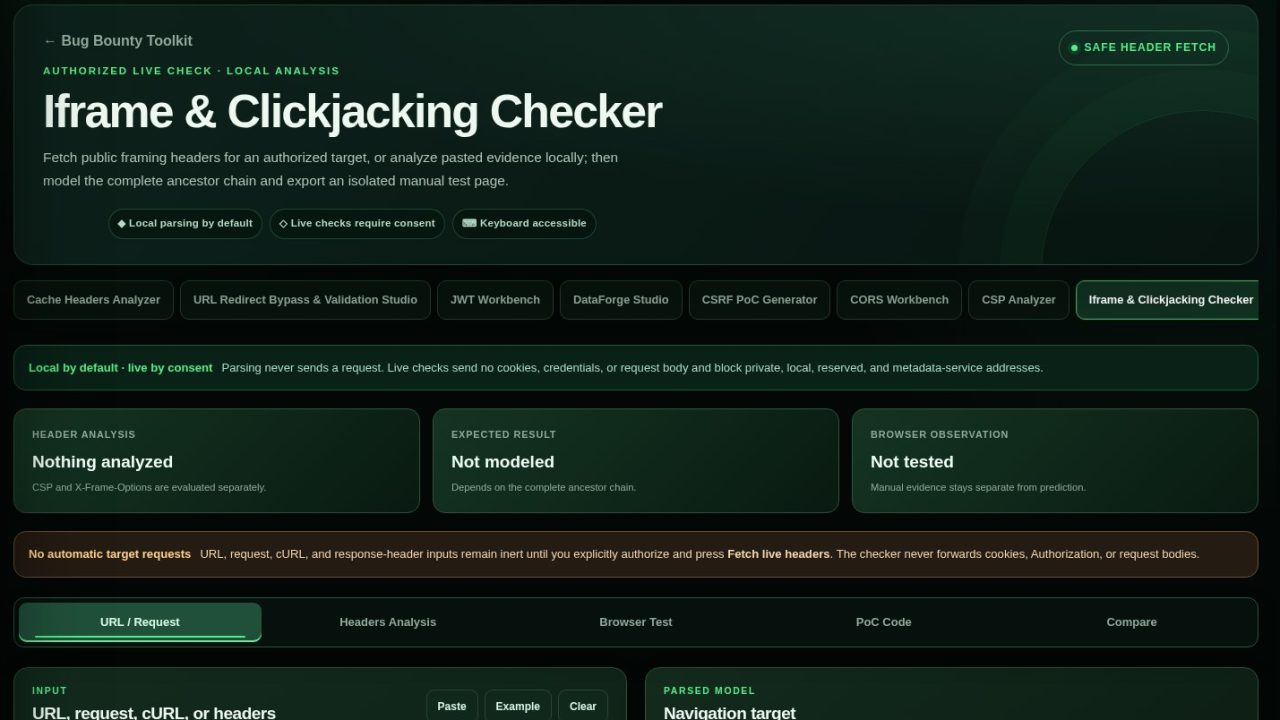
The checker brings header analysis, browser testing, generated PoC code, and response comparison into one page. It accepts either a URL request or a pasted response header set.
What this feature does
The checker brings header analysis, browser testing, generated PoC code, and response comparison into one page. It accepts either a URL request or a pasted response header set. The walkthrough below follows the current interface in the order shown on screen, and each step includes its own matching image.
Workflow at a glance
- 1.Choose URL or raw request
- 2.Collect or parse the headers
- 3.Review framing precedence
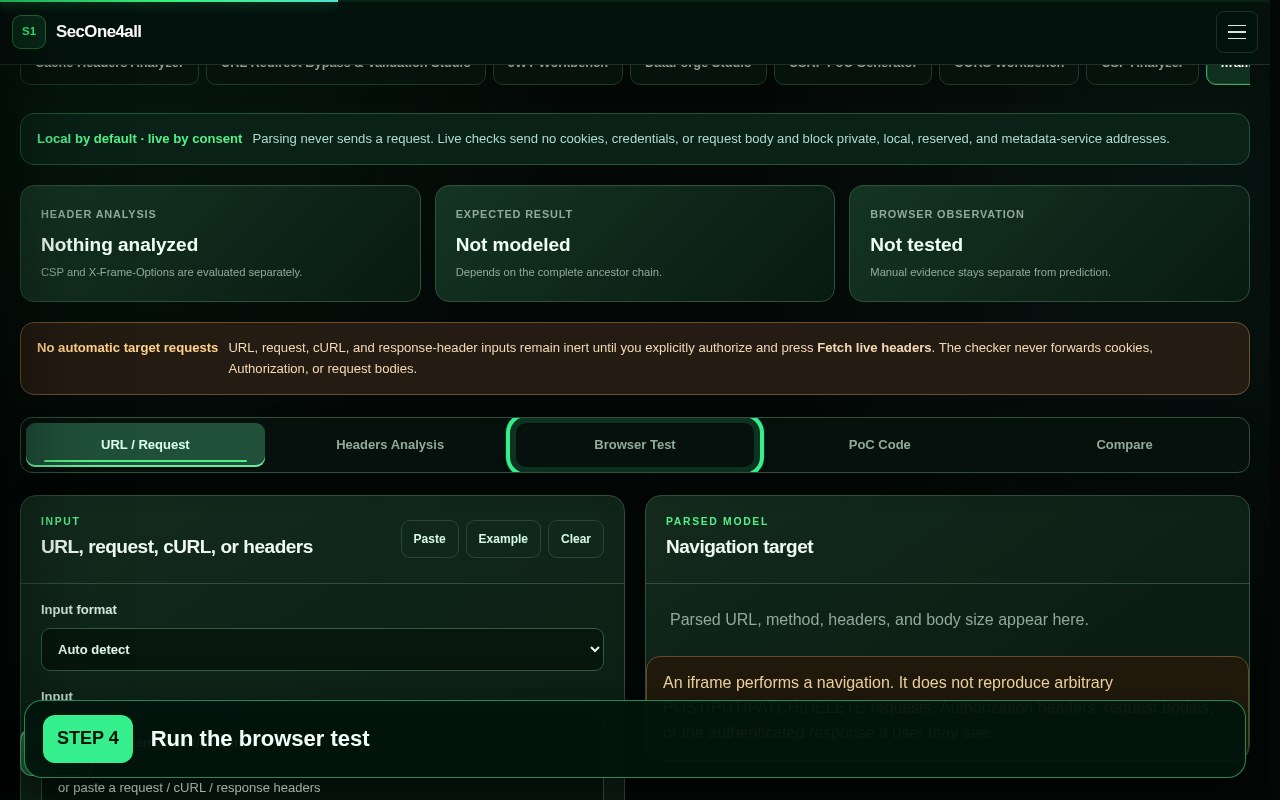
- 4.Run the browser test
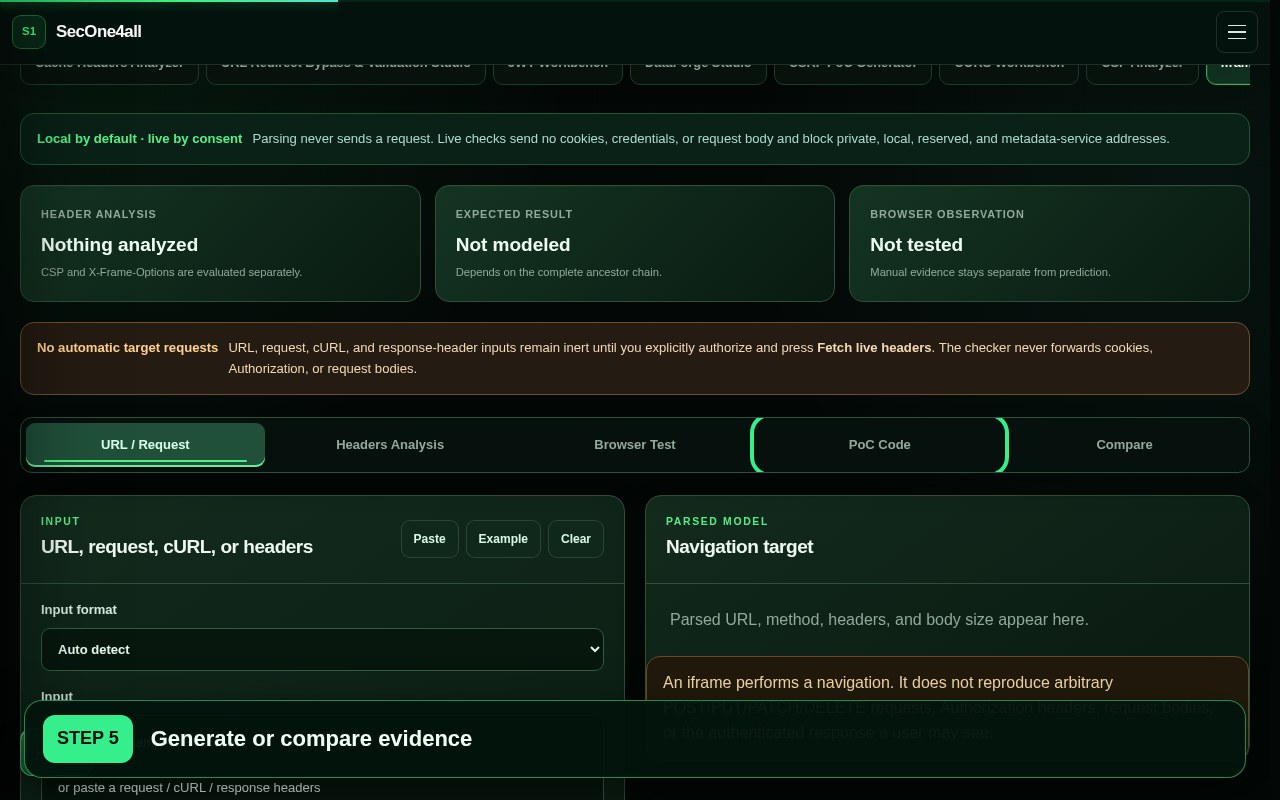
- 5.Generate or compare evidence
How to use the feature
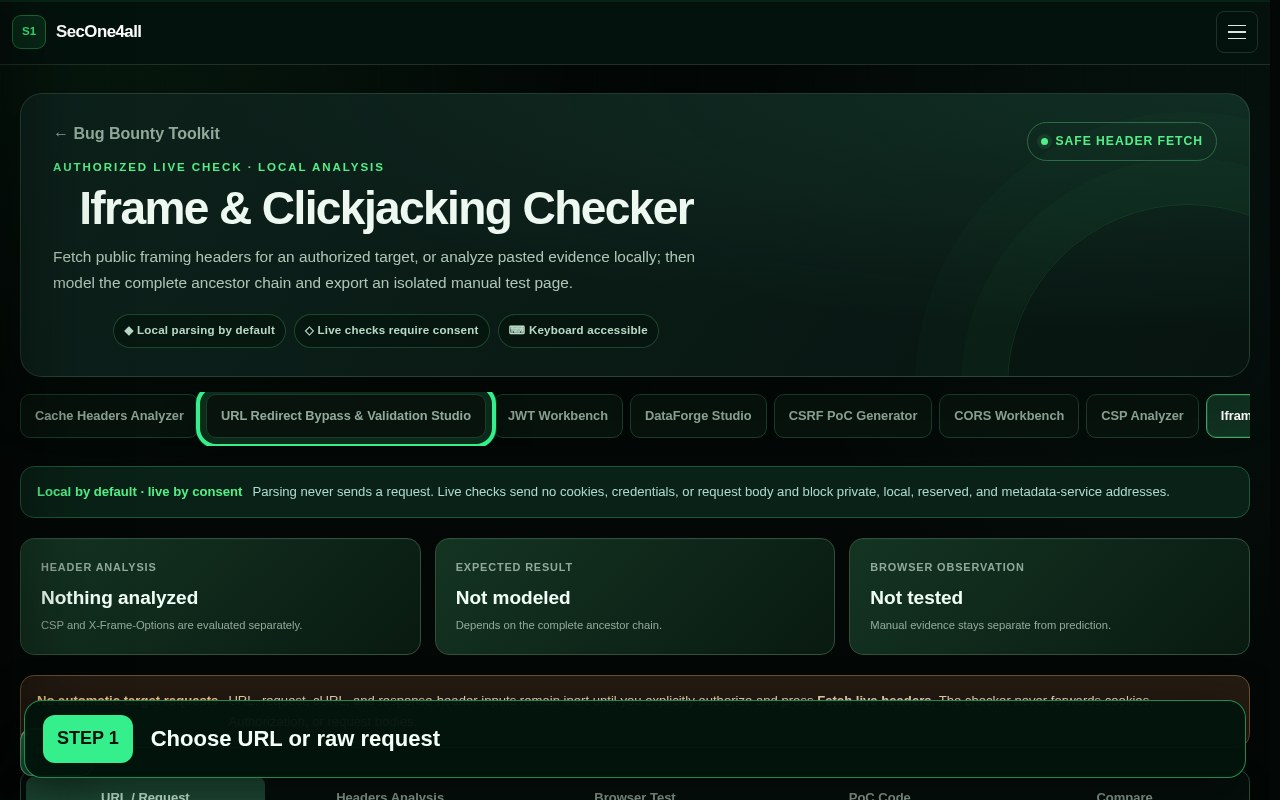
Step 1: Choose URL or raw request
Select the URL or request mode and enter the target document information.
What you will see: The checker knows which response should be evaluated.
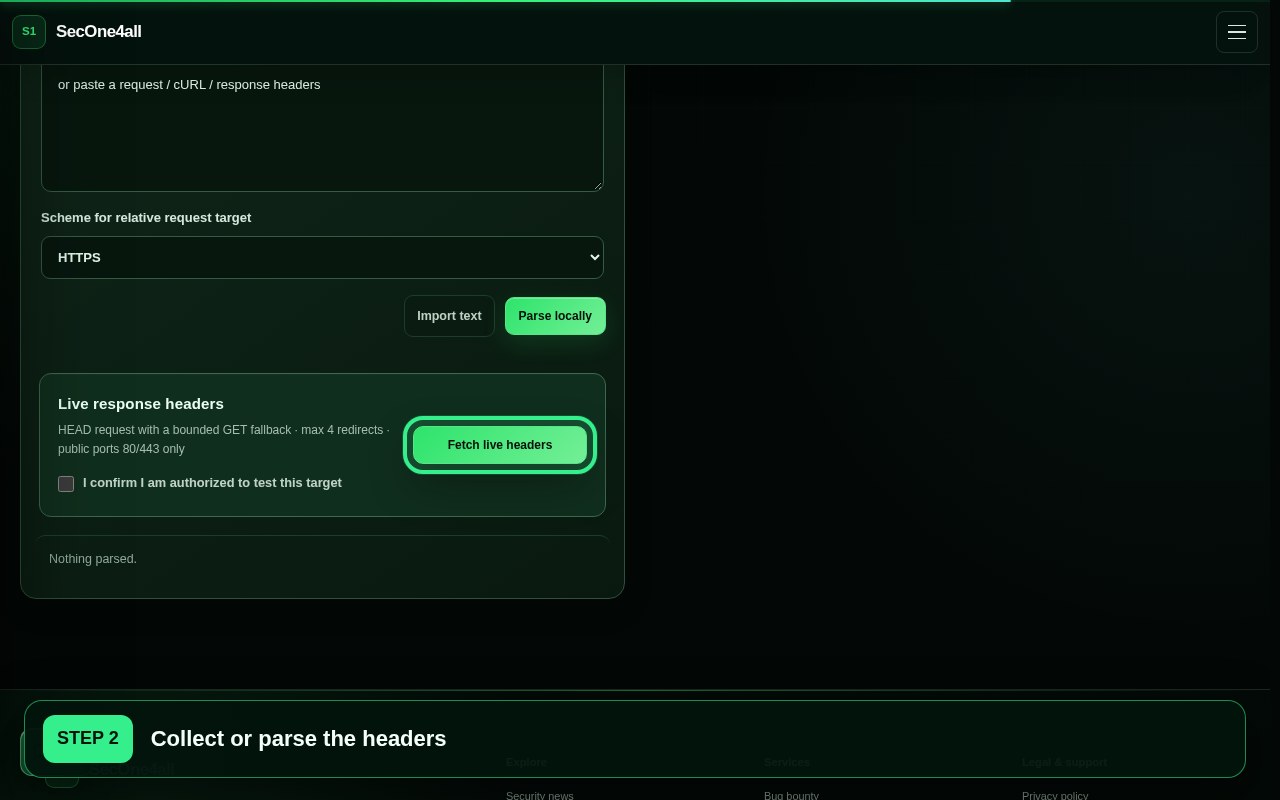
Step 2: Collect or parse the headers
Use Fetch live for the URL mode or Parse locally for pasted headers.
What you will see: The response headers are loaded into the analysis.
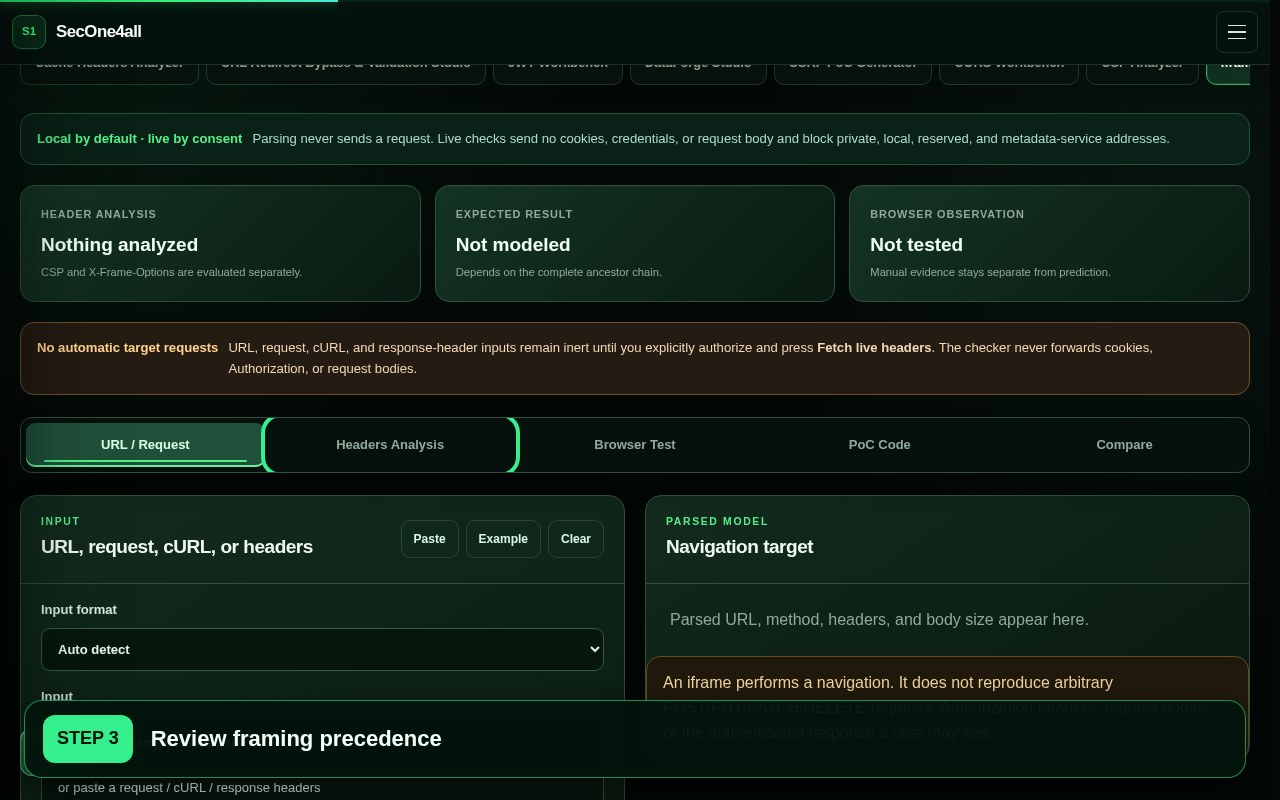
Step 3: Review framing precedence
Open Headers Analysis to review frame-ancestors and X-Frame-Options together.
What you will see: The result identifies which protection controls modern and legacy framing behavior.
Step 4: Run the browser test
Open Browser Test to inspect the represented iframe outcome.
What you will see: The page shows whether the document can be embedded under the collected policy.
Step 5: Generate or compare evidence
Use PoC Code to copy the local test page, or Compare to inspect a second response.
What you will see: The result can be reproduced or contrasted without re-entering the first header set.
Open the feature
Use the button below to open the current SecOne4all interface and follow the same five steps.

Leave a Reply