Cache Headers Analyzer: Run Live Tests and Build Reproducible Evidence


Cache Headers Analyzer can fetch a URL with selected request headers or parse a raw HTTP request. The response is connected directly to cache analysis, comparison, PoC planning, and methodology tabs.
What this feature does
Cache Headers Analyzer can fetch a URL with selected request headers or parse a raw HTTP request. The response is connected directly to cache analysis, comparison, PoC planning, and methodology tabs. The walkthrough below follows the current interface in the order shown on screen, and each step includes its own matching image.
Workflow at a glance
- 1.Choose the live-input mode
- 2.Enter the request and headers
- 3.Run the live test
- 4.Review and compare cache behavior
- 5.Generate the PoC plan
How to use the feature
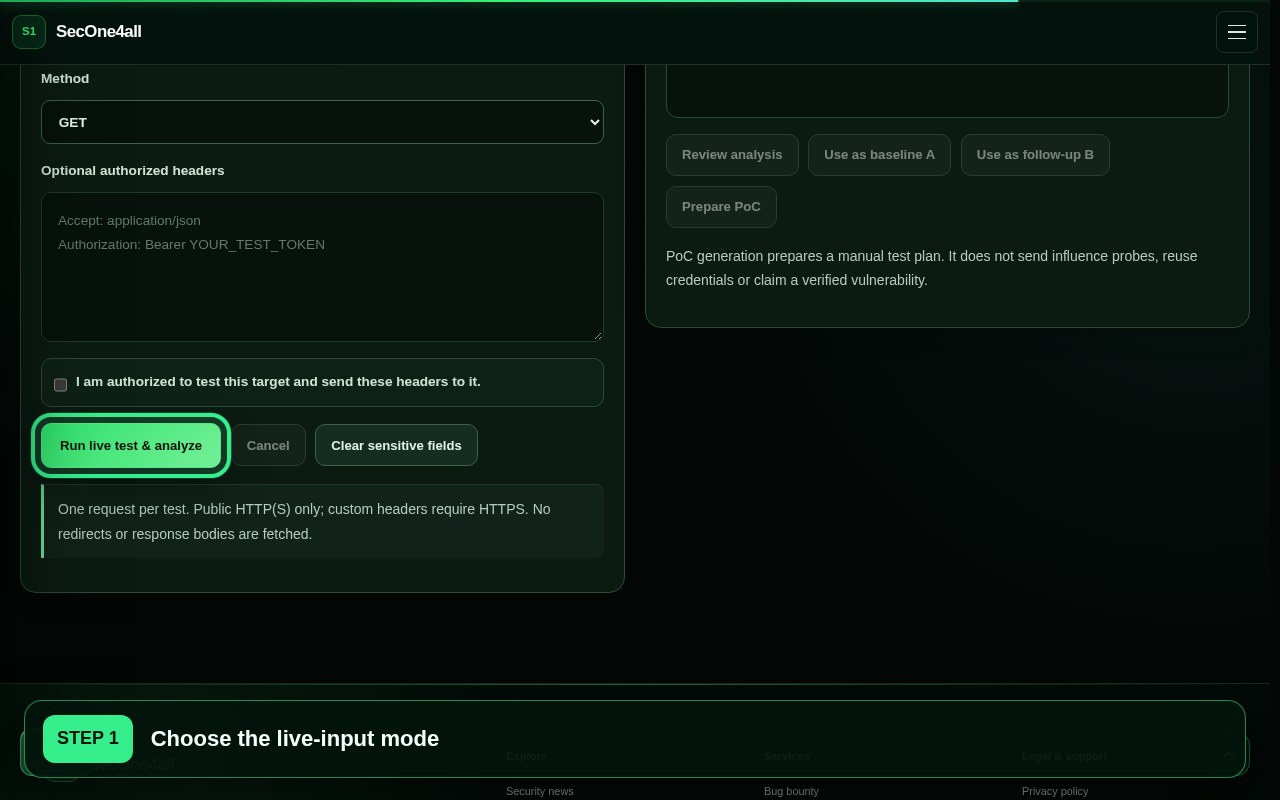
Step 1: Choose the live-input mode
Open Live test and choose direct URL or raw-request input.
What you will see: The form changes to the request format you want to submit.
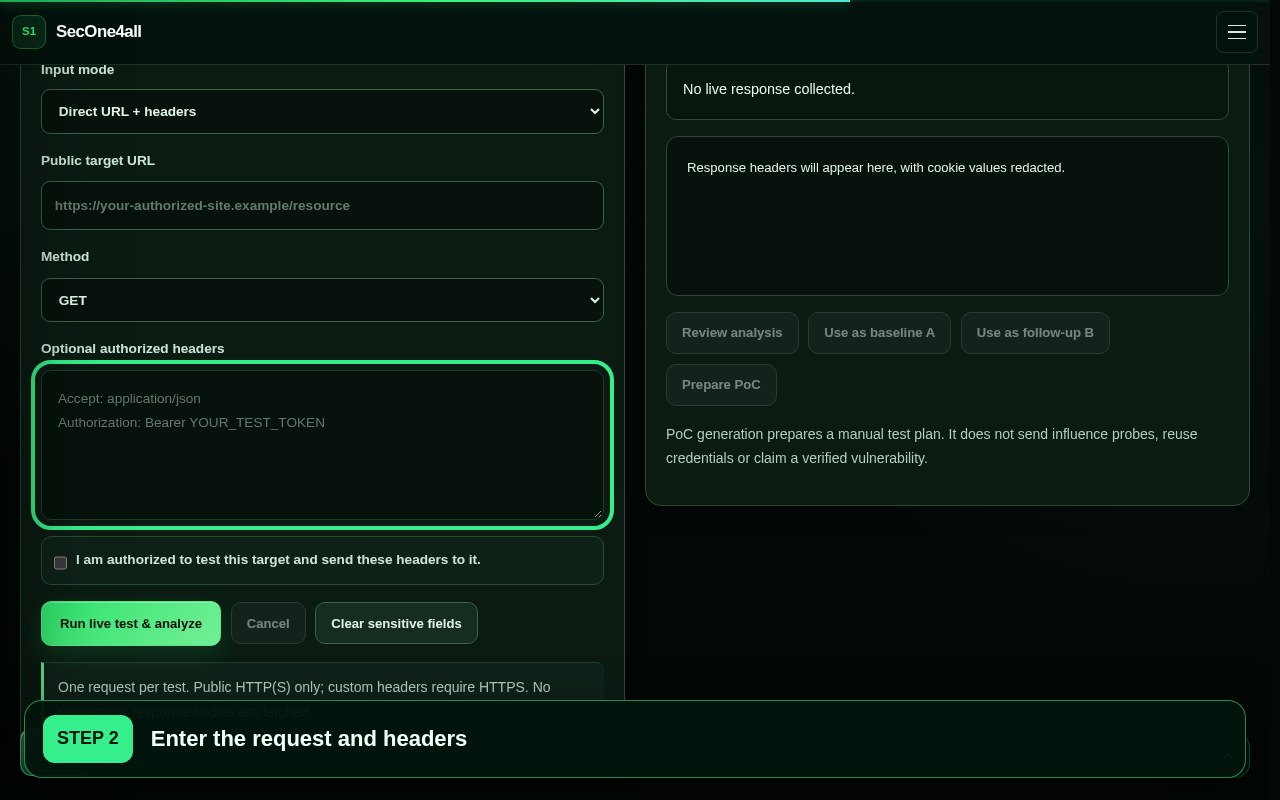
Step 2: Enter the request and headers
Add the URL and any headers needed for the represented response, or paste the raw HTTP request.
What you will see: The complete request is visible before it is sent.
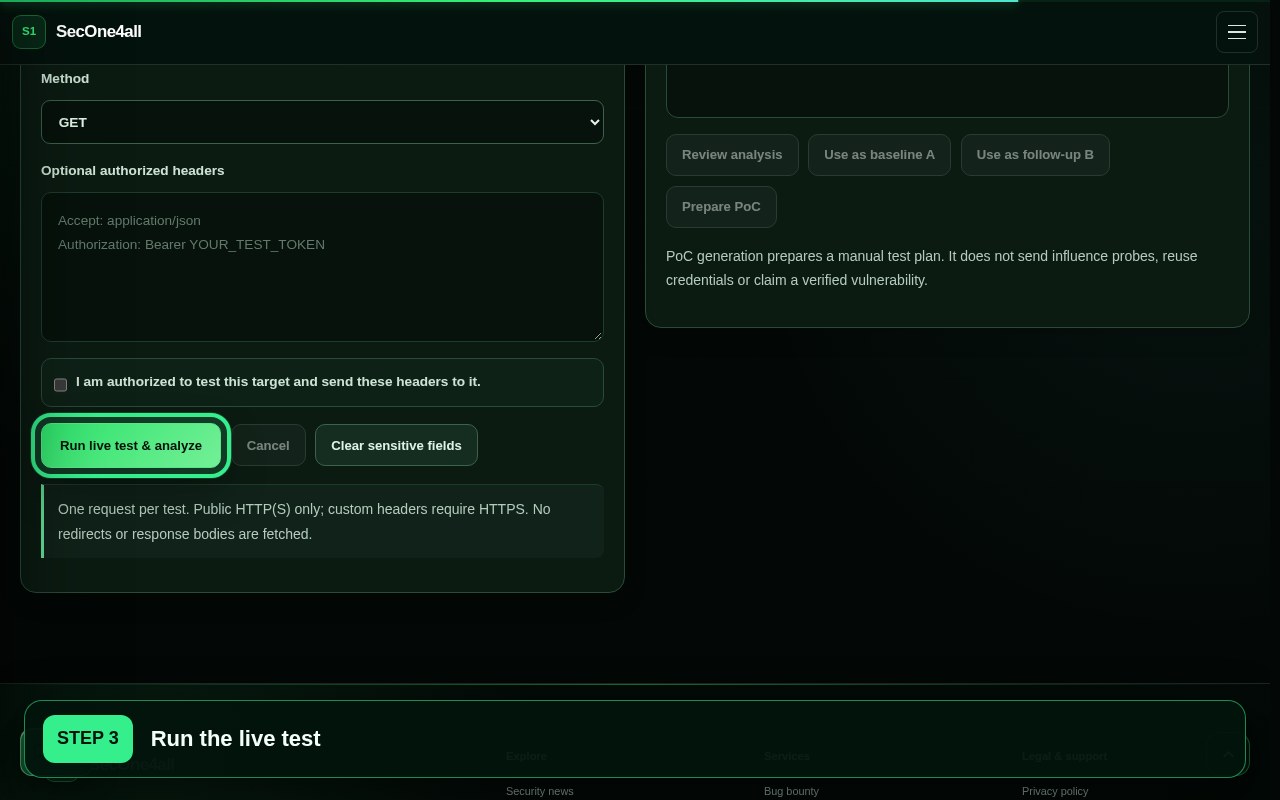
Step 3: Run the live test
Press Run live test & analyze.
What you will see: The response status and headers are collected and passed into the analyzer.
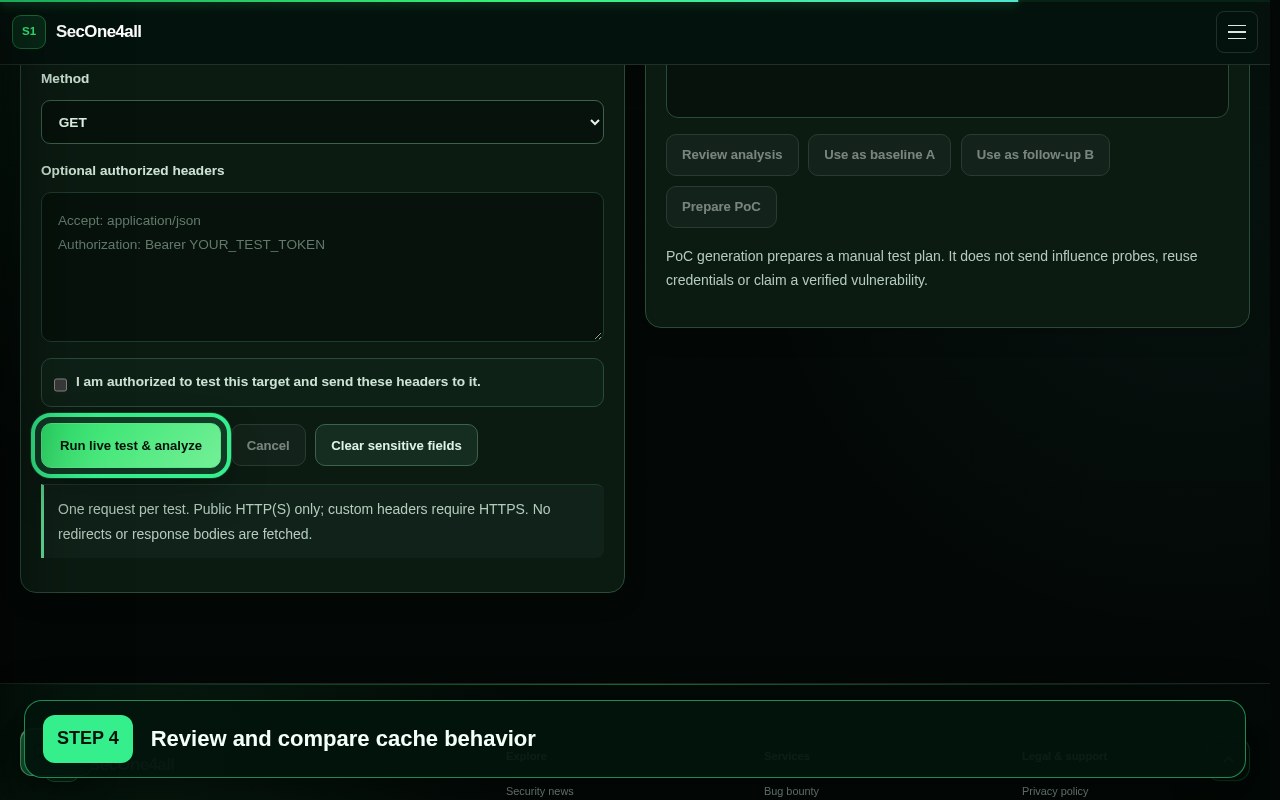
Step 4: Review and compare cache behavior
Open Analyze for cacheability, age, validators, and variation; use Compare responses when two response sets need side-by-side review.
What you will see: The result explains which headers create the observed cache behavior.
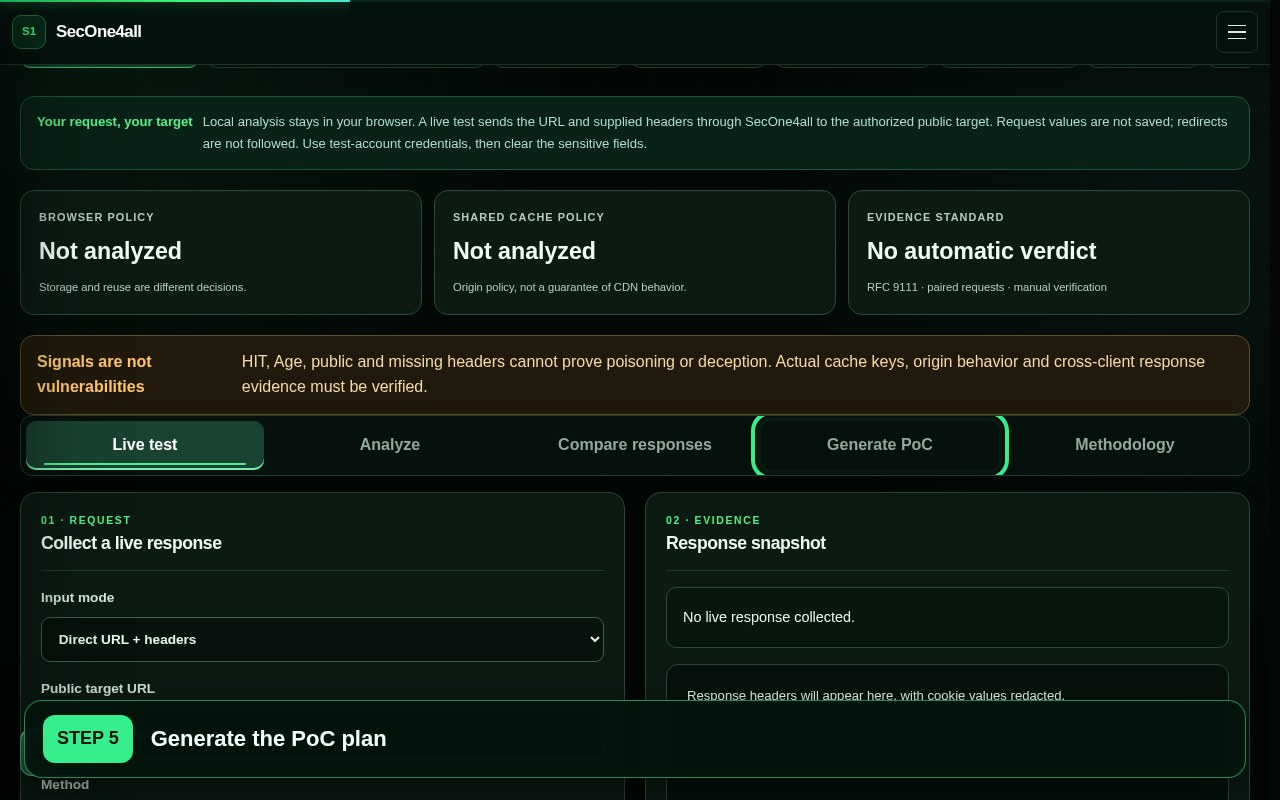
Step 5: Generate the PoC plan
Open Generate PoC to build the request sequence and expected observations, then use Methodology for the full test order.
What you will see: The workbench produces a reproducible plan tied to the analyzed response.
Open the feature
Use the button below to open the current SecOne4all interface and follow the same five steps.



Leave a Reply