CORS Workbench: Generate, Analyze, Validate, and Demonstrate Policies

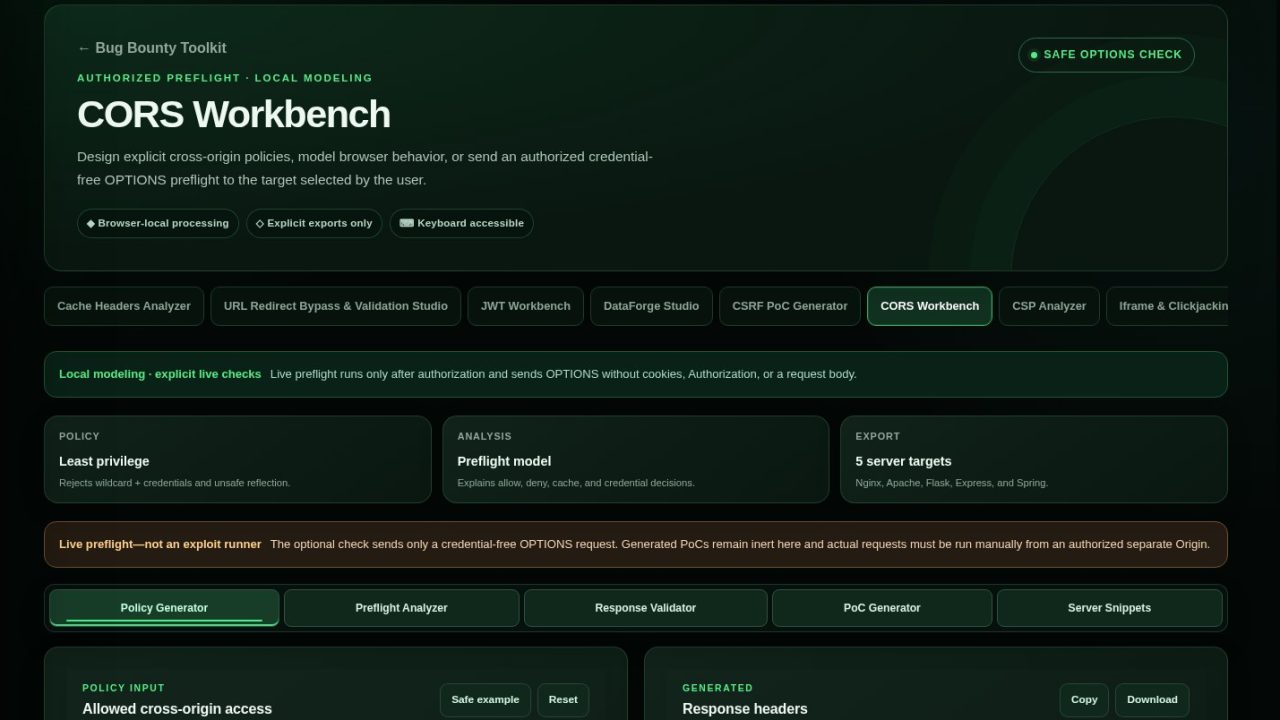
CORS Workbench provides separate modes for policy generation, preflight analysis, response validation, browser PoC generation, and server snippets. Each mode keeps its inputs and result together.
What this feature does
CORS Workbench provides separate modes for policy generation, preflight analysis, response validation, browser PoC generation, and server snippets. Each mode keeps its inputs and result together. The walkthrough below follows the current interface in the order shown on screen, and each step includes its own matching image.
Workflow at a glance
- 1.Build a policy
- 2.Analyze a preflight
- 3.Validate response headers
- 4.Generate a browser demonstration
- 5.Copy an implementation example
How to use the feature
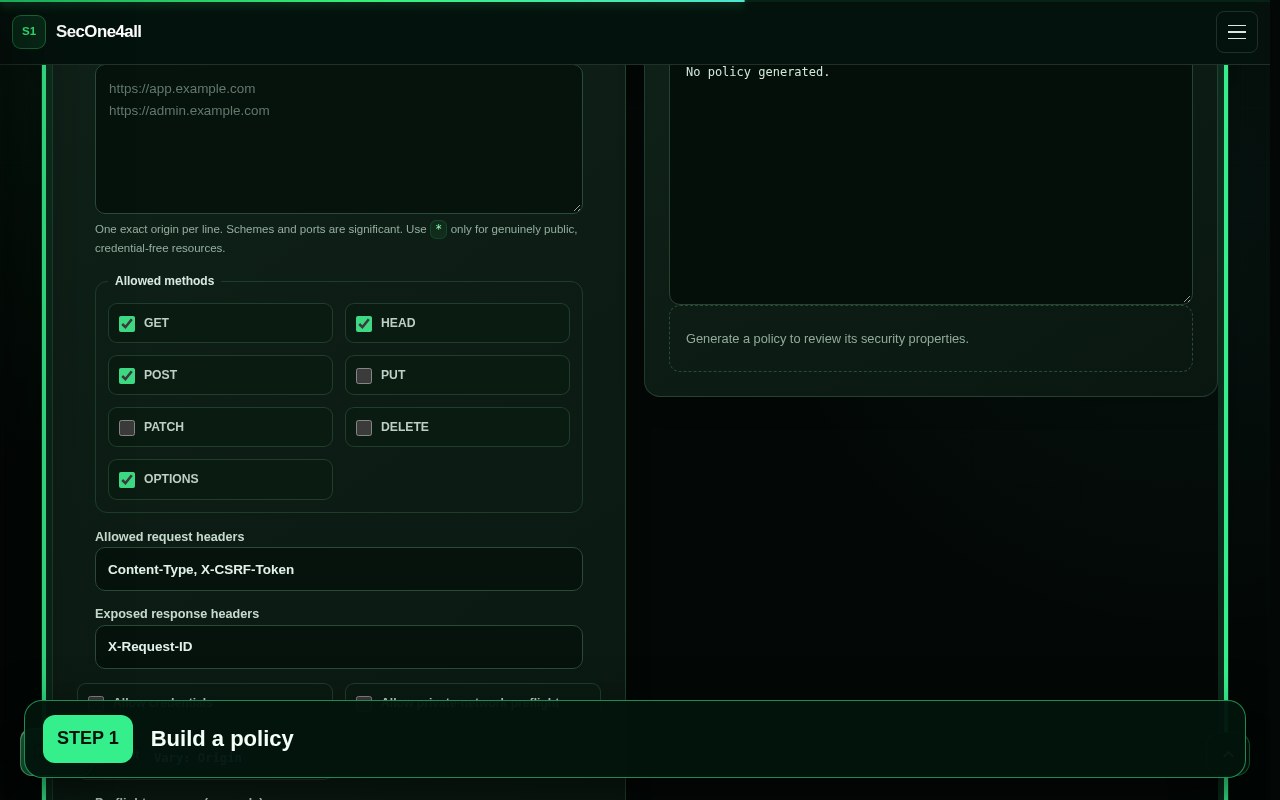
Step 1: Build a policy
Open Policy Generator, choose the required origins, methods, headers, and credential behavior, then generate the policy.
What you will see: The workbench displays the matching CORS response headers.
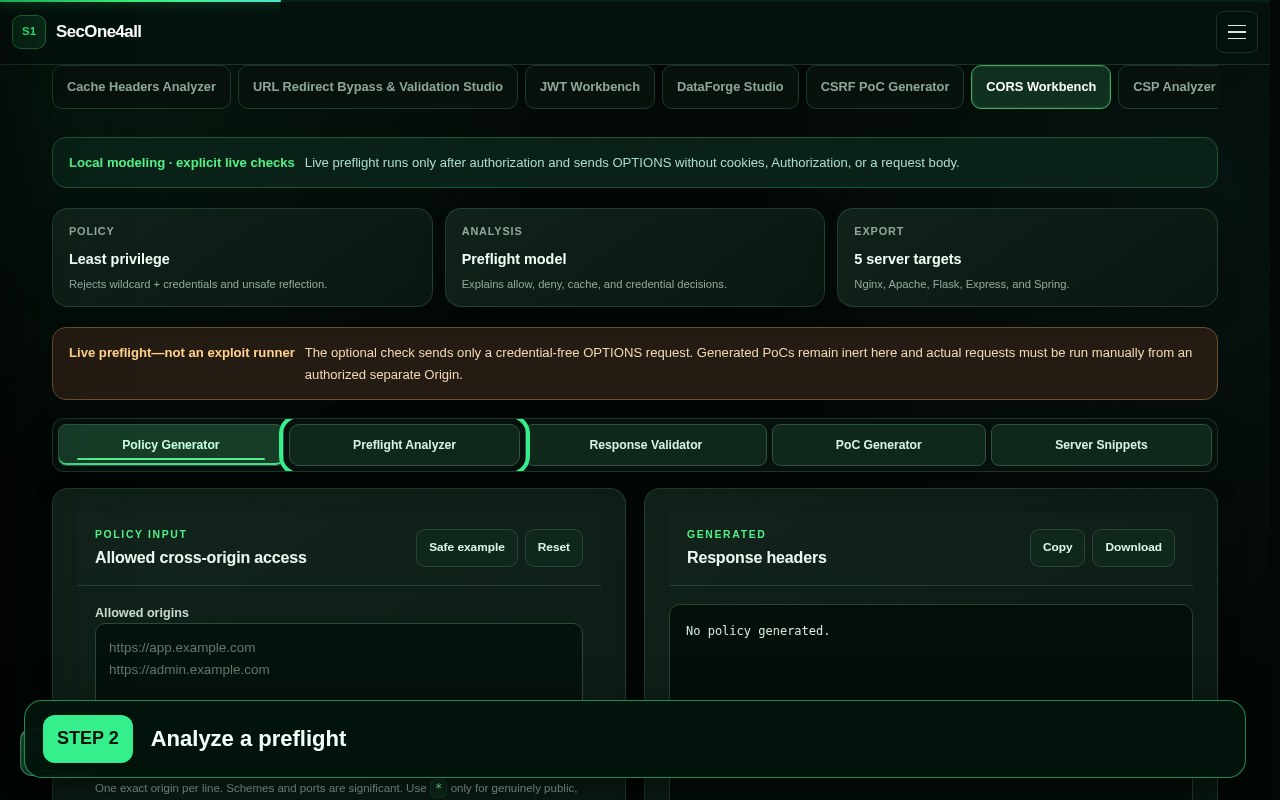
Step 2: Analyze a preflight
Open Preflight Analyzer and enter the Origin plus the requested method and headers.
What you will see: The result explains whether the represented preflight is permitted.
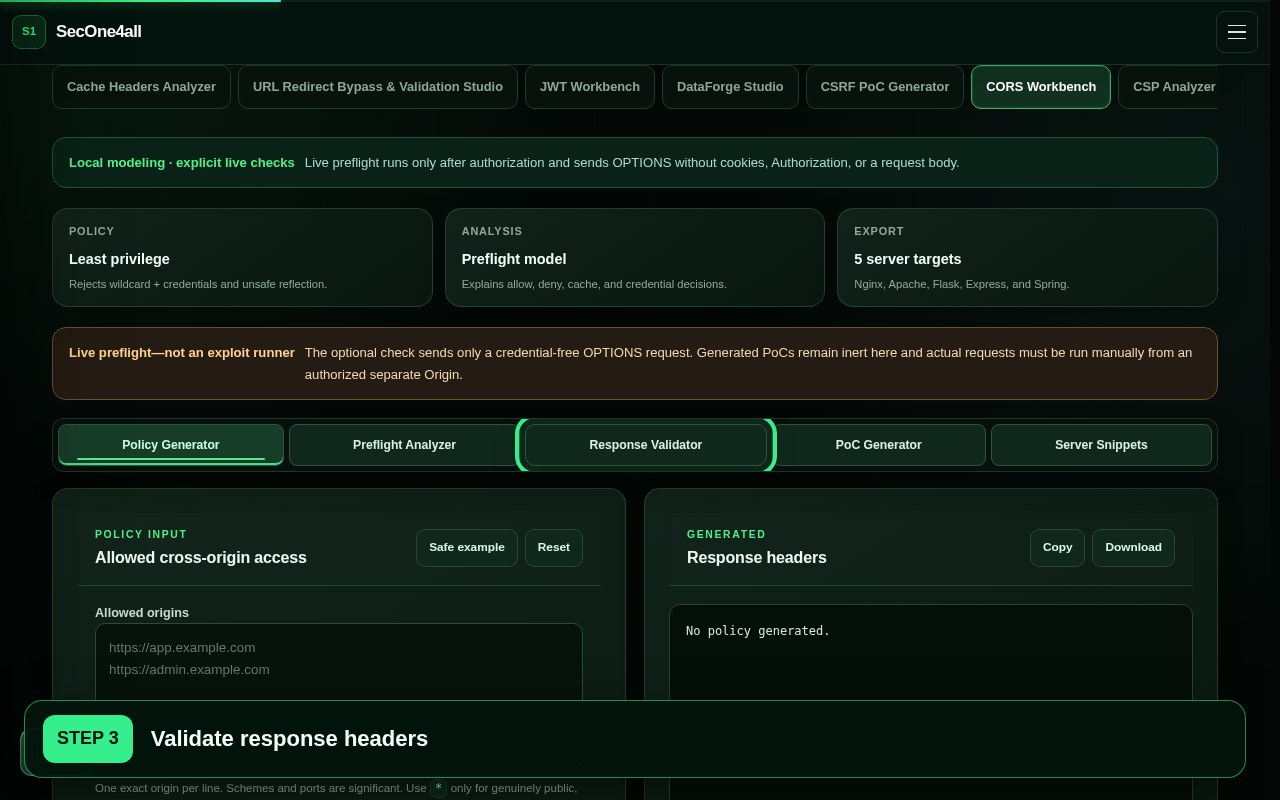
Step 3: Validate response headers
Paste response headers into Response Validator.
What you will see: The workbench reports how the browser interprets the returned CORS policy.
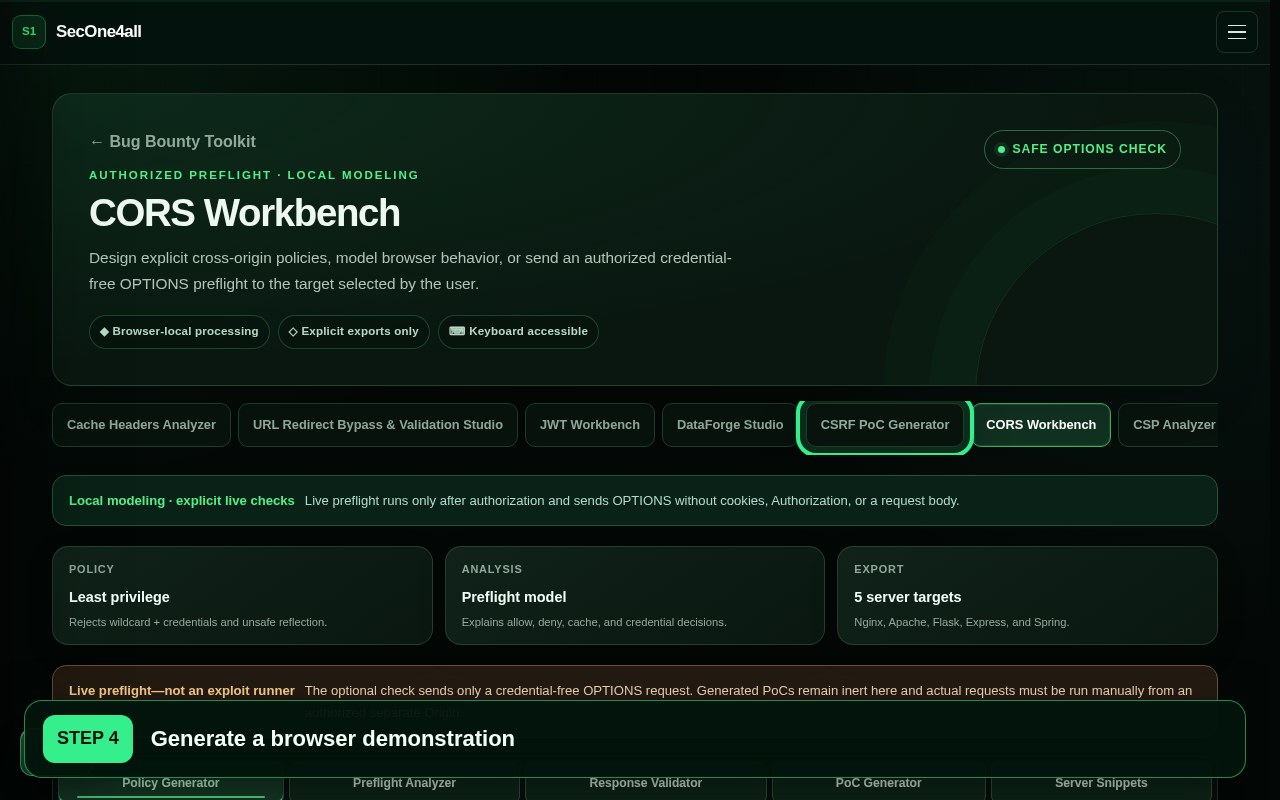
Step 4: Generate a browser demonstration
Use PoC Generator to select the request shape and produce the corresponding browser page.
What you will see: The result shows the request code and expected browser behavior.
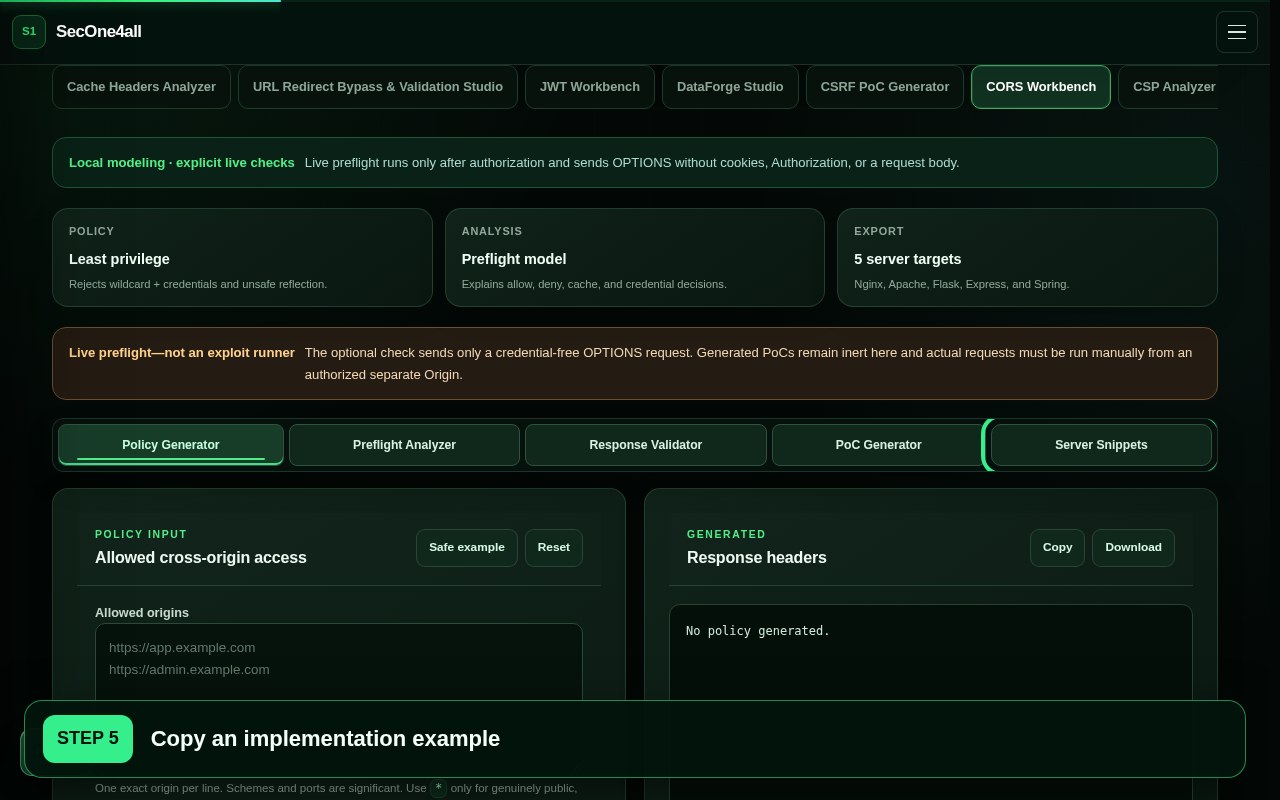
Step 5: Copy an implementation example
Open Server Snippets and choose the relevant server framework.
What you will see: A configuration example matching the policy is displayed for copying.
Open the feature
Use the button below to open the current SecOne4all interface and follow the same five steps.
Leave a Reply