Private Programs: Find and Track Program Opportunities

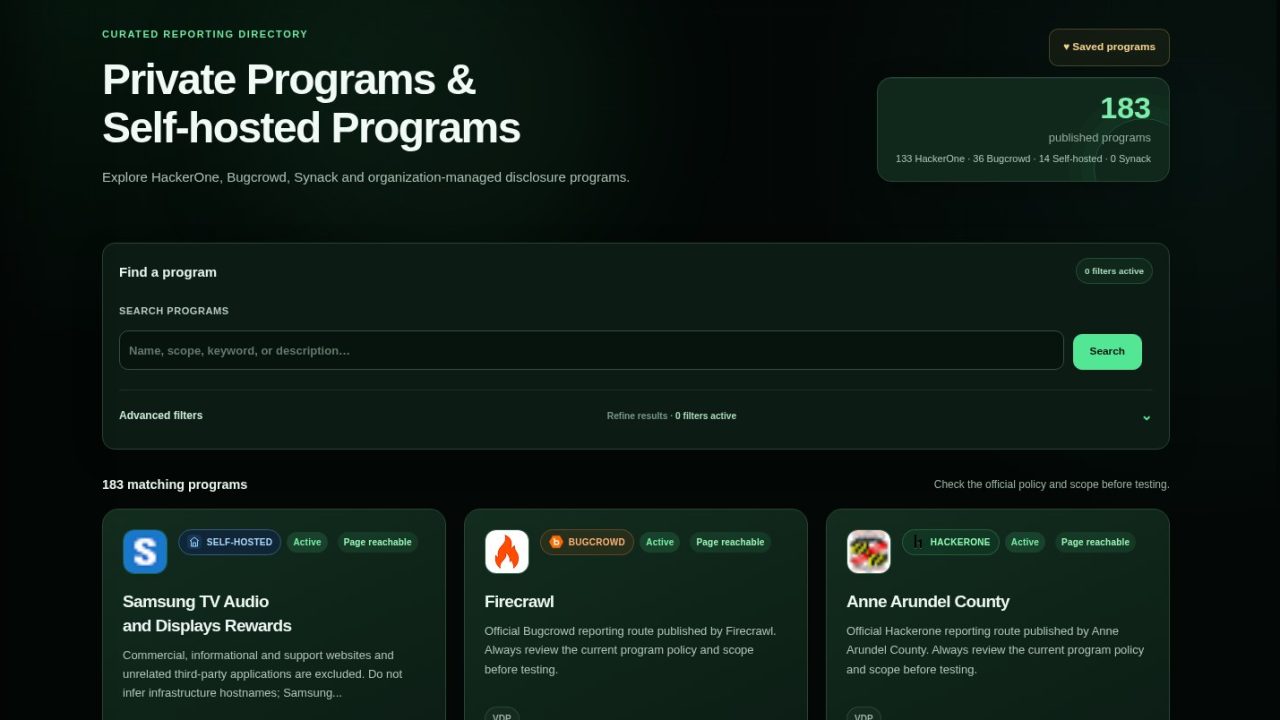
Private Programs provides a focused catalog of program opportunities and their high-level attributes. Search, asset, platform, type, reward, and sorting controls help reduce a long list to the entries you care about.
What this feature does
Private Programs provides a focused catalog of program opportunities and their high-level attributes. Search, asset, platform, type, reward, and sorting controls help reduce a long list to the entries you care about. The walkthrough below follows the current interface in the order shown on screen, and each step includes its own matching image.
Workflow at a glance
- 1.Search programs
- 2.Filter by asset
- 3.Choose platform and program type
- 4.Filter reward status and sort
- 5.Favorite a program
How to use the feature
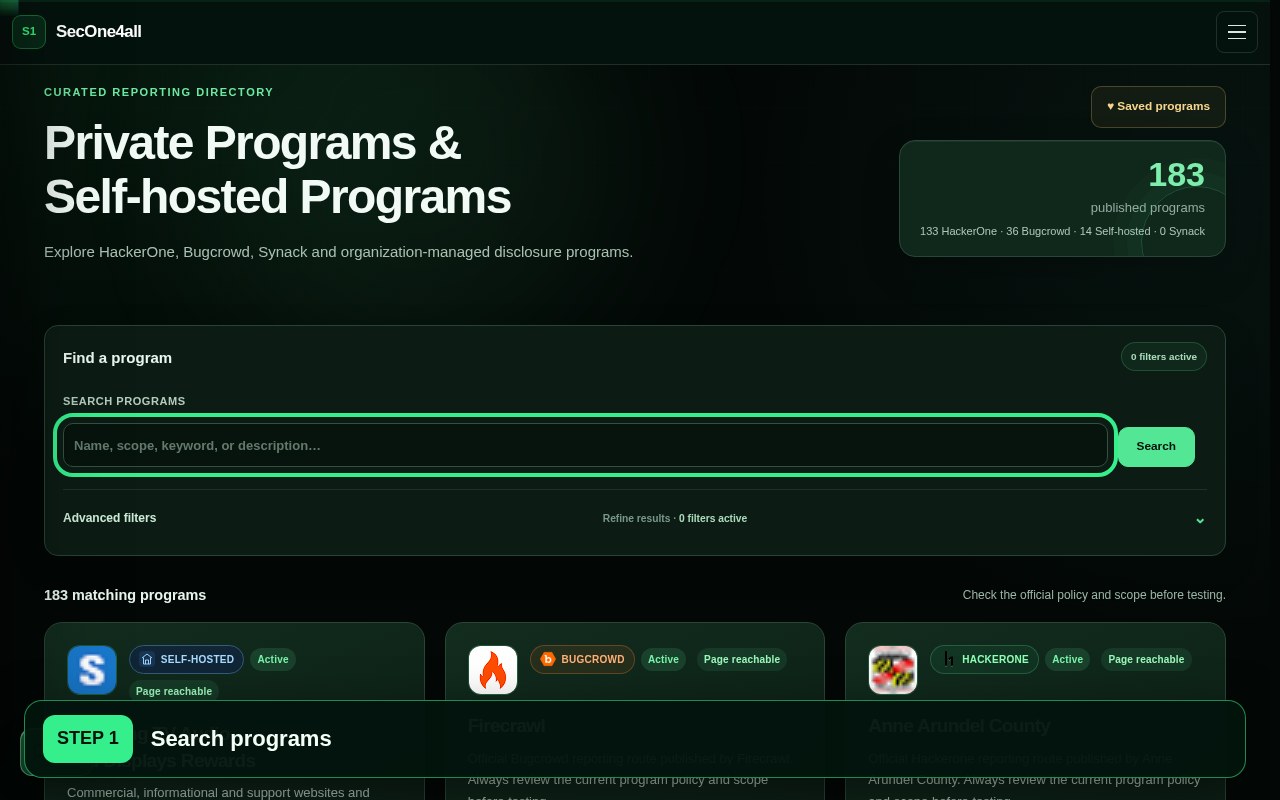
Step 1: Search programs
Enter a program or company name in Search programs.
What you will see: The catalog narrows to matching opportunities.
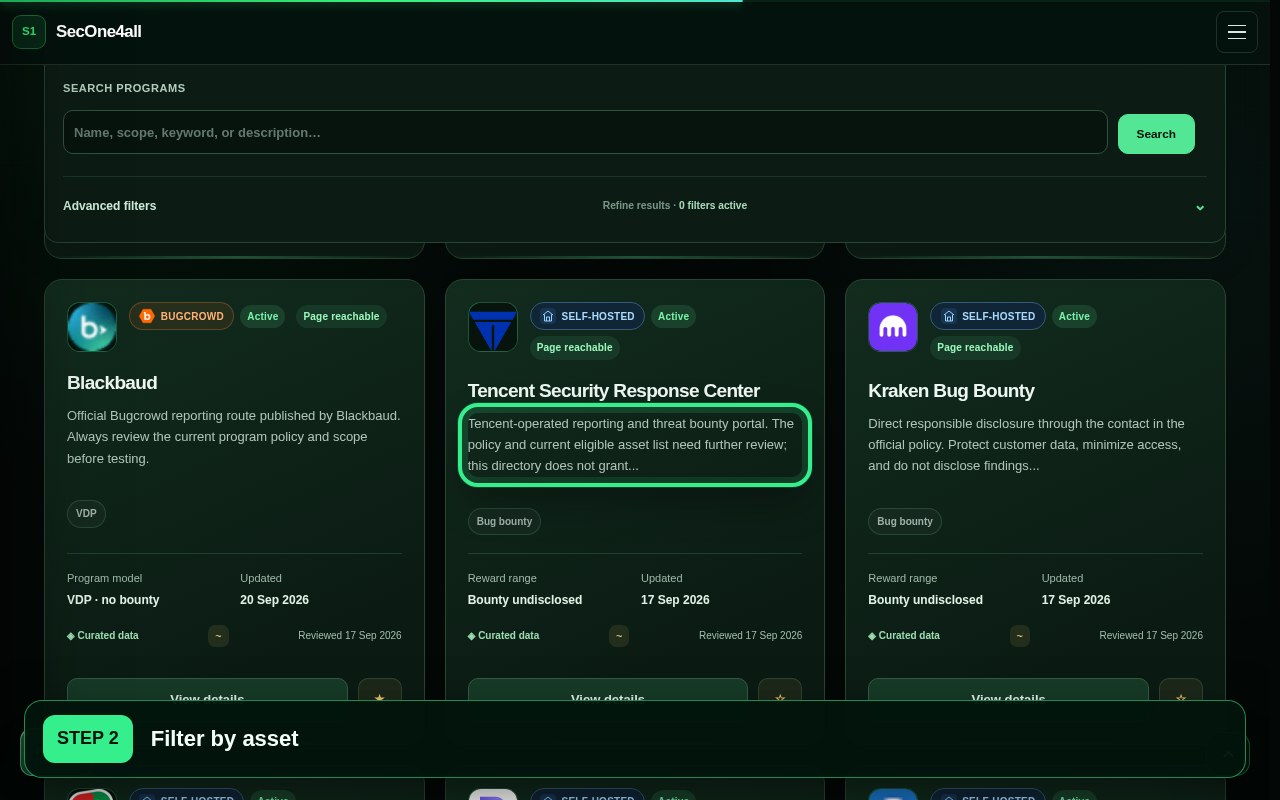
Step 2: Filter by asset
Choose an asset type to focus on the technology you want to test.
What you will see: Programs without that asset classification leave the result set.
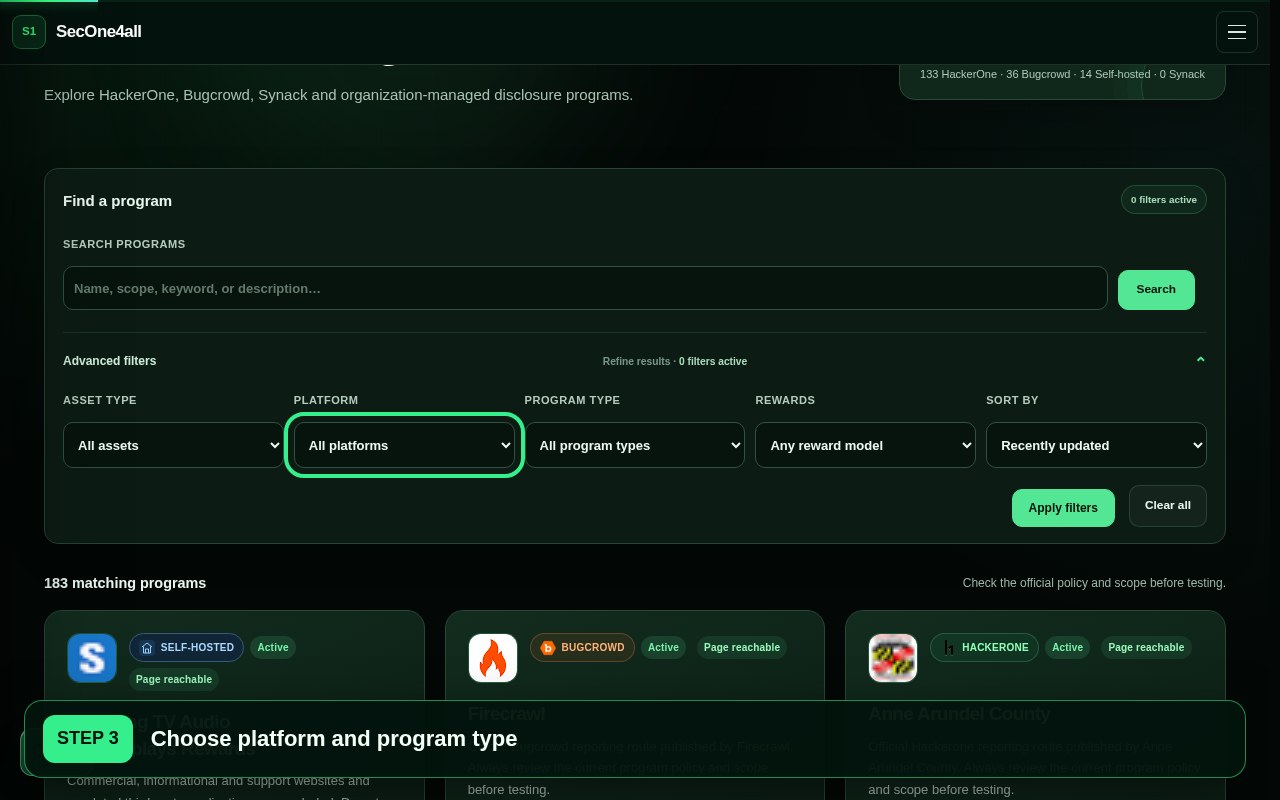
Step 3: Choose platform and program type
Set Platform and Type to match the source and engagement model you want.
What you will see: Both filters are applied to the program cards together.
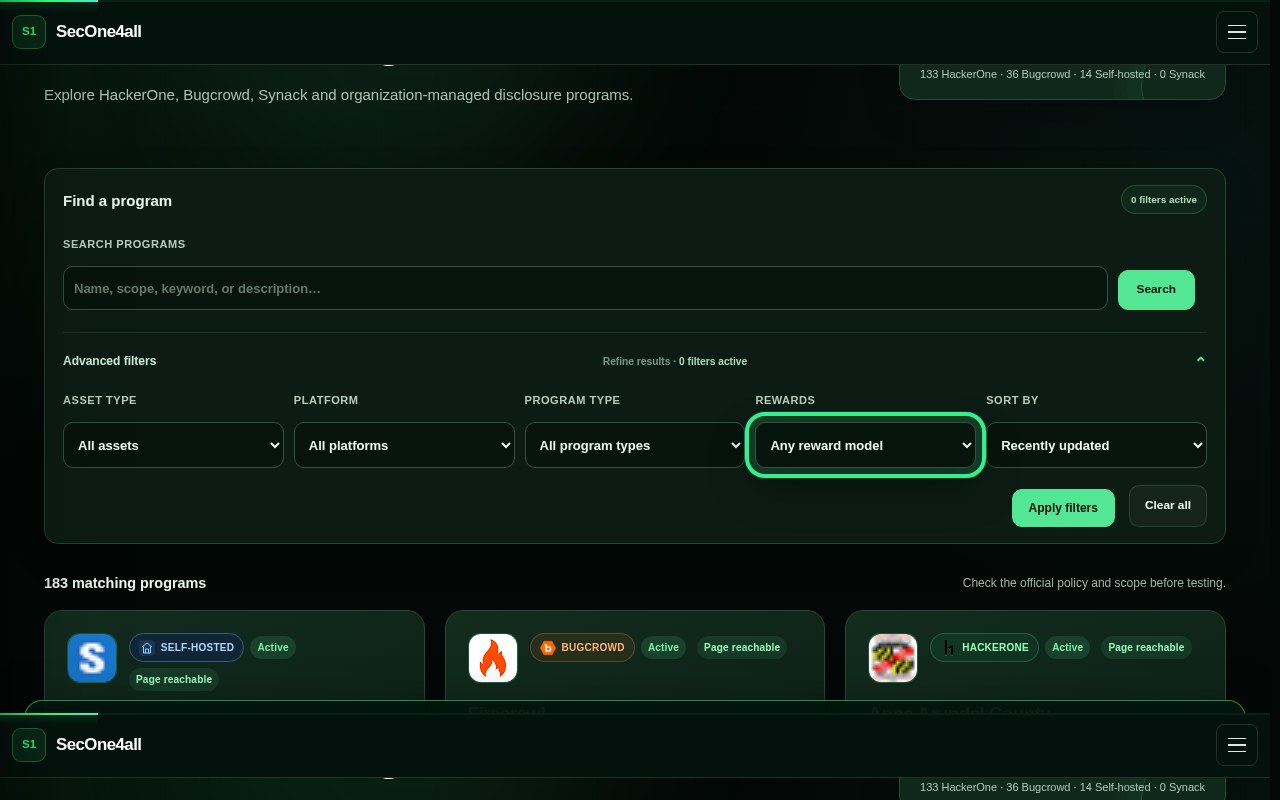
Step 4: Filter reward status and sort
Choose the reward option and a sort order, then run the search.
What you will see: The results are reordered and limited to the selected opportunity profile.
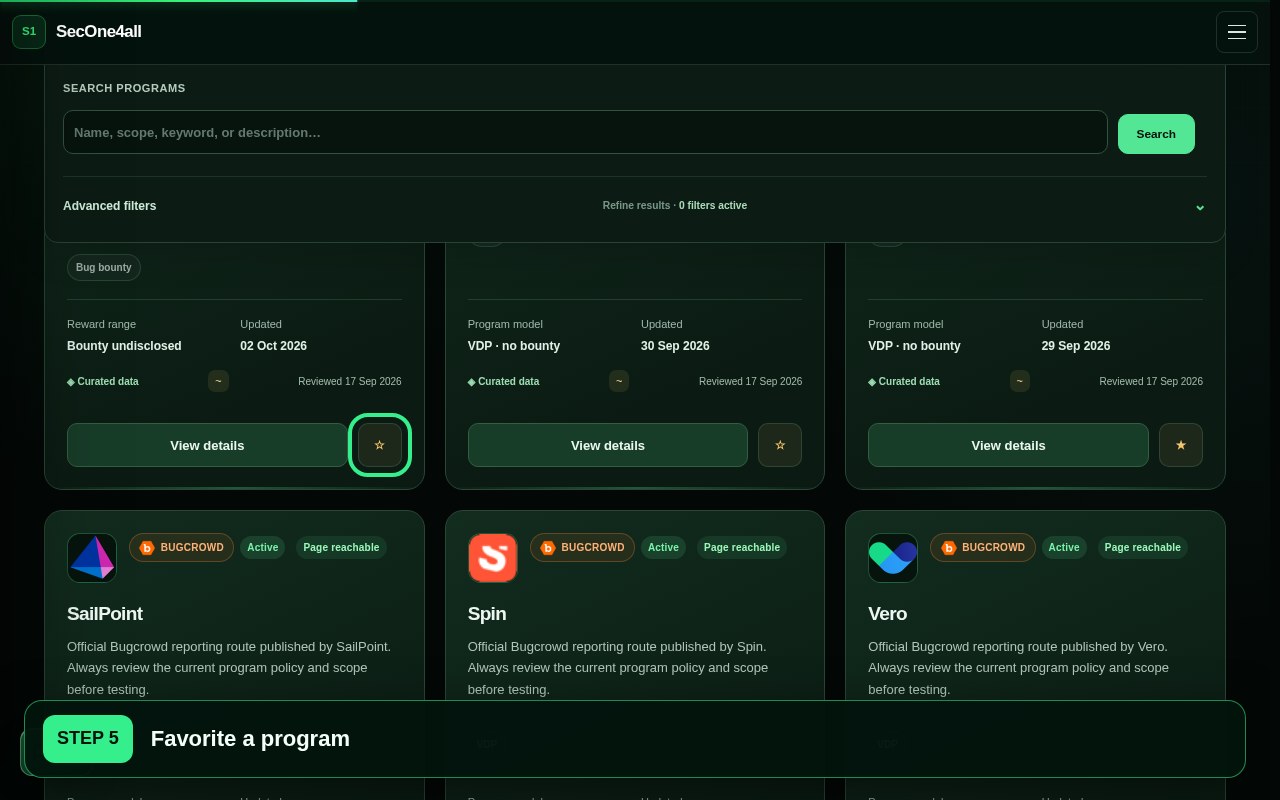
Step 5: Favorite a program
Use the star on a relevant card to add it to your favorites.
What you will see: The saved program can be found again without rebuilding the full query.
Open the feature
Use the button below to open the current SecOne4all interface and follow the same five steps.
Leave a Reply