Private Notes: Capture, Format, Search, and Maintain Research

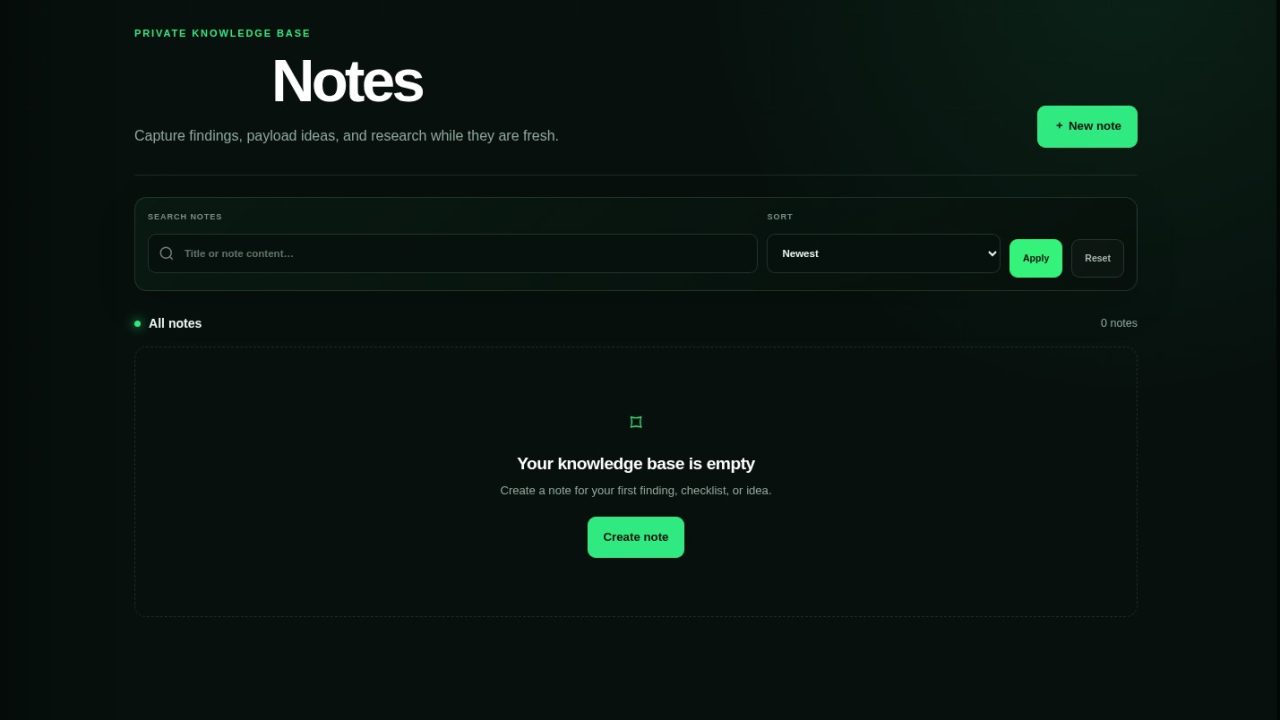
Private Notes is a personal research notebook with Markdown, search, sorting, copy, edit, and deletion controls. The guide uses a disposable example note so every pictured step reflects the real interface.
What this feature does
Private Notes is a personal research notebook with Markdown, search, sorting, copy, edit, and deletion controls. The guide uses a disposable example note so every pictured step reflects the real interface. The walkthrough below follows the current interface in the order shown on screen, and each step includes its own matching image.
Workflow at a glance
- 1.Create a note
- 2.Review structured note content
- 3.Search your notes
- 4.Sort the notebook
- 5.Copy, edit, or remove a note
How to use the feature
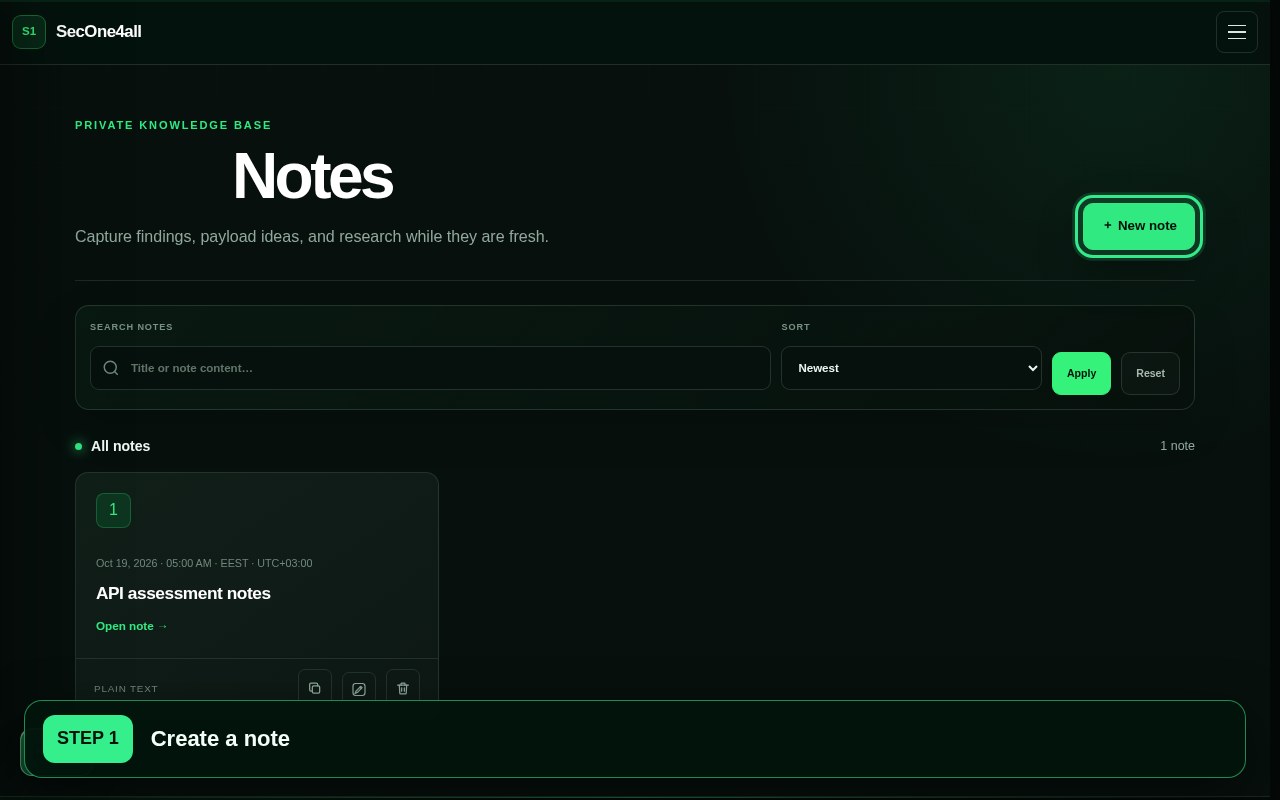
Step 1: Create a note
Choose New note and enter a descriptive title plus the research body.
What you will see: The note becomes a separate item in your private notebook.
Step 2: Review structured note content
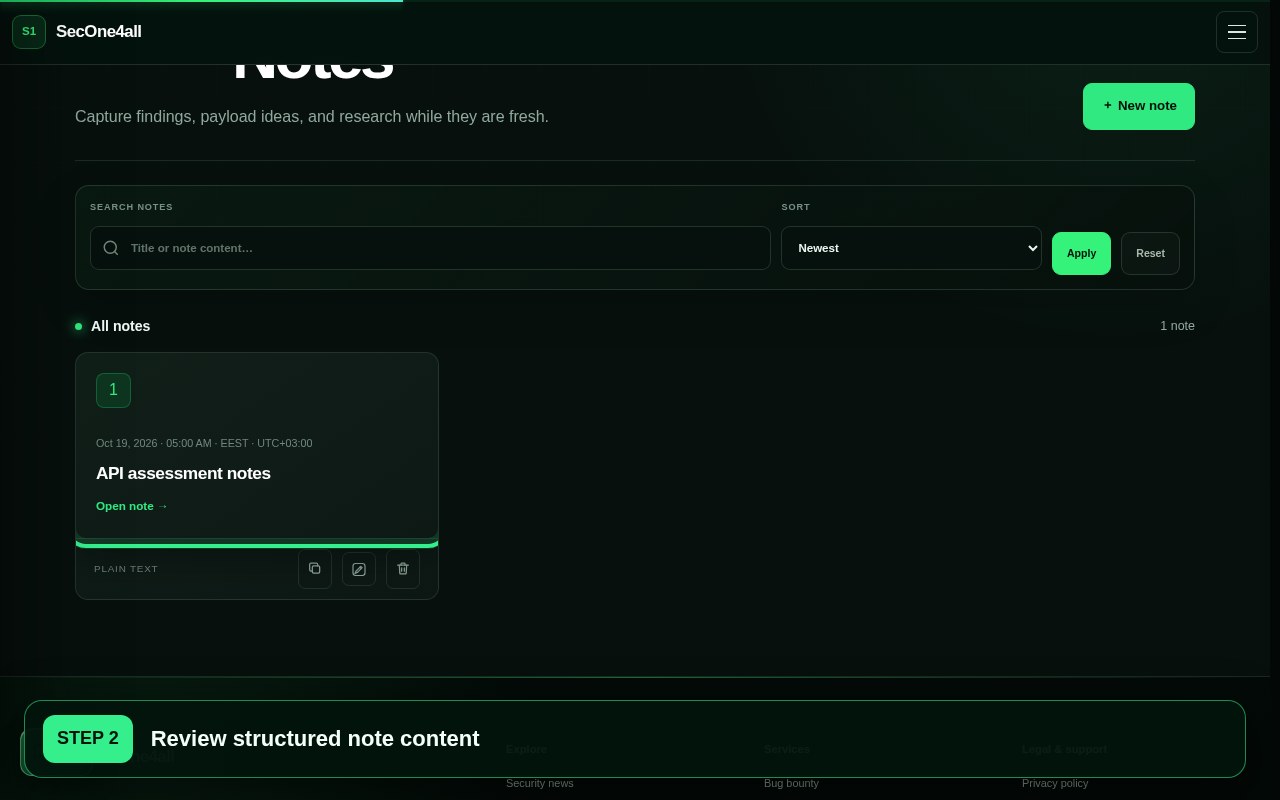
Open the example note to see how headings, paragraphs, and fenced request blocks remain readable after saving.
What you will see: The saved note keeps technical structure clear.
Step 3: Search your notes
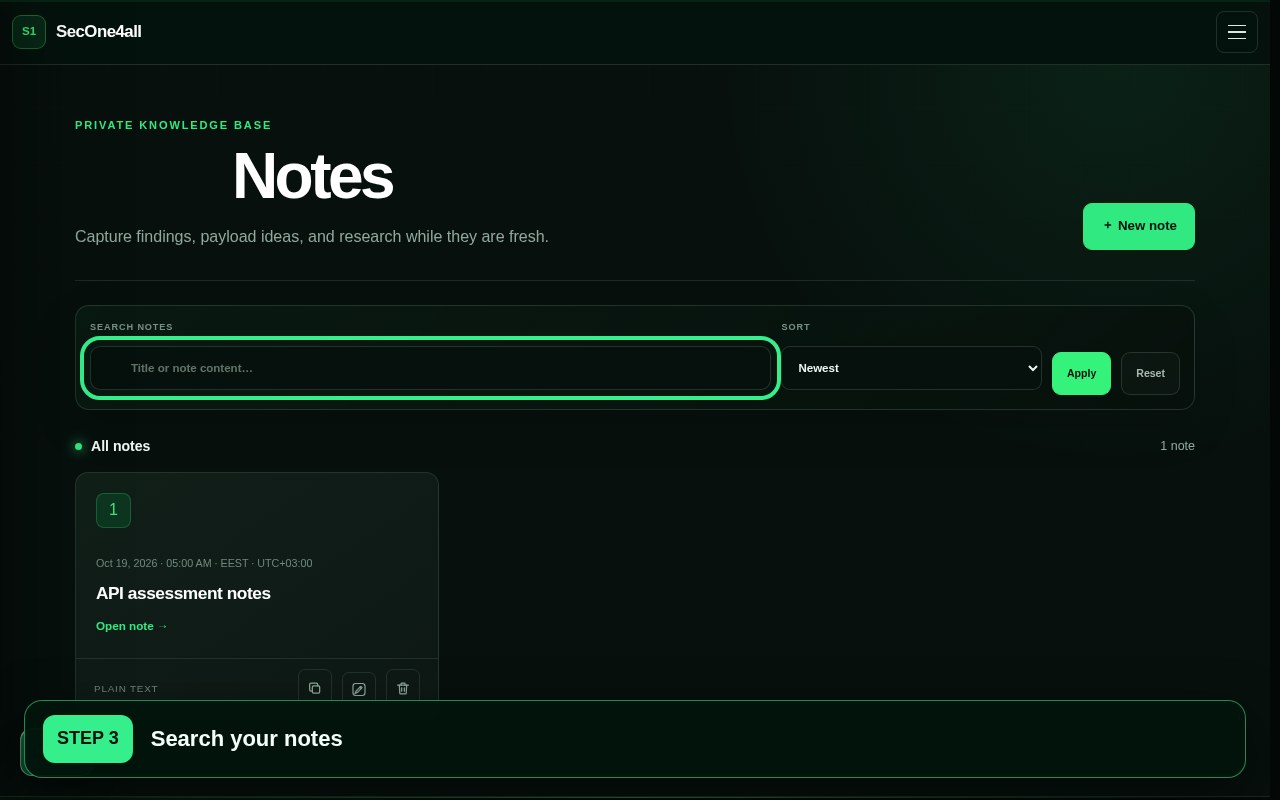
Enter a title or phrase in the search field.
What you will see: Only notes containing the requested text remain visible.
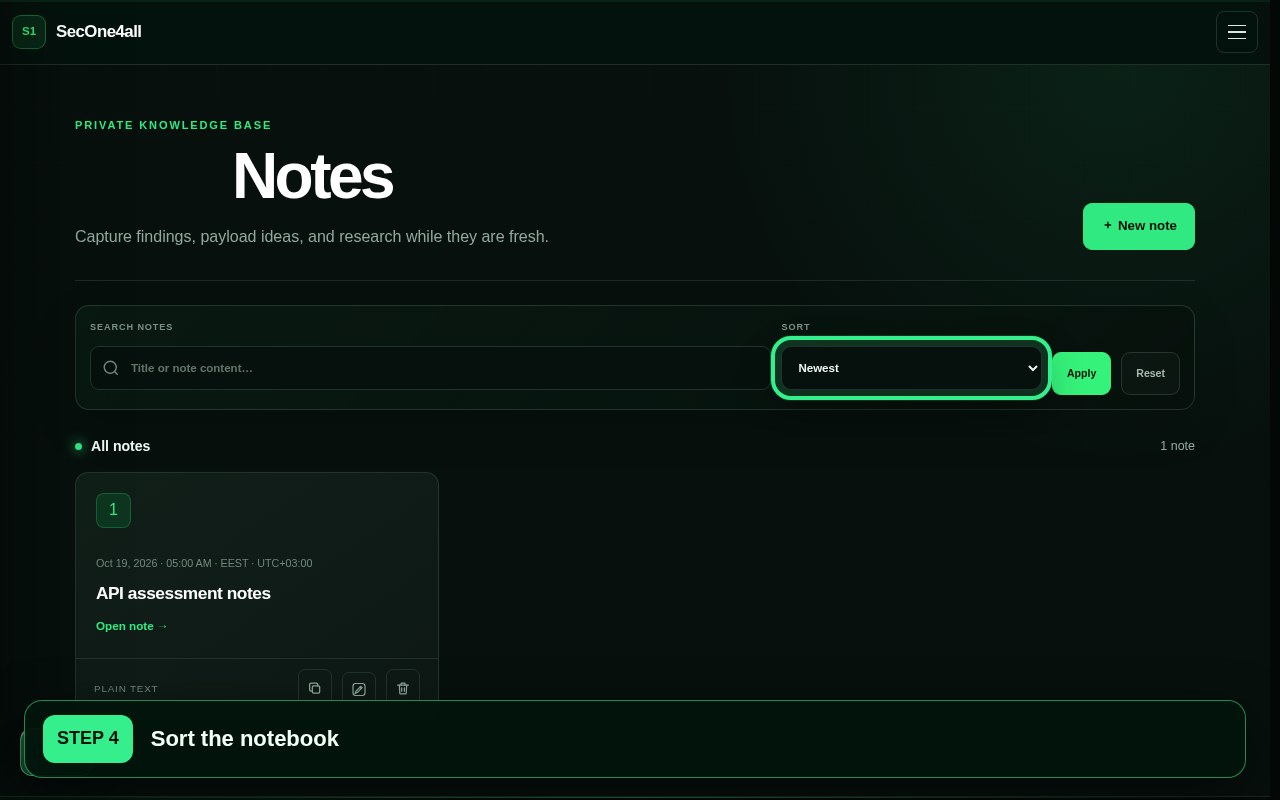
Step 4: Sort the notebook
Choose the order that best fits the current review.
What you will see: The note cards are rearranged without changing their content.
Step 5: Copy, edit, or remove a note
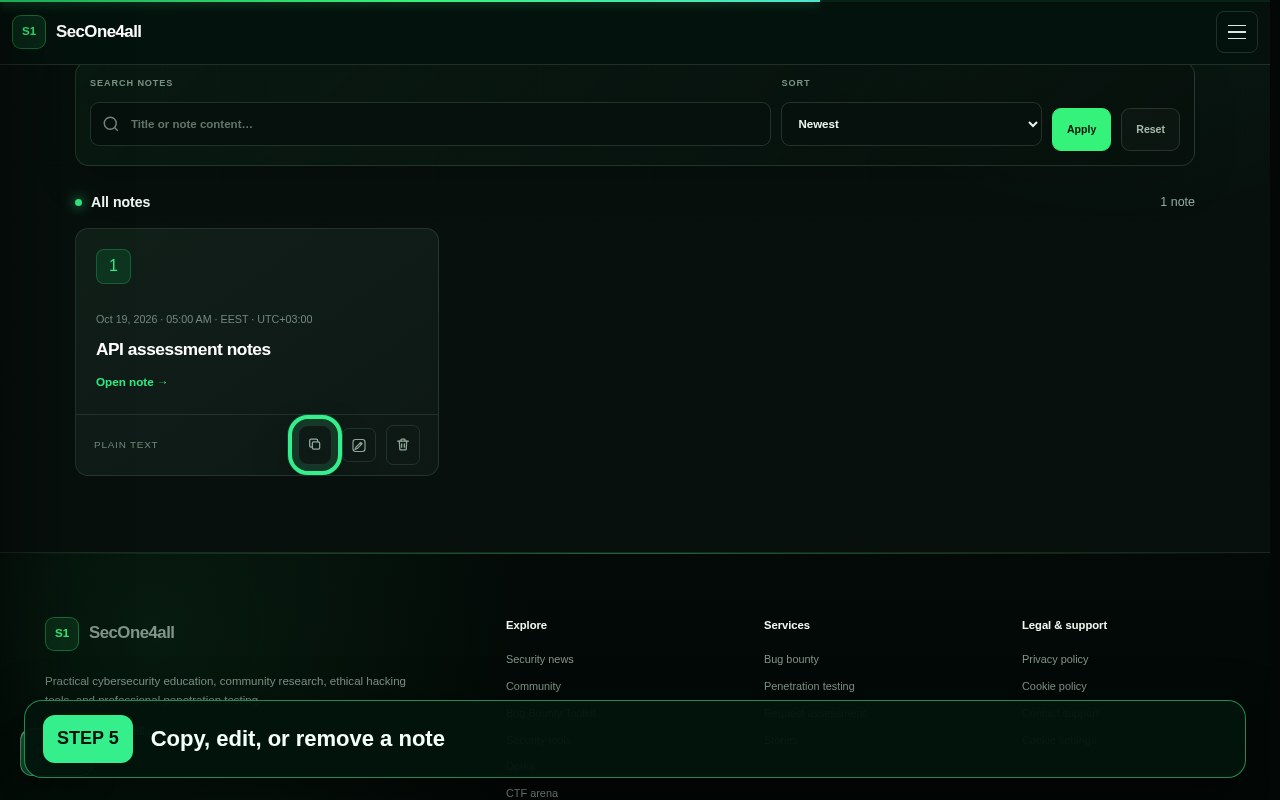
Use the action on the example note to copy its content, open it for editing, or remove it.
What you will see: The notebook reflects the selected maintenance action immediately.
Open the feature
Use the button below to open the current SecOne4all interface and follow the same five steps.
Leave a Reply