Penetration Testing: Services, Process, and Deliverables

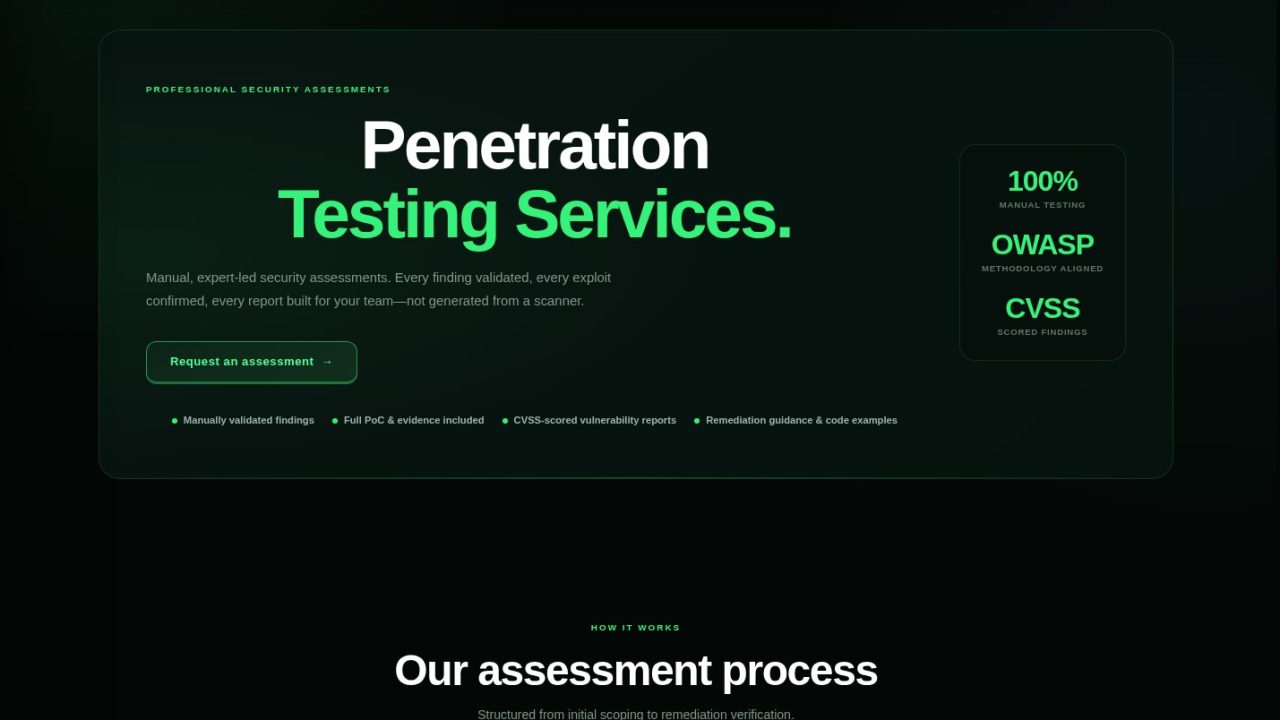
The Penetration Testing page describes the available assessment coverage and the delivery process. It is an overview page; the detailed organization and scope information is collected in the request form.
What this feature does
The Penetration Testing page describes the available assessment coverage and the delivery process. It is an overview page; the detailed organization and scope information is collected in the request form. The walkthrough below follows the current interface in the order shown on screen, and each step includes its own matching image.
Workflow at a glance
- 1.Review the assessment service
- 2.Review the assessment characteristics
- 3.Understand the process
- 4.Review the assessment frameworks
- 5.Open the request form
How to use the feature
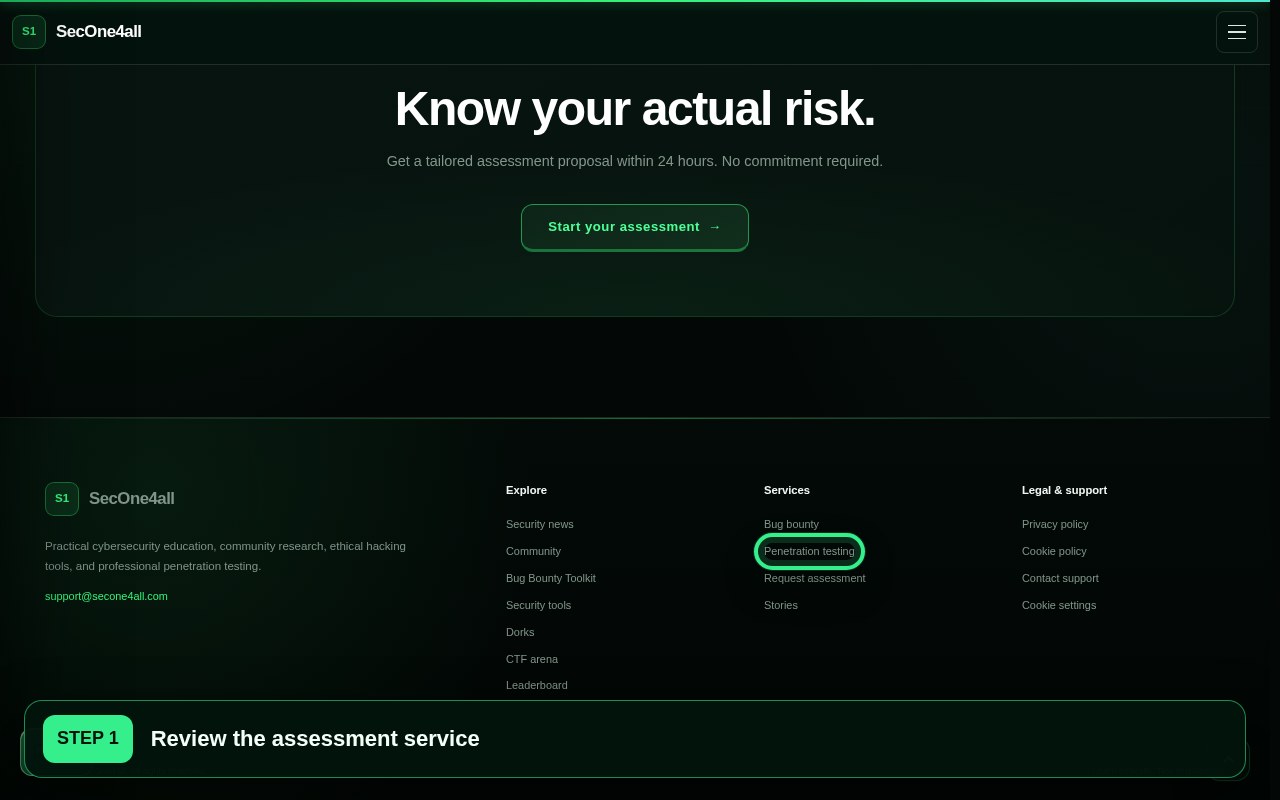
Step 1: Review the assessment service
Read the page introduction to understand the objective of the assessment service.
What you will see: The overview establishes what the engagement is designed to deliver.
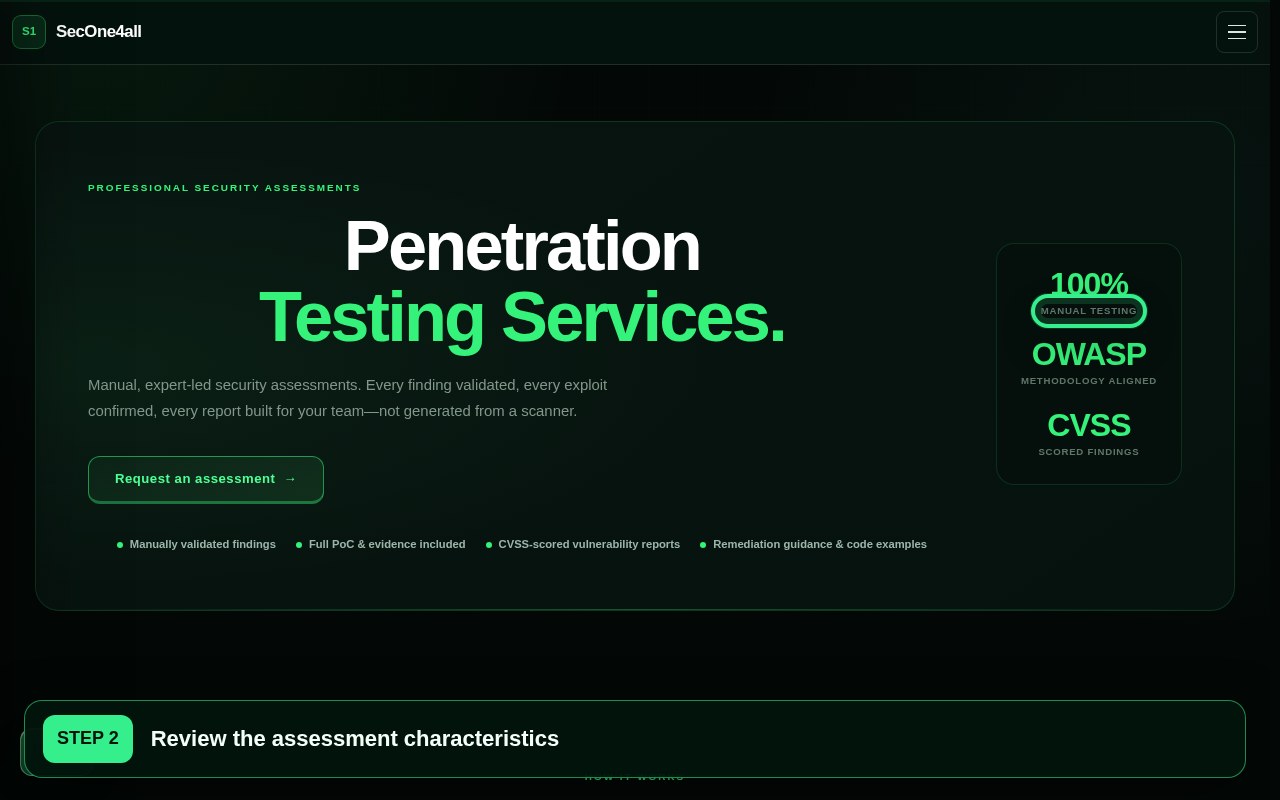
Step 2: Review the assessment characteristics
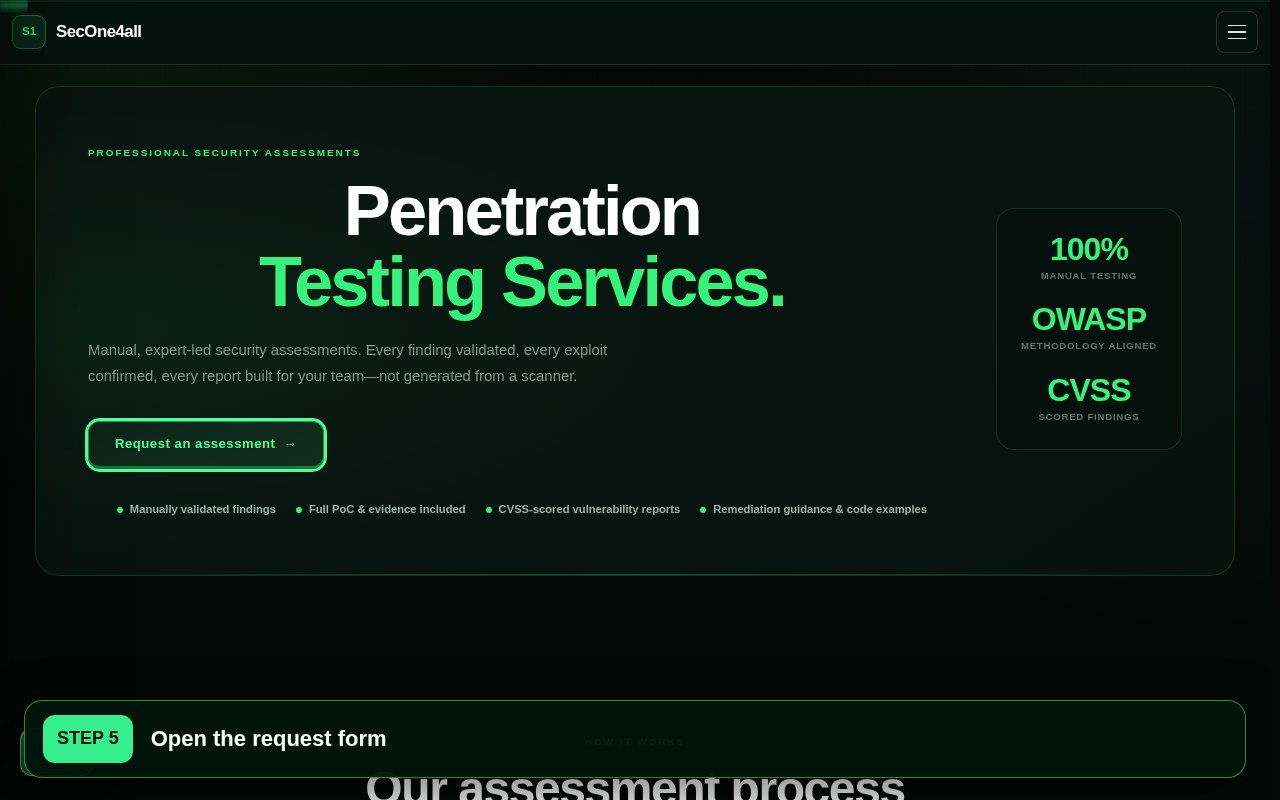
Review the assessment characteristics shown beside the introduction.
What you will see: The page summarizes its manual approach, framework alignment, and scored findings.
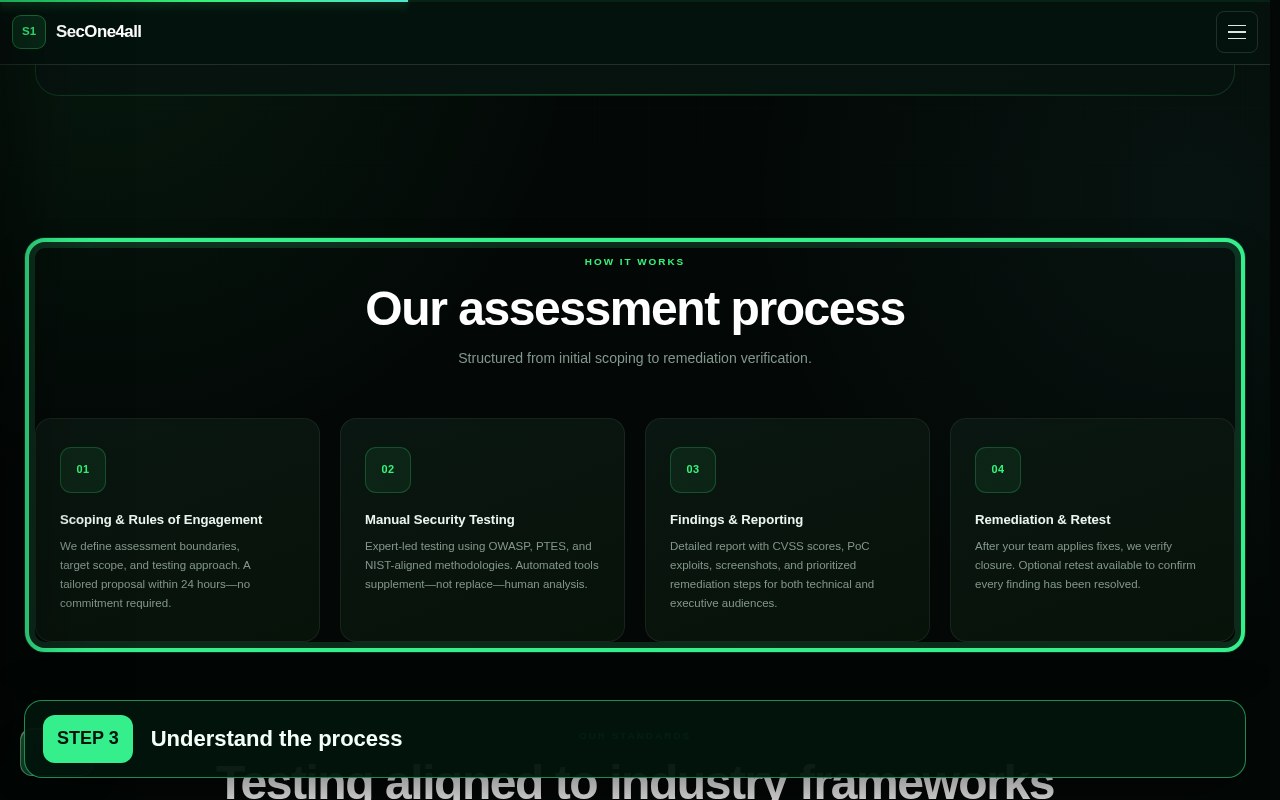
Step 3: Understand the process
Read the process stages in their displayed order.
What you will see: The sequence explains how planning, testing, reporting, and follow-up fit together.
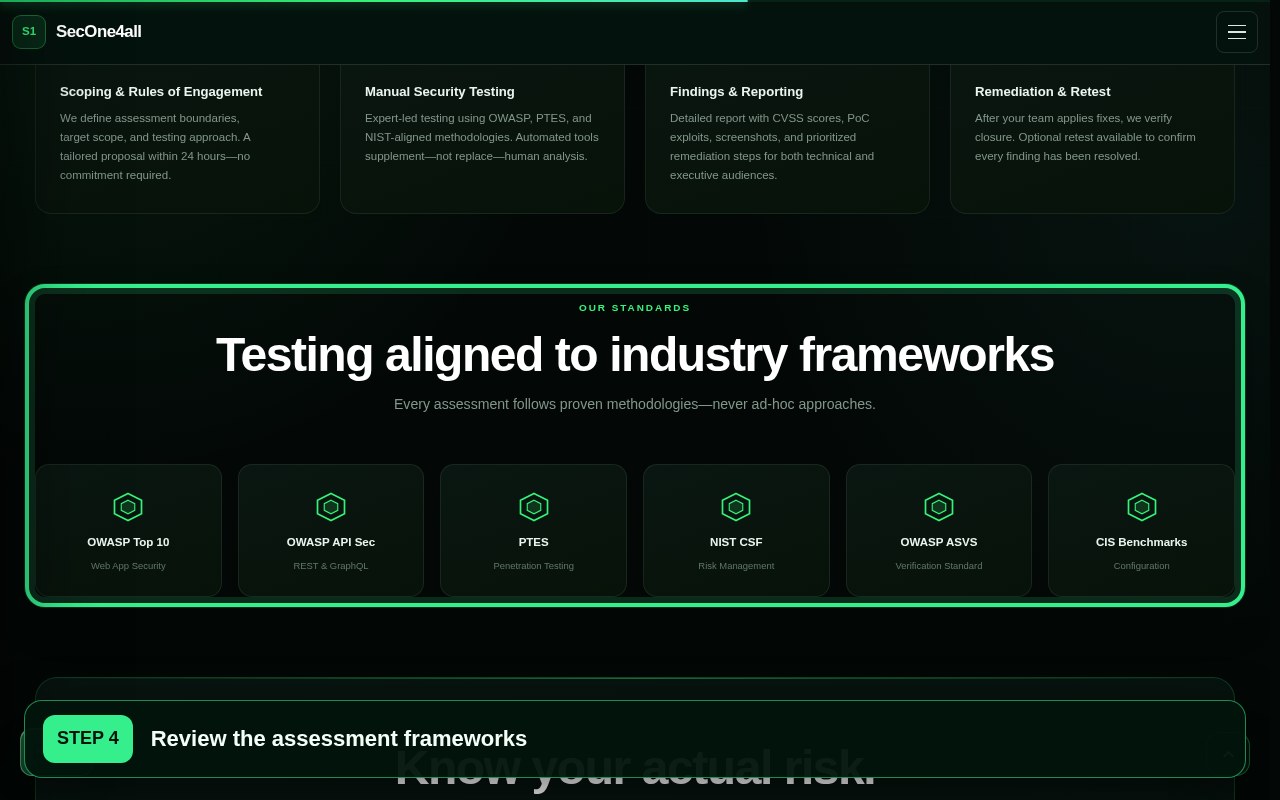
Step 4: Review the assessment frameworks
Use the frameworks section to see the standards that shape the testing process.
What you will see: The methodology basis is clear before you submit a request.
Step 5: Open the request form
Select Request an assessment.
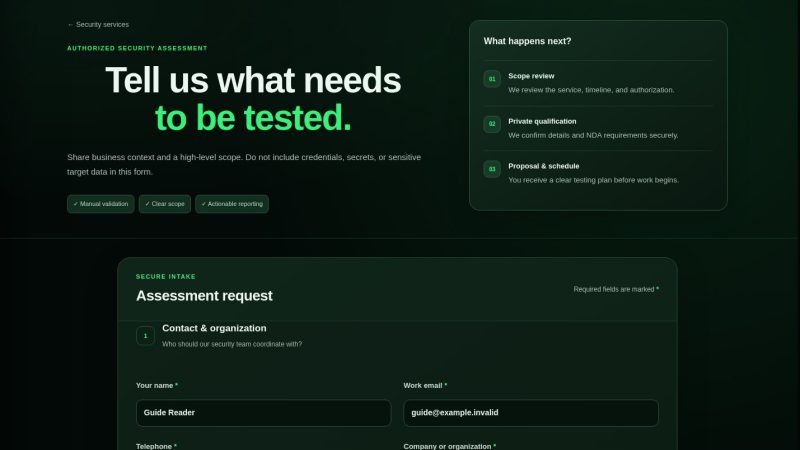
What you will see: The detailed contact, scope, schedule, and authorization form opens.
Open the feature
Use the button below to open the current SecOne4all interface and follow the same five steps.


Leave a Reply