URL Validation Workbench: Generate and Compare Parser Cases

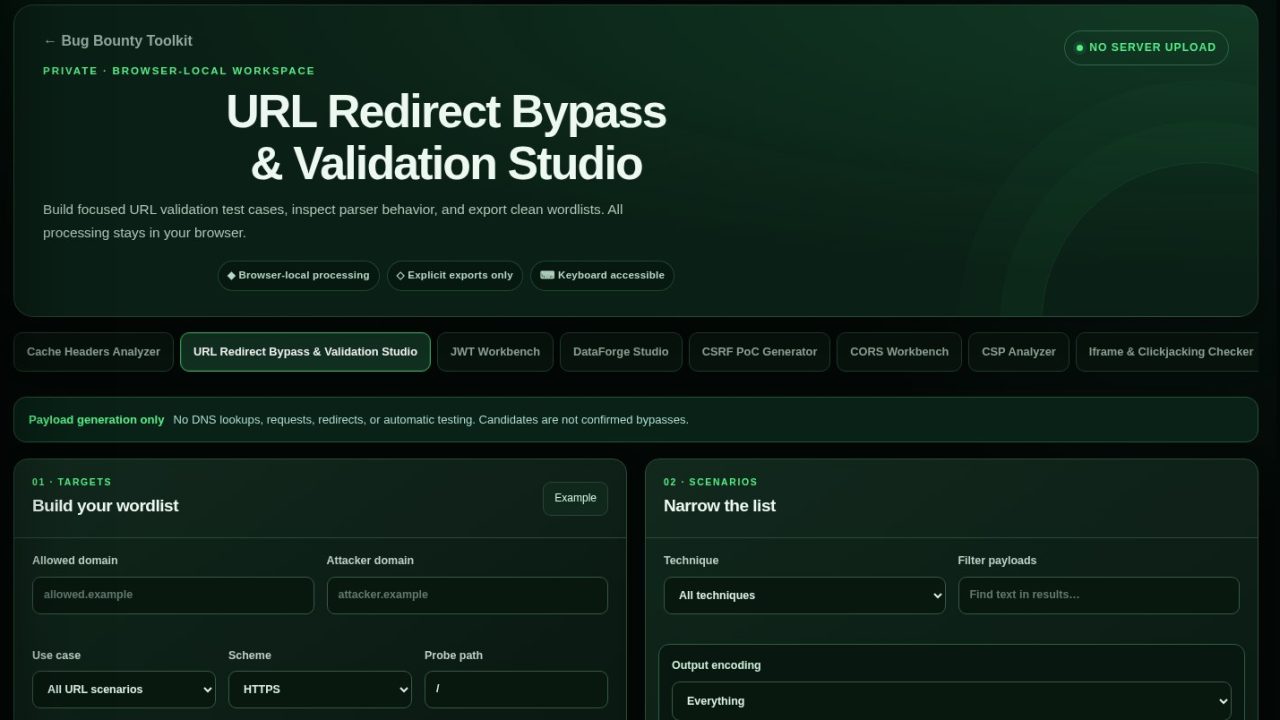
URL Validation Workbench generates URL variants from an allowed domain, an alternate domain, and a selected validation use case. Filters let you choose which parser and normalization techniques appear in the result.
What this feature does
URL Validation Workbench generates URL variants from an allowed domain, an alternate domain, and a selected validation use case. Filters let you choose which parser and normalization techniques appear in the result. The walkthrough below follows the current interface in the order shown on screen, and each step includes its own matching image.
Workflow at a glance
- 1.Enter the allowed domain
- 2.Enter the alternate domain
- 3.Choose the use case and scheme
- 4.Select techniques and filters
- 5.Generate and inspect payloads
How to use the feature
Step 1: Enter the allowed domain
Enter the hostname the application intends to allow.
What you will see: The generator uses it as the trusted reference in every candidate.
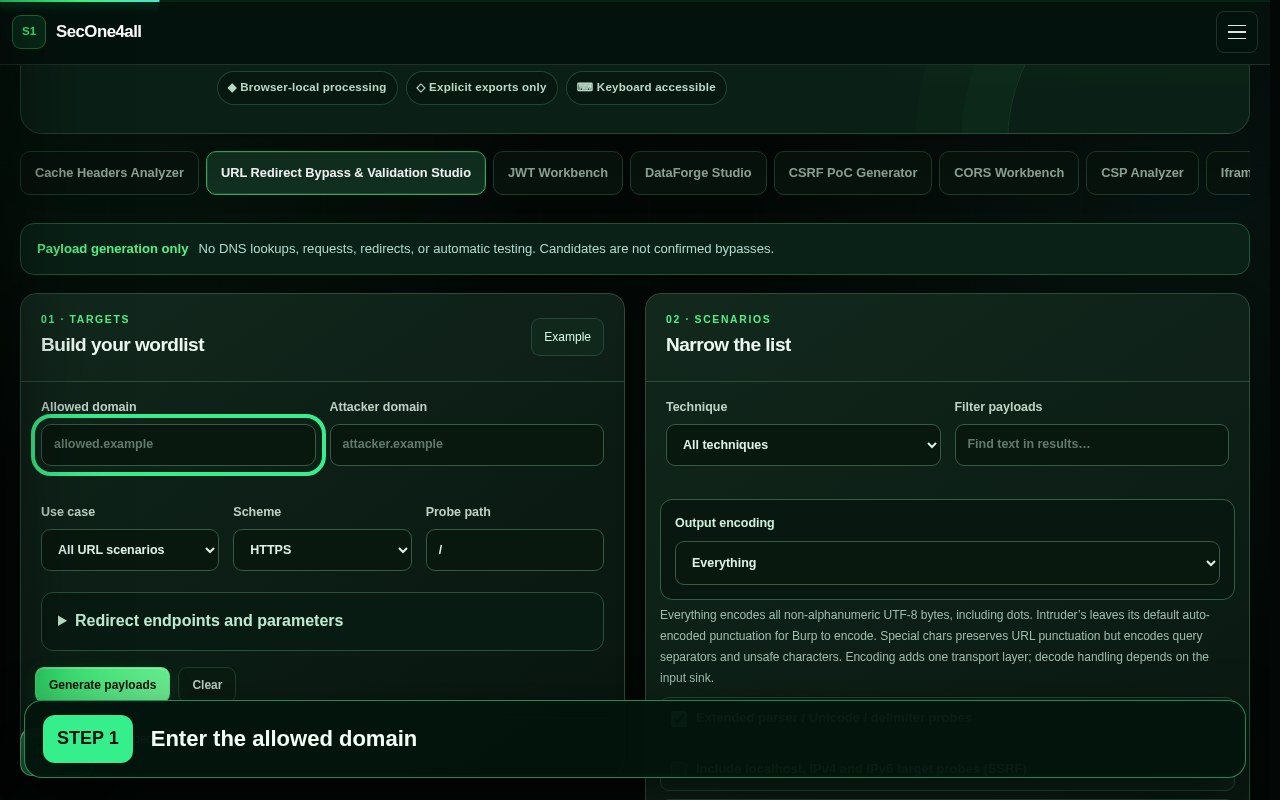
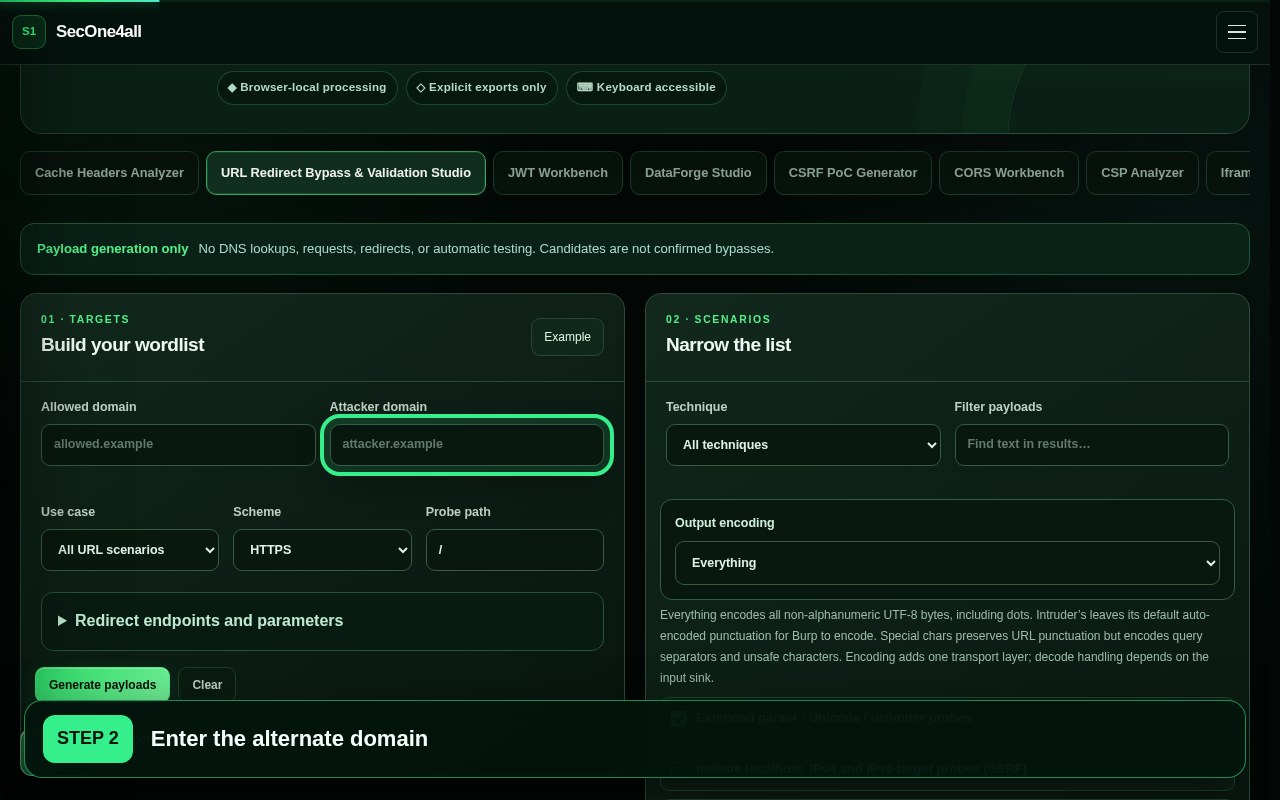
Step 2: Enter the alternate domain
Enter the second hostname used to reveal validation differences.
What you will see: The workbench can now construct host, user-info, and subdomain contrasts.
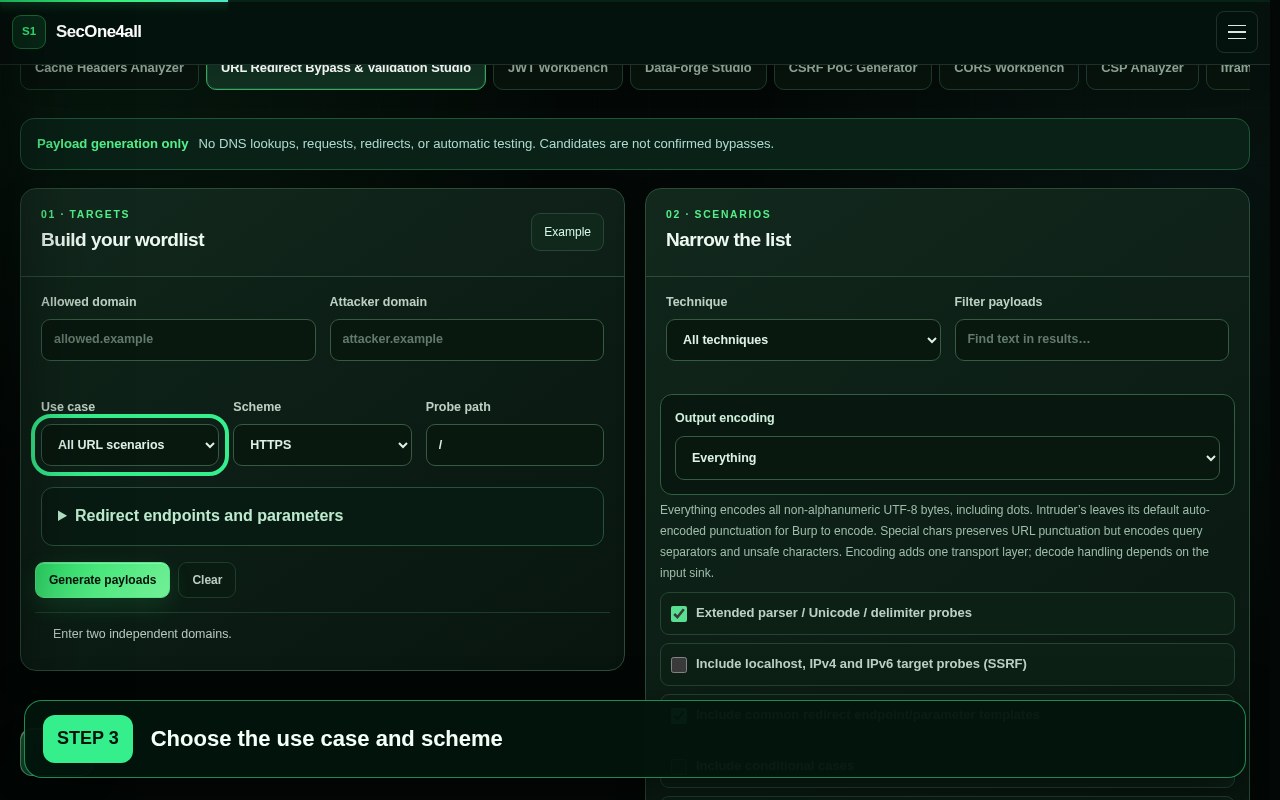
Step 3: Choose the use case and scheme
Select the validation context and URL scheme.
What you will see: The generated cases match the kind of application rule being reviewed.
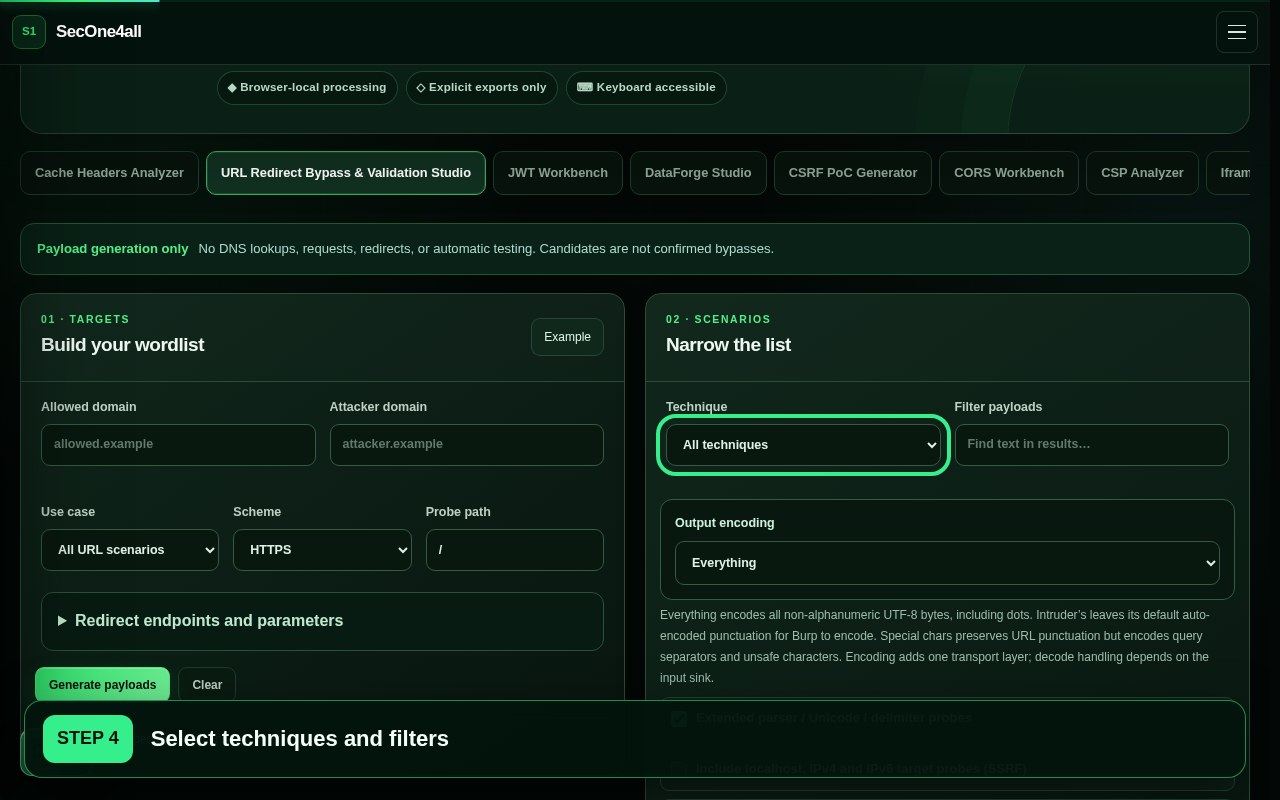
Step 4: Select techniques and filters
Choose the parser, encoding, normalization, and path techniques you want included.
What you will see: The output remains focused on the selected test families.
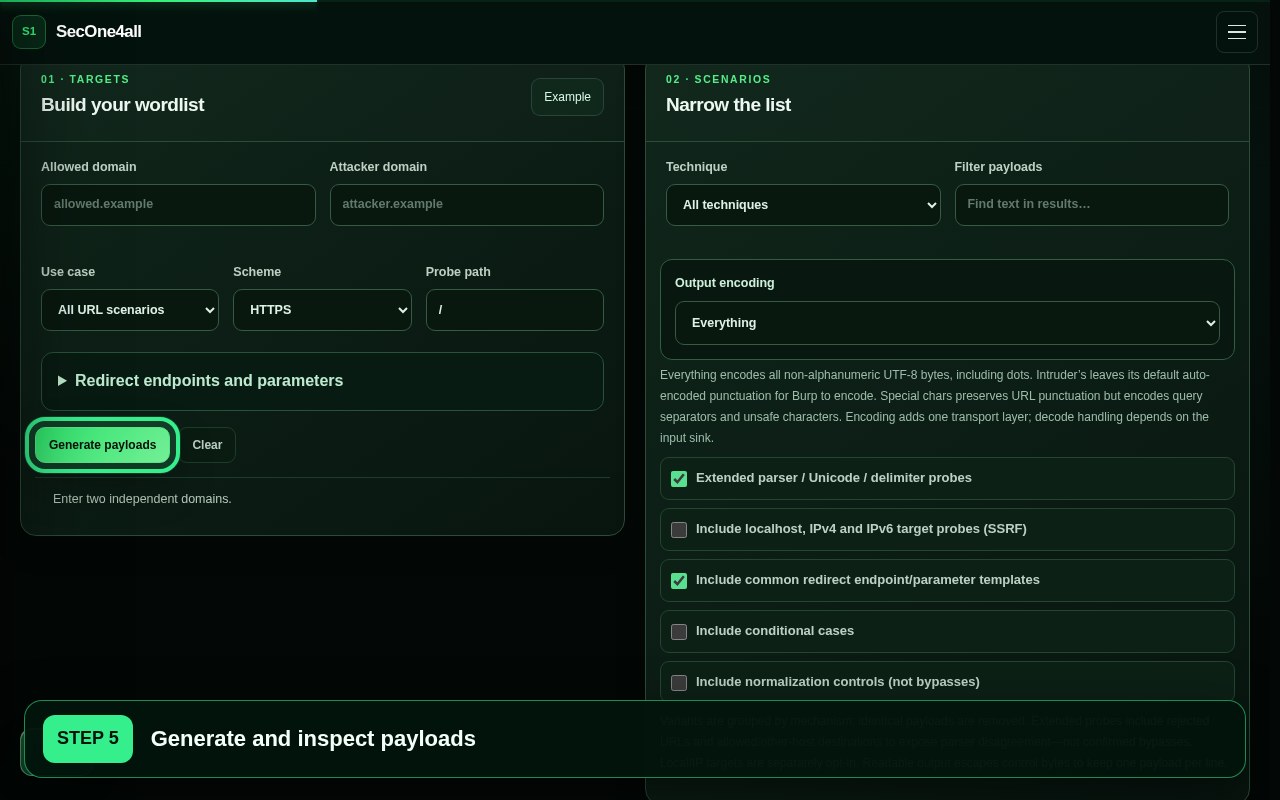
Step 5: Generate and inspect payloads
Press Generate payloads and inspect the parsed scheme, host, port, and path shown for each case.
What you will see: The comparison reveals where a validation assumption differs from the parsed URL.
Open the feature
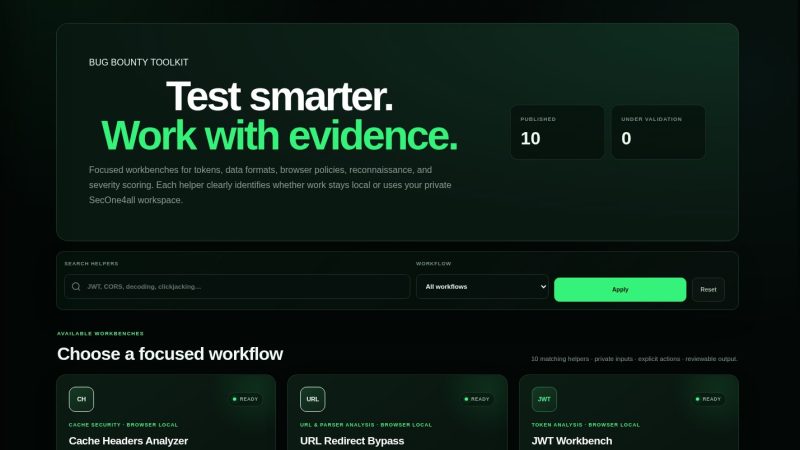
Use the button below to open the current SecOne4all interface and follow the same five steps.
Leave a Reply