Blind XSS Proof Server: Create Projects and Review Callbacks

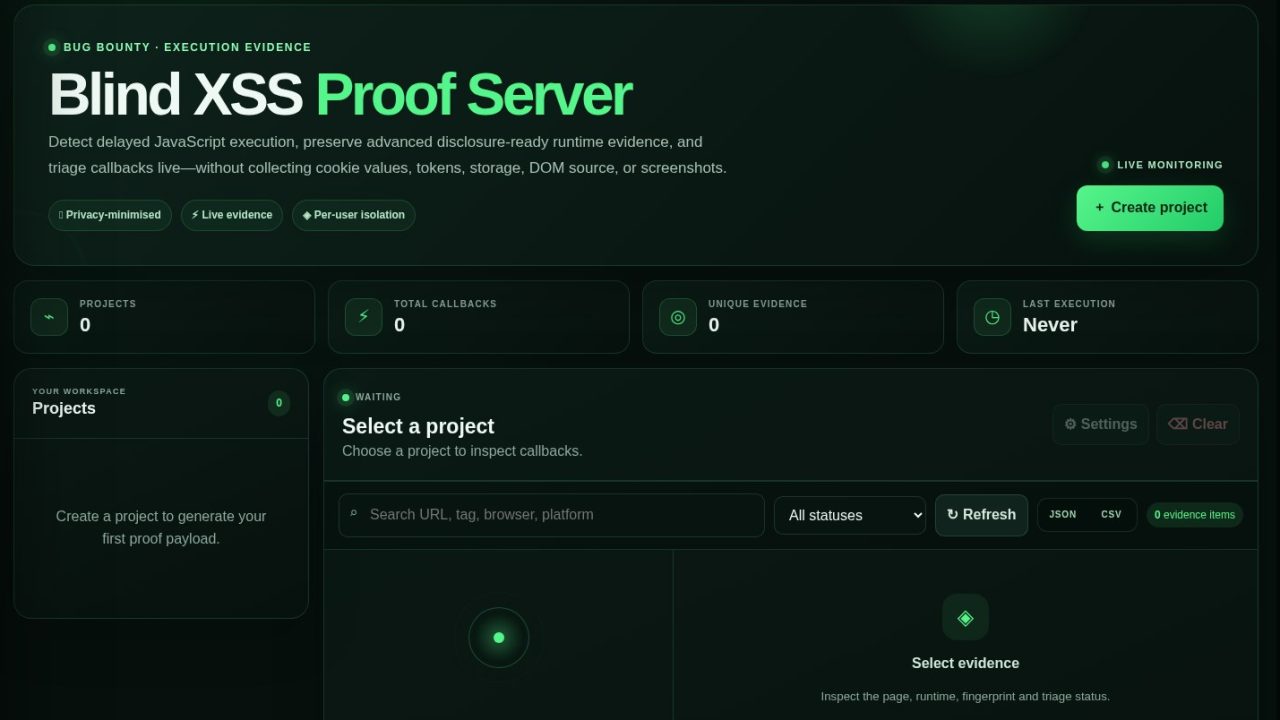
The Blind XSS Proof Server groups callback endpoints into named projects. Each project exposes its settings, generated hook information, search and filter controls, and captured-hit area.
What this feature does
The Blind XSS Proof Server groups callback endpoints into named projects. Each project exposes its settings, generated hook information, search and filter controls, and captured-hit area. The walkthrough below follows the current interface in the order shown on screen, and each step includes its own matching image.
Workflow at a glance
- 1.Choose a project
- 2.Create a project
- 3.Review project settings
- 4.Filter captured hits
- 5.Refresh or clear the project view
How to use the feature
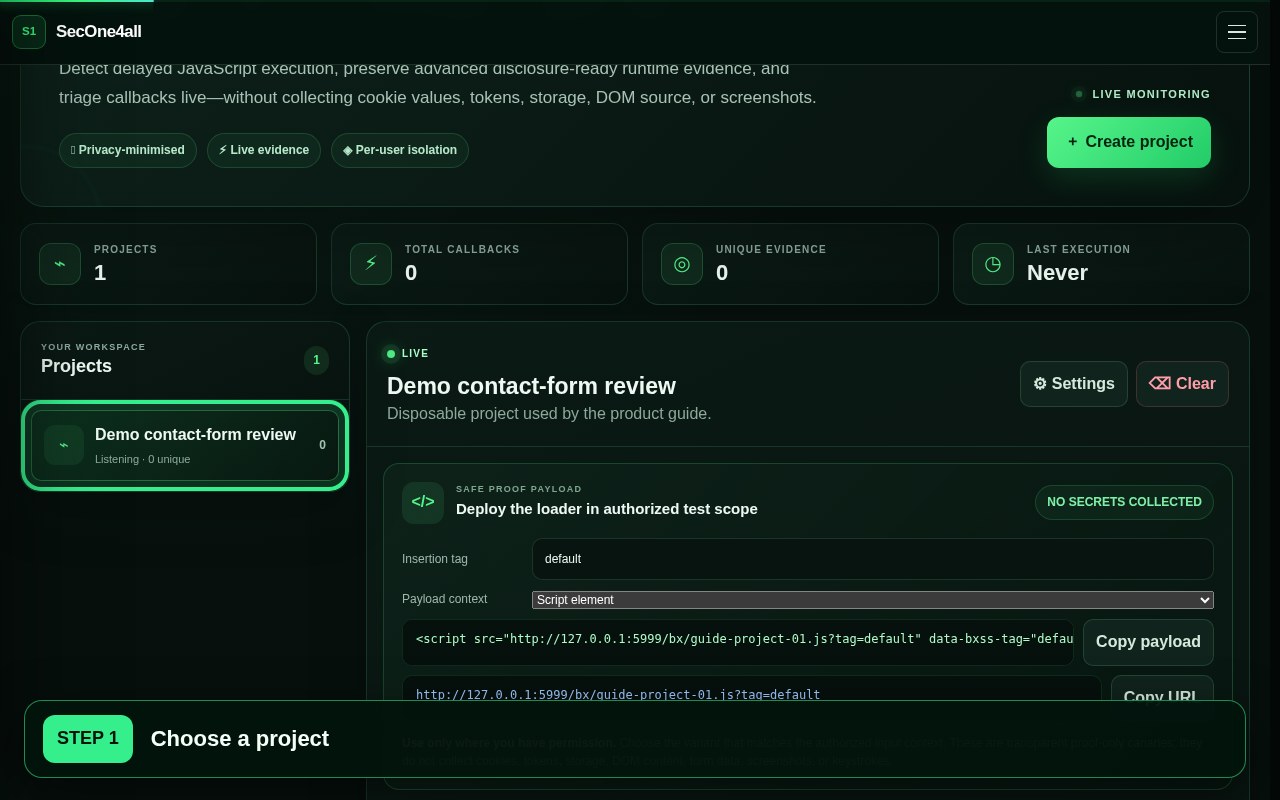
Step 1: Choose a project
Use the project selector to open the example callback workspace.
What you will see: The project dashboard loads its settings and captured-hit area.
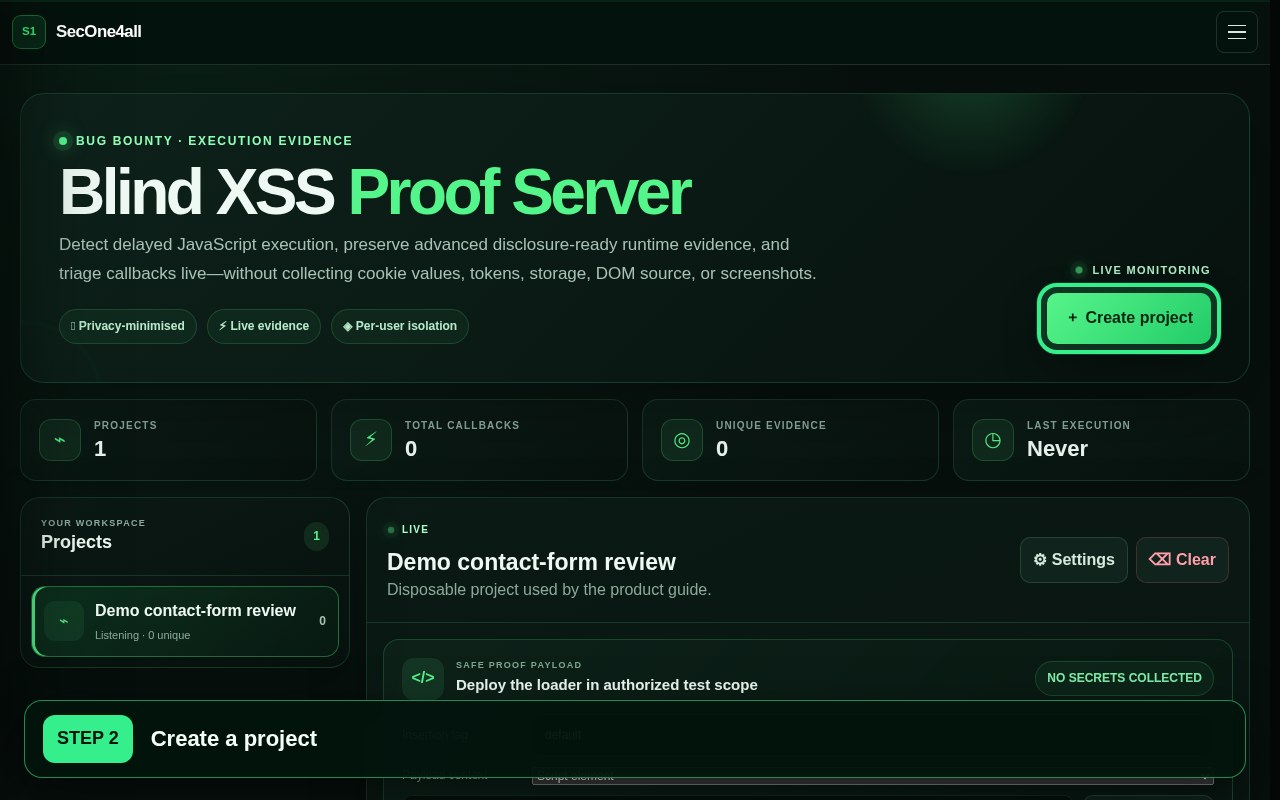
Step 2: Create a project
Choose Create project, enter its name and description, and save it.
What you will see: A separate project and callback identity are created.
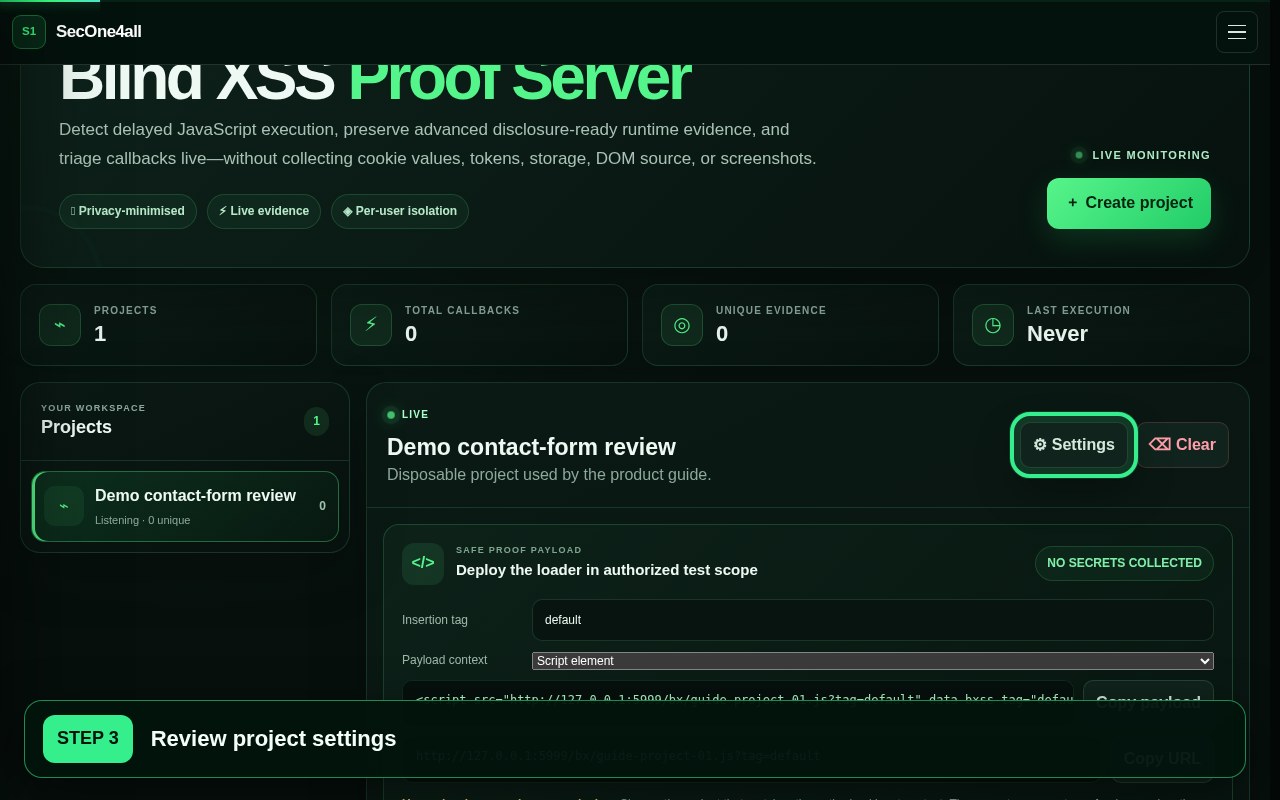
Step 3: Review project settings
Open Settings to review retention, duplicate handling, notifications, and project availability.
What you will see: The project behavior is visible and can be adjusted from the same workspace.
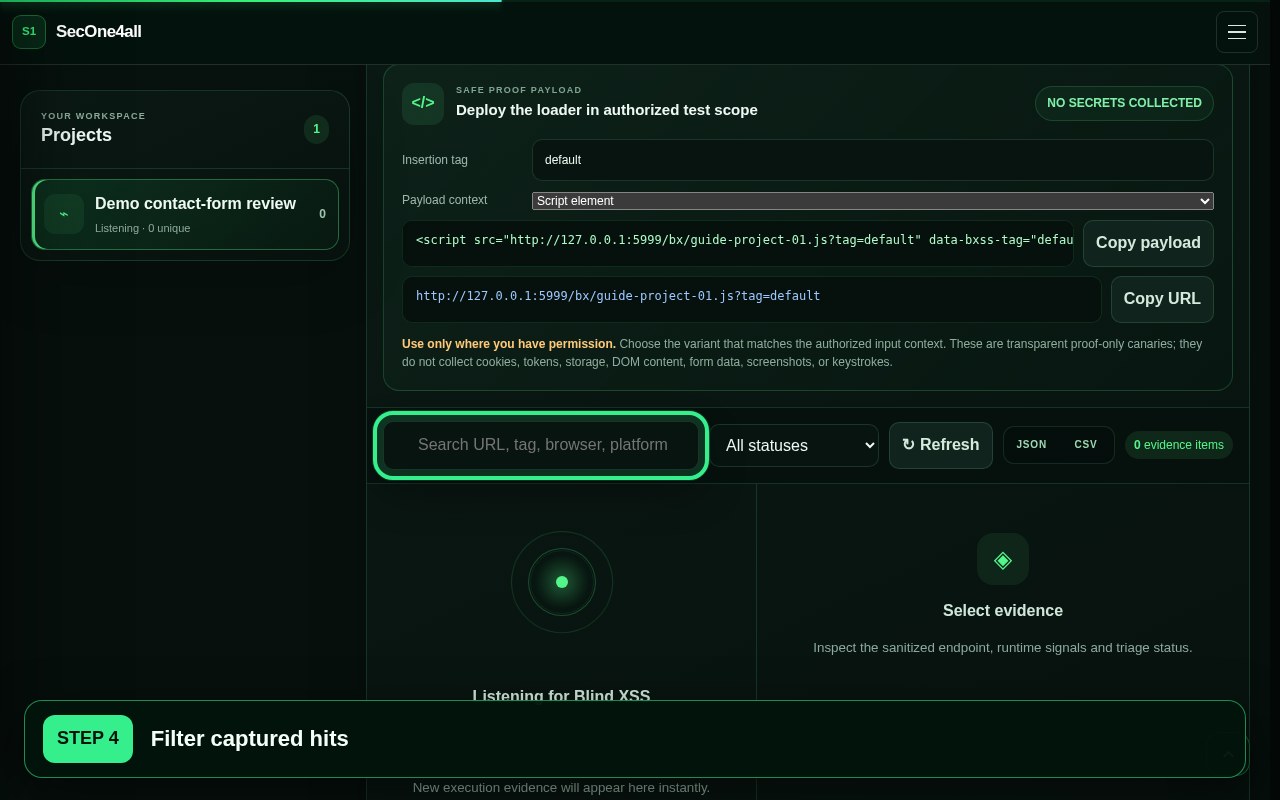
Step 4: Filter captured hits
Use Search and the available filters to narrow the callback list.
What you will see: Only captured events matching the current review remain visible.
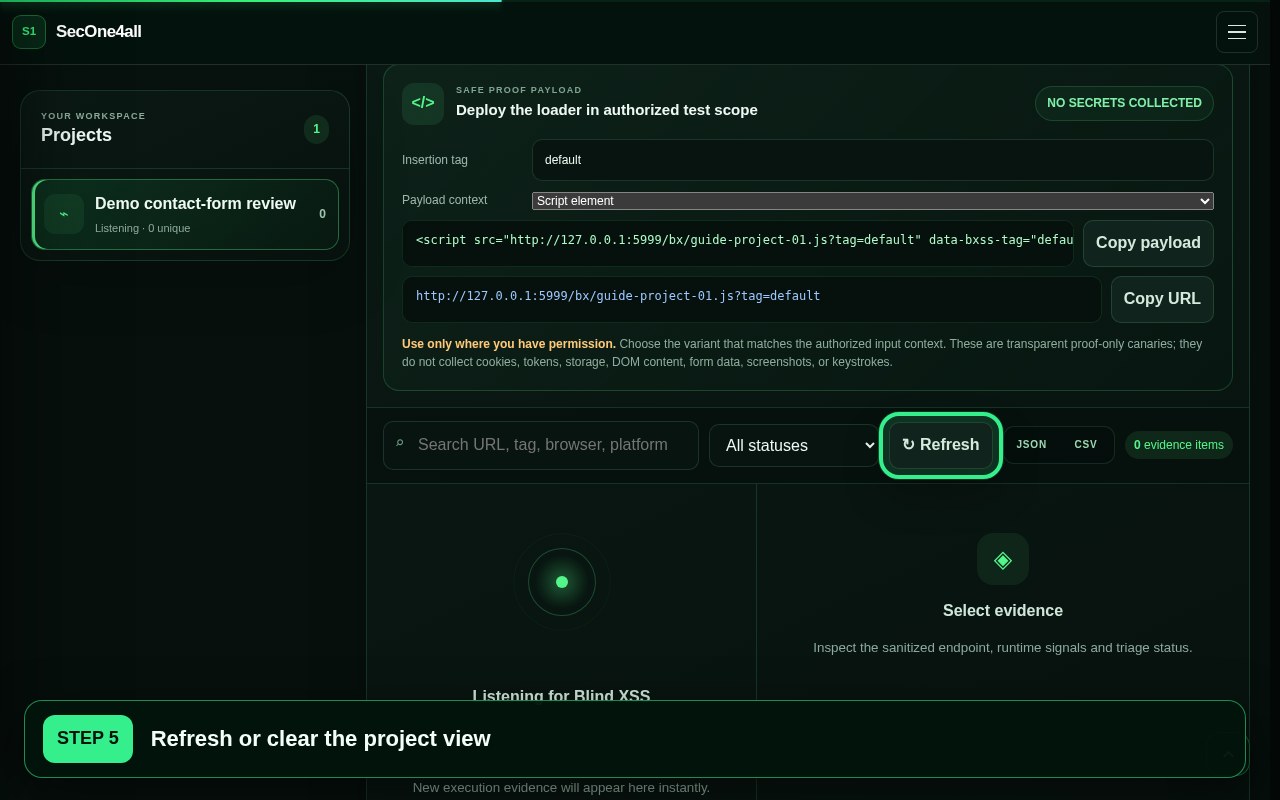
Step 5: Refresh or clear the project view
Press Refresh to load recent events; use Clear only when the project history should be emptied.
What you will see: The dashboard reflects the latest stored callback state.
Open the feature
Use the button below to open the current SecOne4all interface and follow the same five steps.
Leave a Reply