Contact Support: Send a Clear Platform Request

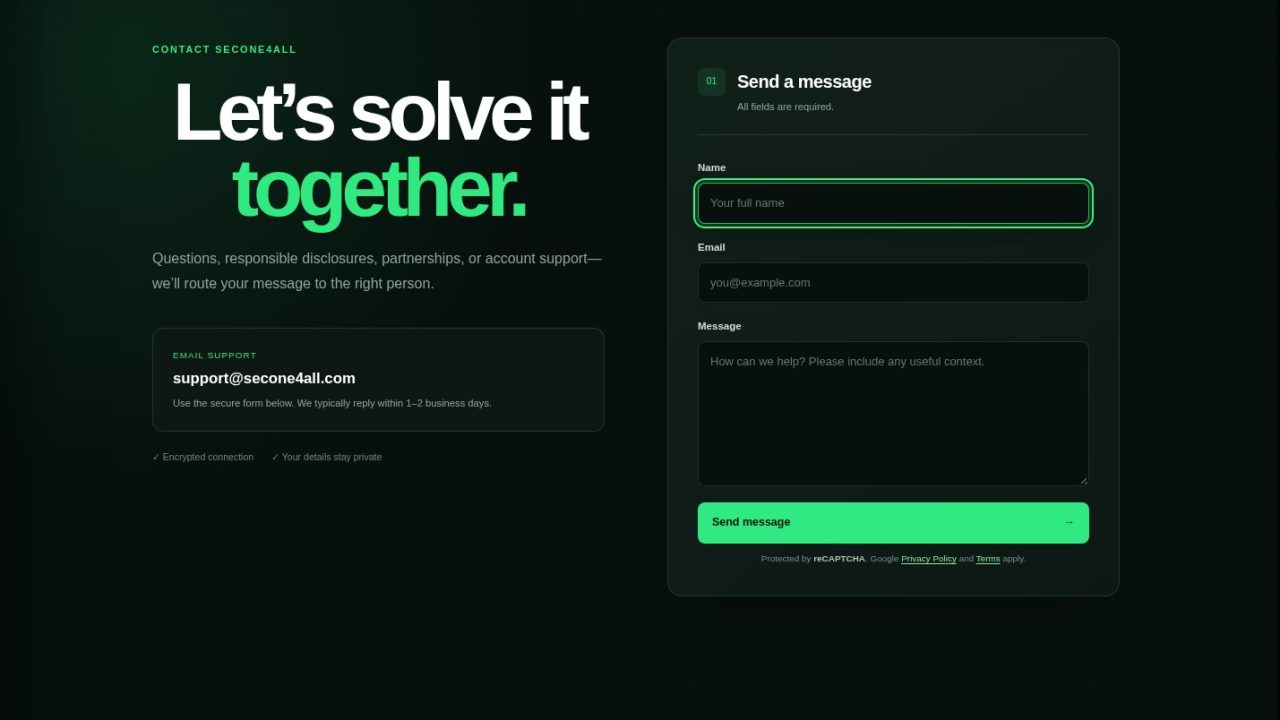
The Contact page is a short support form for questions and platform requests. It asks only for the sender identity, reply address, and message.
What this feature does
The Contact page is a short support form for questions and platform requests. It asks only for the sender identity, reply address, and message. The walkthrough below follows the current interface in the order shown on screen, and each step includes its own matching image.
Workflow at a glance
- 1.Enter your name
- 2.Add the reply email
- 3.Write the message
- 4.Review the form
- 5.Send the request
How to use the feature
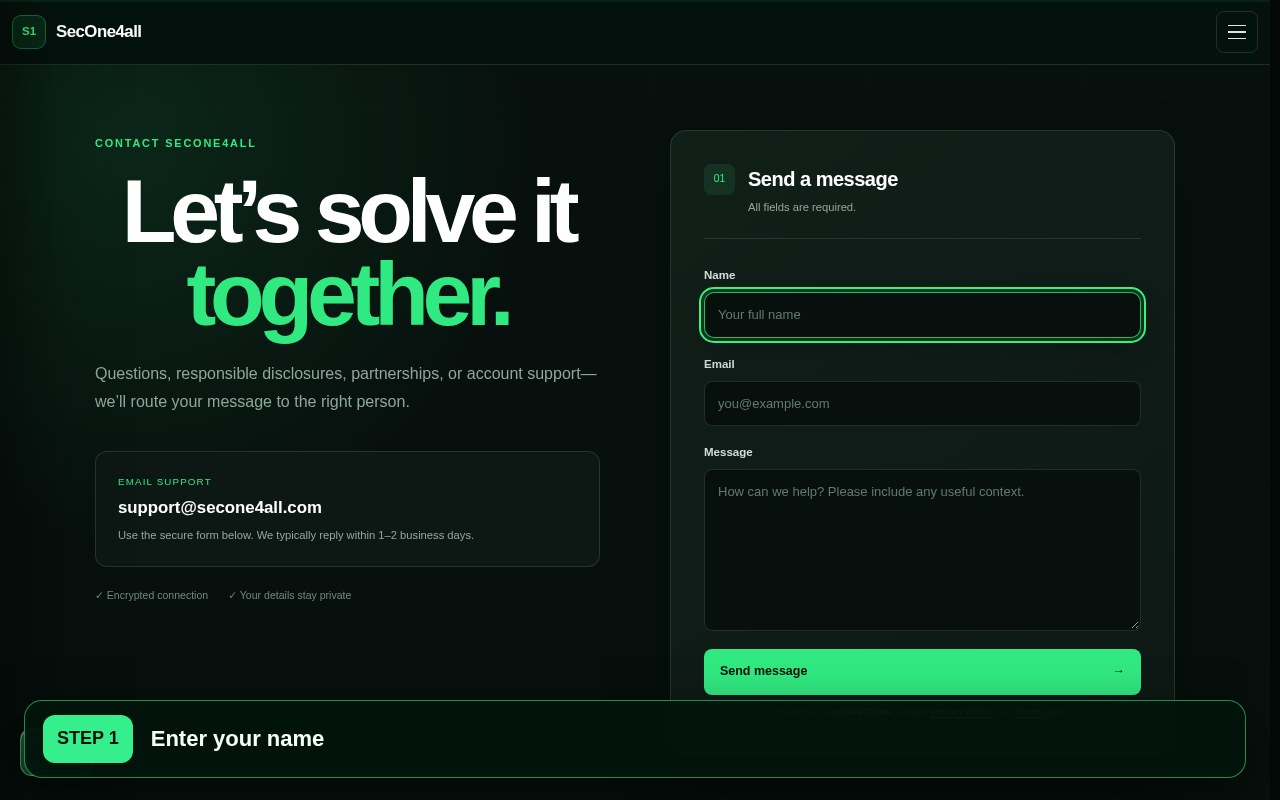
Step 1: Enter your name
Fill in the name you want the support team to use in its reply.
What you will see: The request is associated with a clear sender.
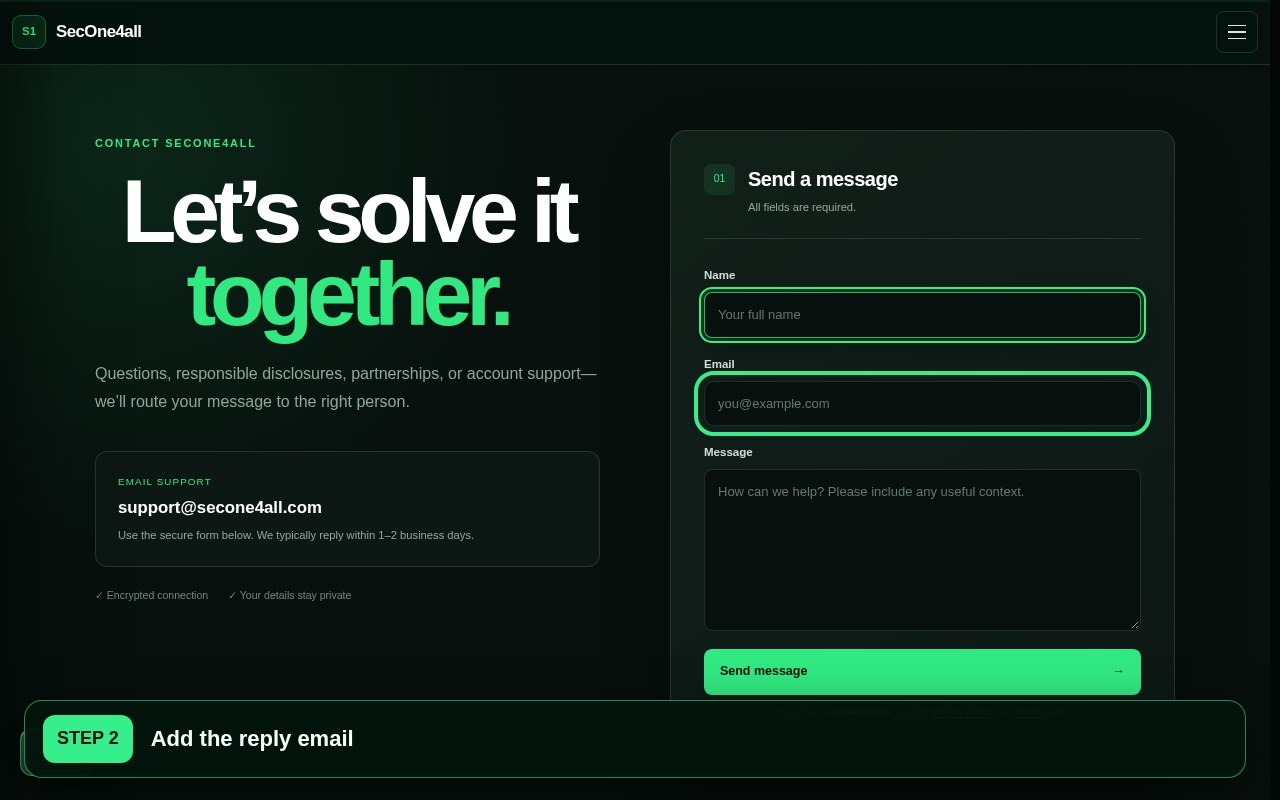
Step 2: Add the reply email
Enter the email address where you want to receive the response.
What you will see: Support has a destination for follow-up.
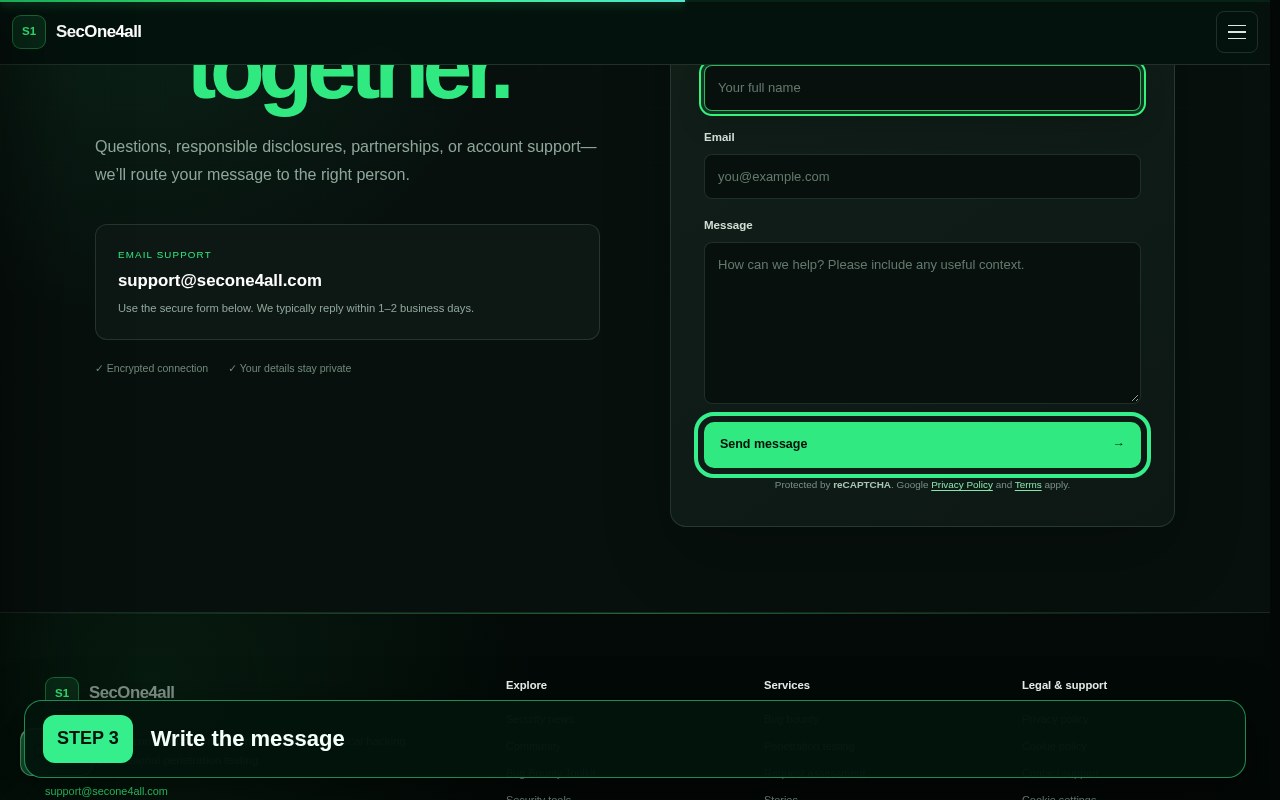
Step 3: Write the message
Describe the page, action, and observed behavior in the Message field.
What you will see: The request contains enough context to route it correctly.
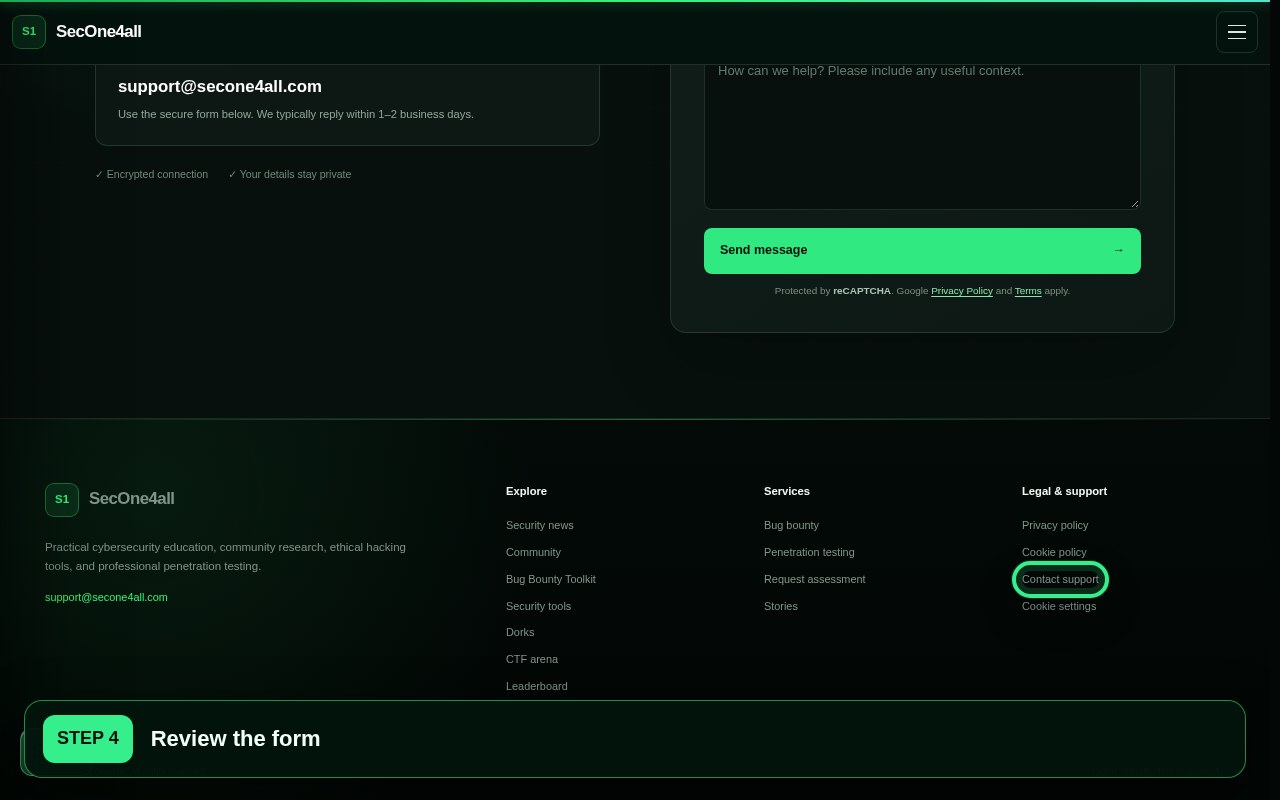
Step 4: Review the form
Read the three fields once more and correct any incomplete details.
What you will see: The message is ready to send without reopening the form.
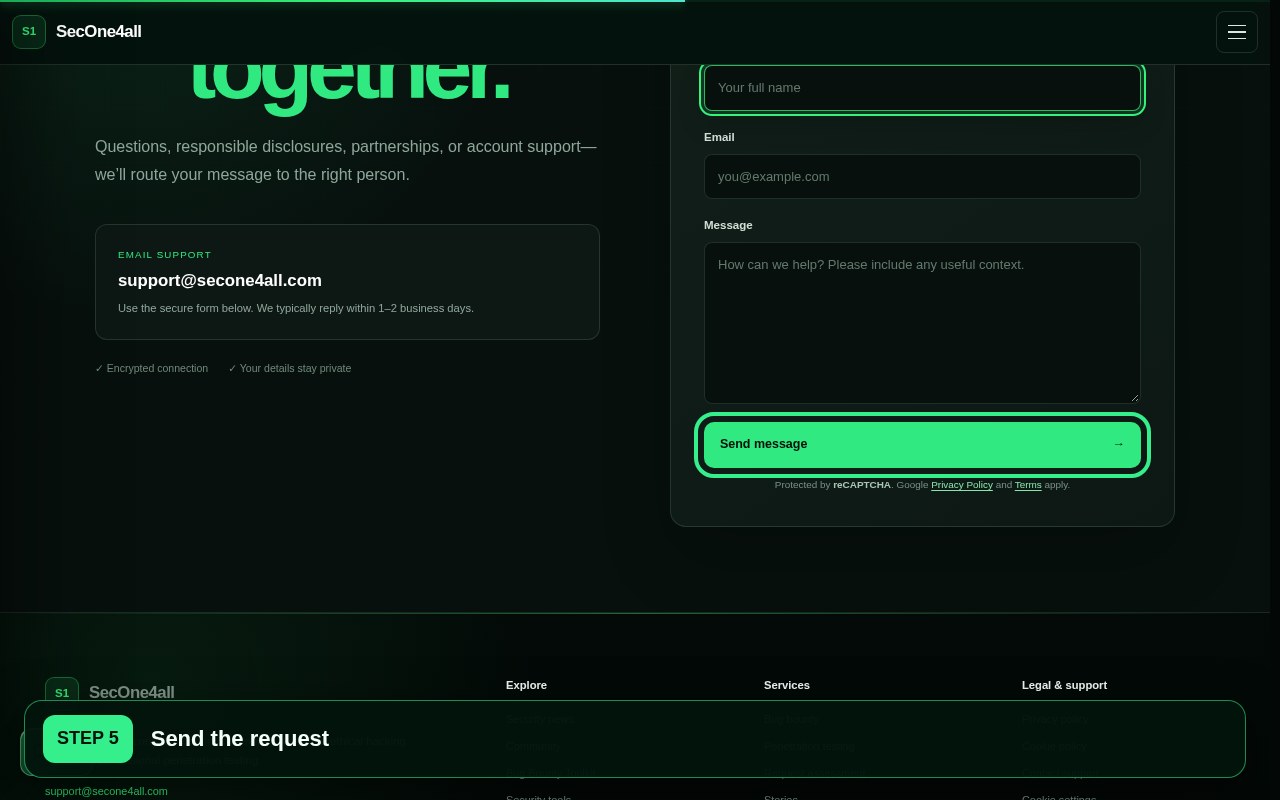
Step 5: Send the request
Press Send message once the form is complete.
What you will see: The page confirms that the support request was submitted.
Open the feature
Use the button below to open the current SecOne4all interface and follow the same five steps.


Leave a Reply