Bug Bounty Services: Capabilities and Engagement Flow

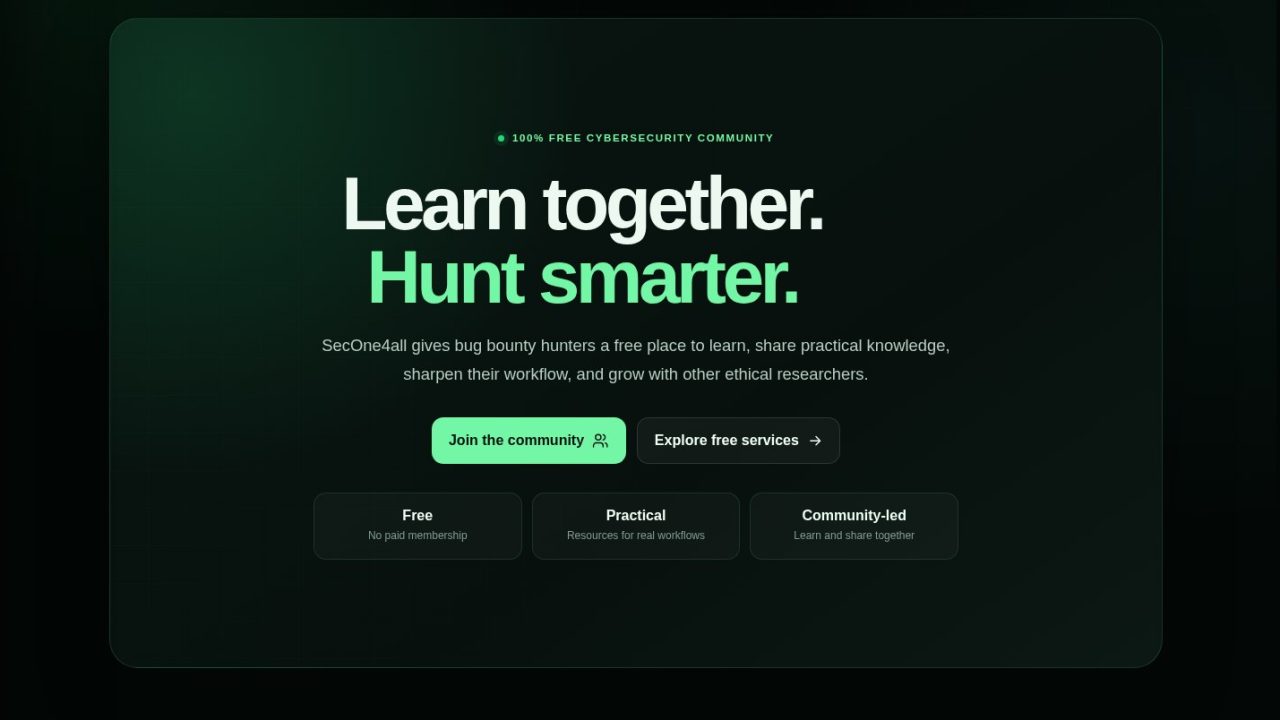
The Bug Bounty service page explains how SecOne4all supports discovery, validation, reporting, and research workflows. It also connects the service overview to the platform tools that support each stage.
What this feature does
The Bug Bounty service page explains how SecOne4all supports discovery, validation, reporting, and research workflows. It also connects the service overview to the platform tools that support each stage. The walkthrough below follows the current interface in the order shown on screen, and each step includes its own matching image.
Workflow at a glance
- 1.Review the service overview
- 2.Explore the security tools
- 3.Use the recon workspace
- 4.Follow the engagement workflow
- 5.Open the related platform services
How to use the feature
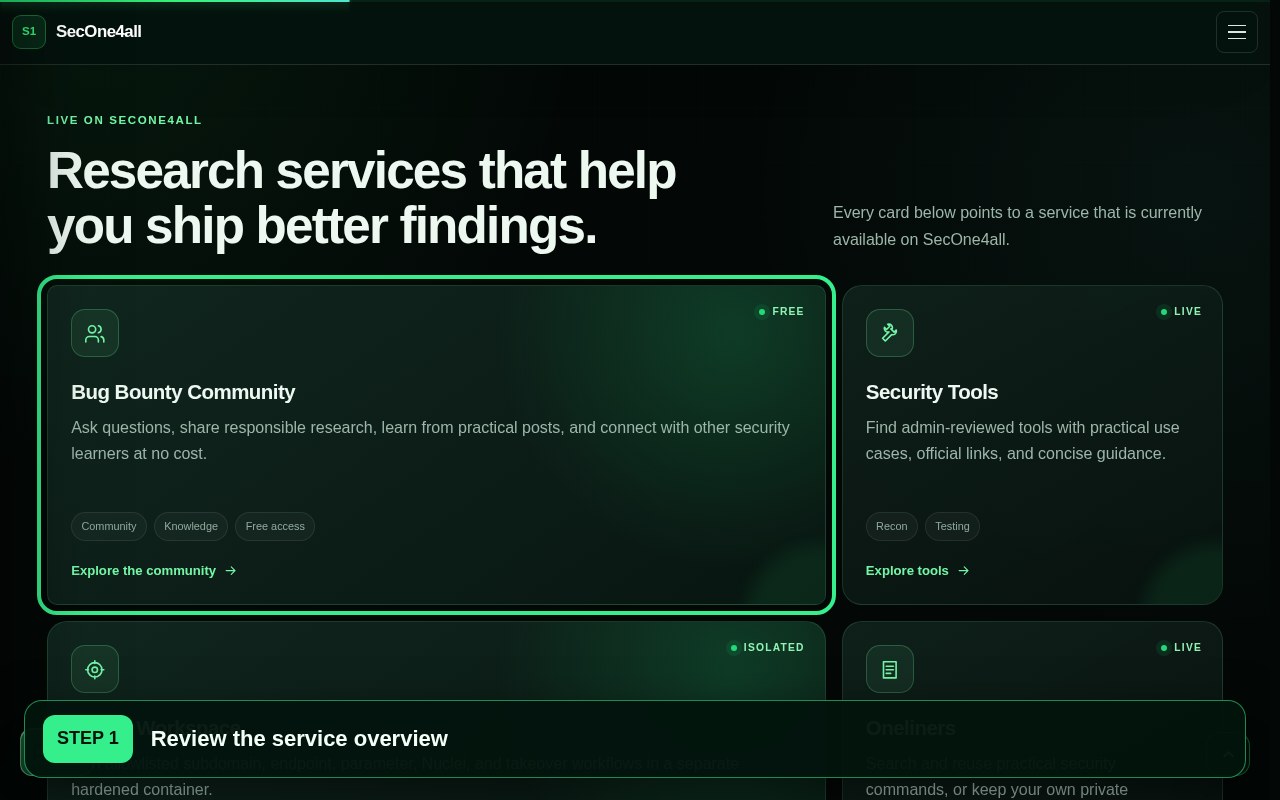
Step 1: Review the service overview
Start with the overview to understand the service areas and how they relate to the platform.
What you will see: The page introduces the available research and testing capabilities.
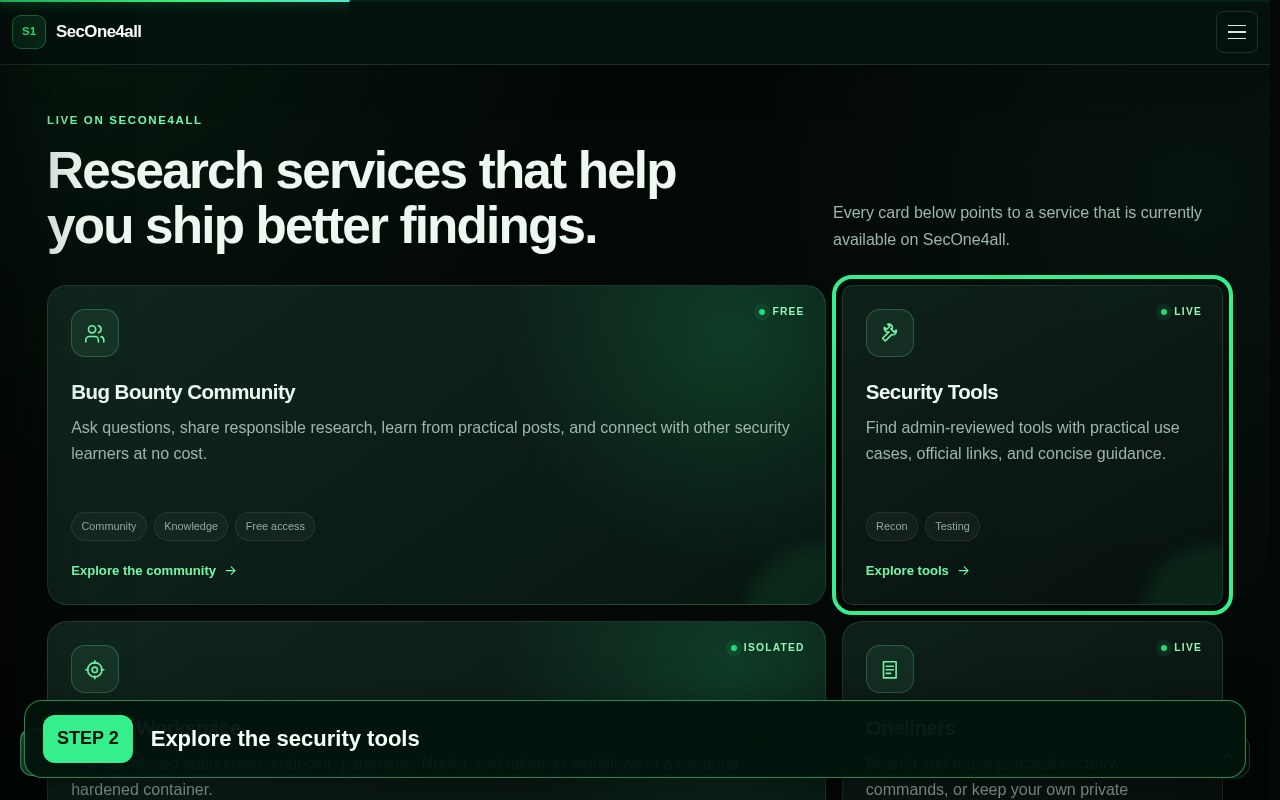
Step 2: Explore the security tools
Open the Security Tools section to see the workbenches used for request, header, and policy analysis.
What you will see: You can move from the service page directly into the relevant toolkit.
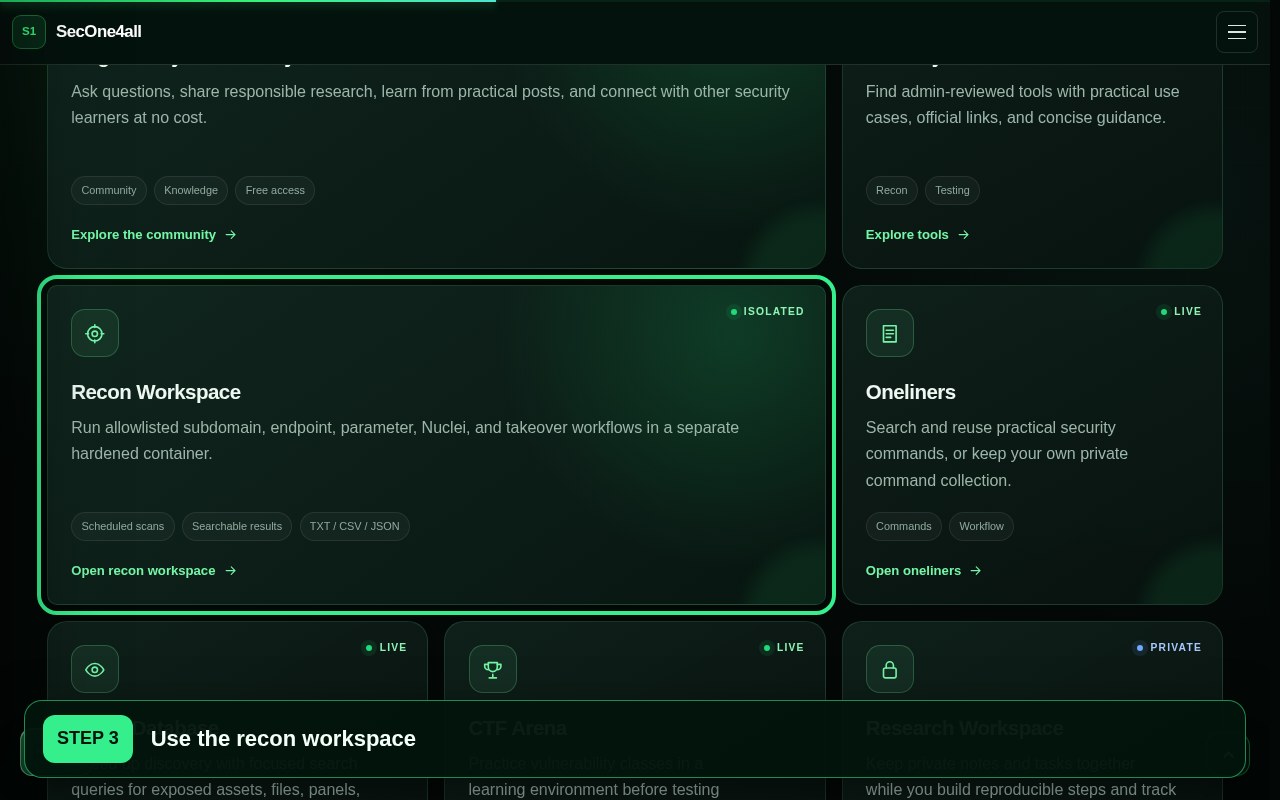
Step 3: Use the recon workspace
Review Recon Workspace for the target-oriented discovery workflow.
What you will see: This section explains where reconnaissance work is organized.
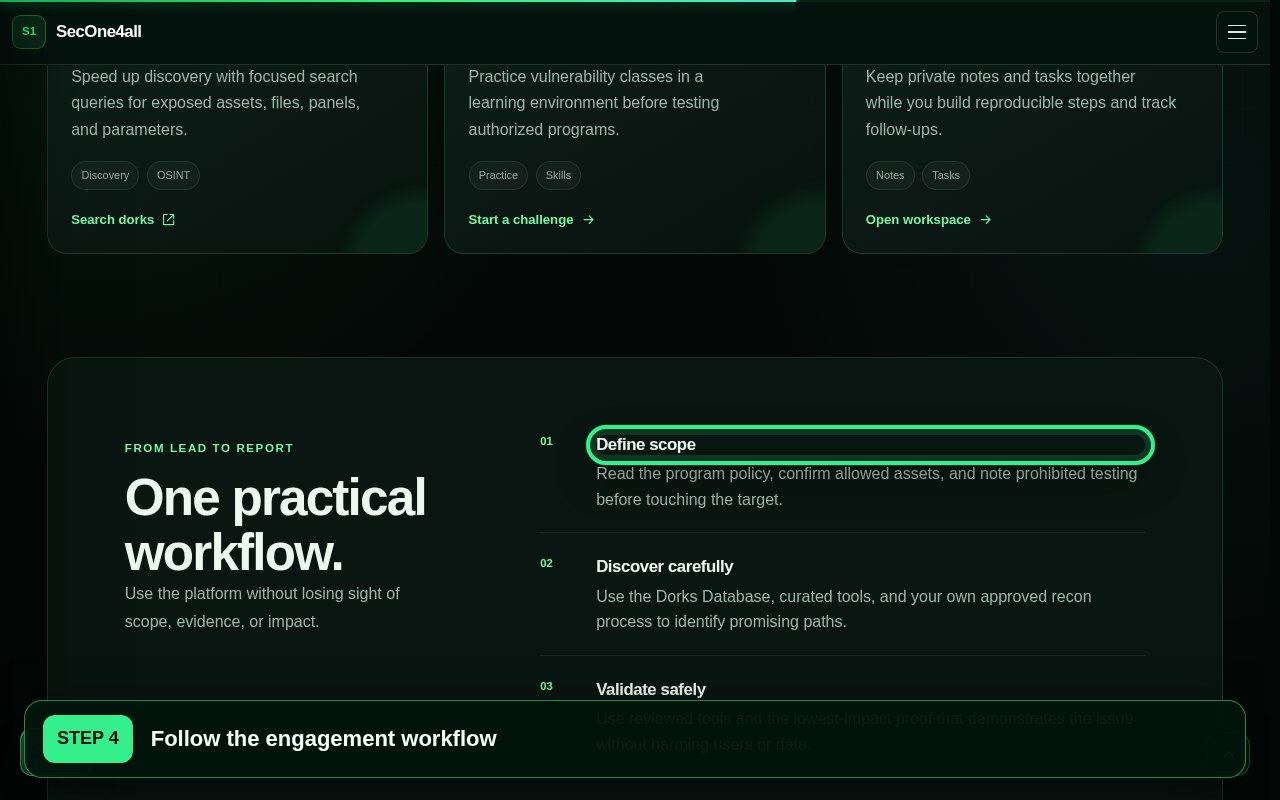
Step 4: Follow the engagement workflow
Read the sequence from Define scope through Discover, Validate, and Build report.
What you will see: The process shows the order in which an assessment moves from boundaries to deliverables.
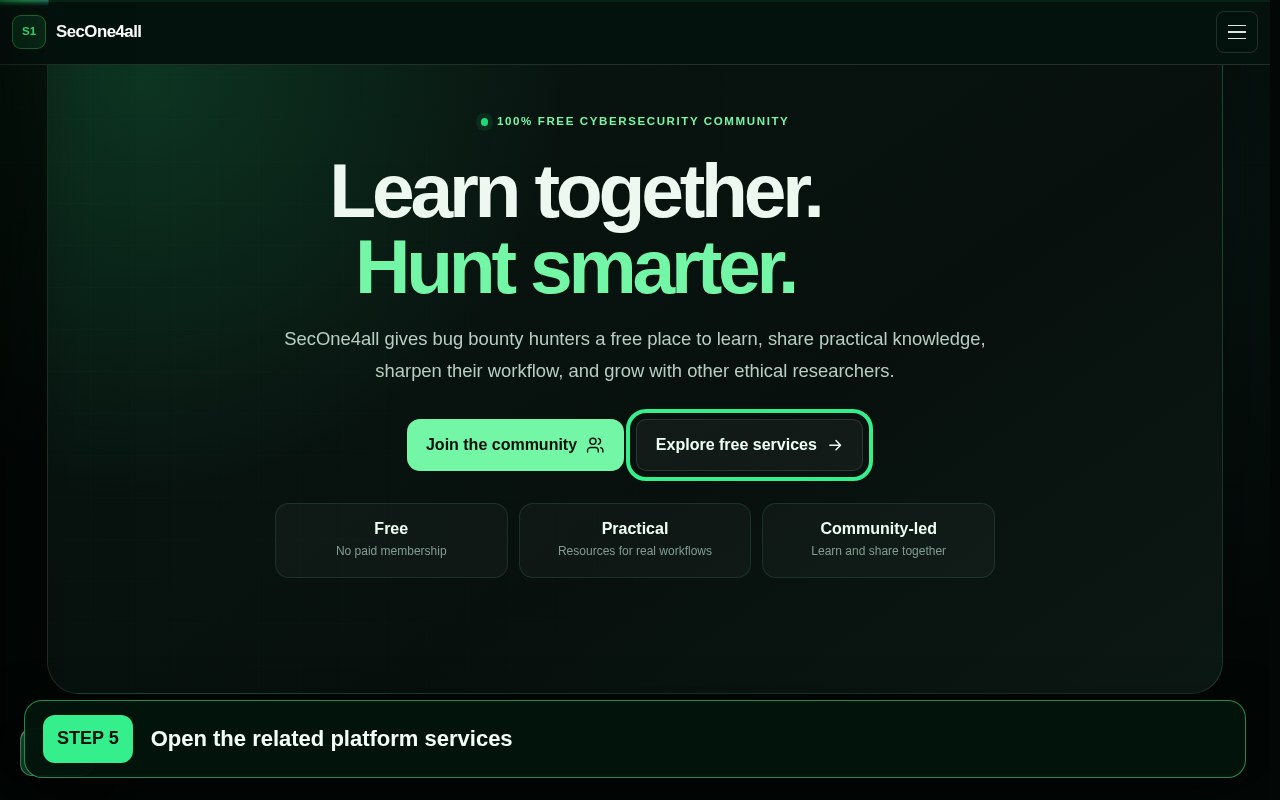
Step 5: Open the related platform services
Use Explore free services to continue from the overview to the available platform capabilities.
What you will see: The linked services and workbenches open from the service overview.
Open the feature
Use the button below to open the current SecOne4all interface and follow the same five steps.
Leave a Reply