CTF Events: Understand the Published Event Schedule

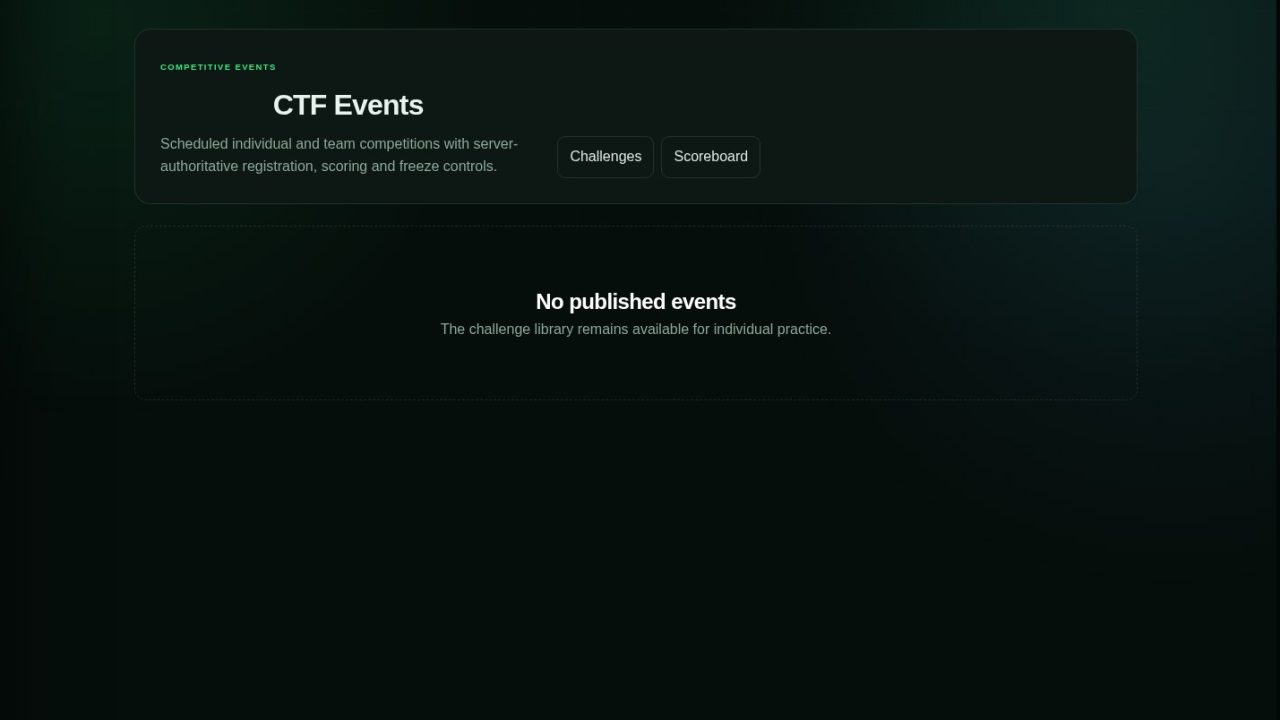
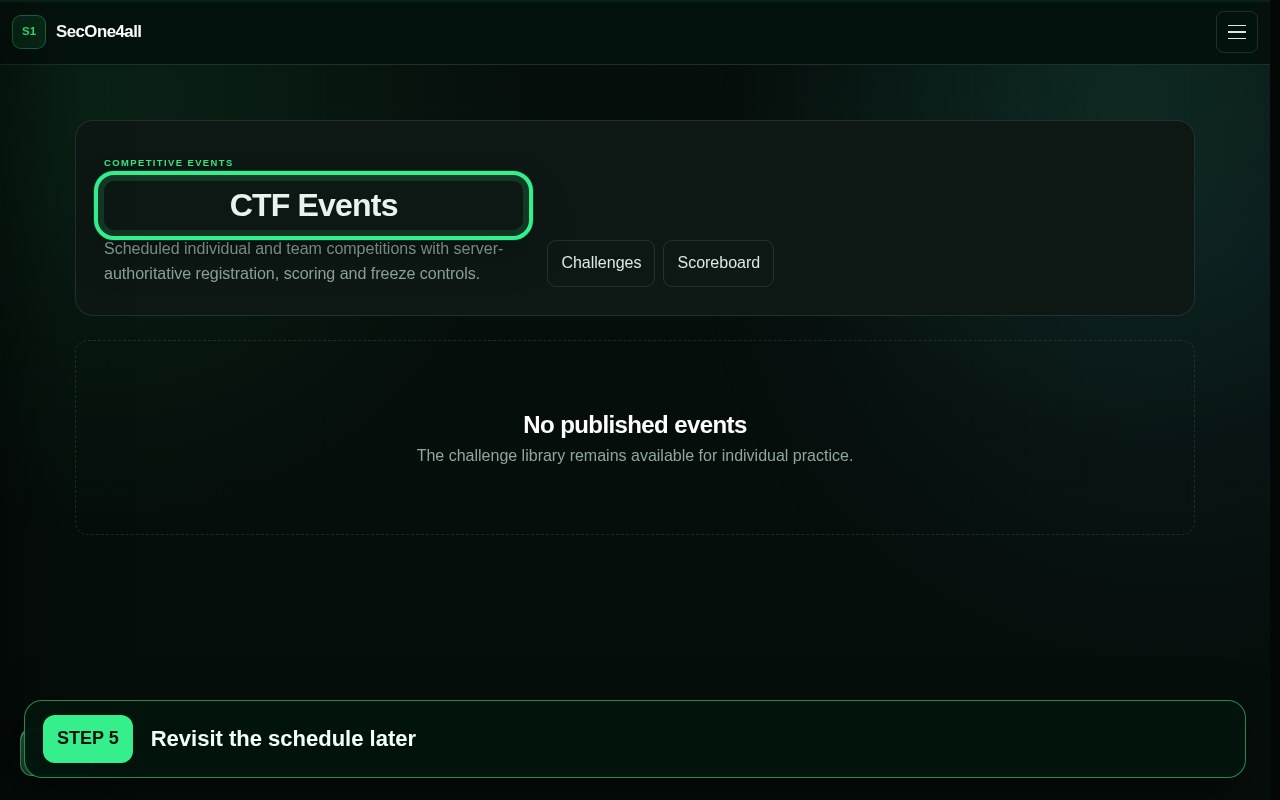
The CTF Events page is the schedule for competitions published on SecOne4all. When no event is currently published, the page states that clearly instead of presenting registration controls that do not exist.
What this feature does
The CTF Events page is the schedule for competitions published on SecOne4all. When no event is currently published, the page states that clearly instead of presenting registration controls that do not exist. The walkthrough below follows the current interface in the order shown on screen, and each step includes its own matching image.
Workflow at a glance
- 1.Open the event schedule
- 2.Check whether events are published
- 3.Return to challenges
- 4.Review the scoreboard
- 5.Revisit the schedule later
How to use the feature
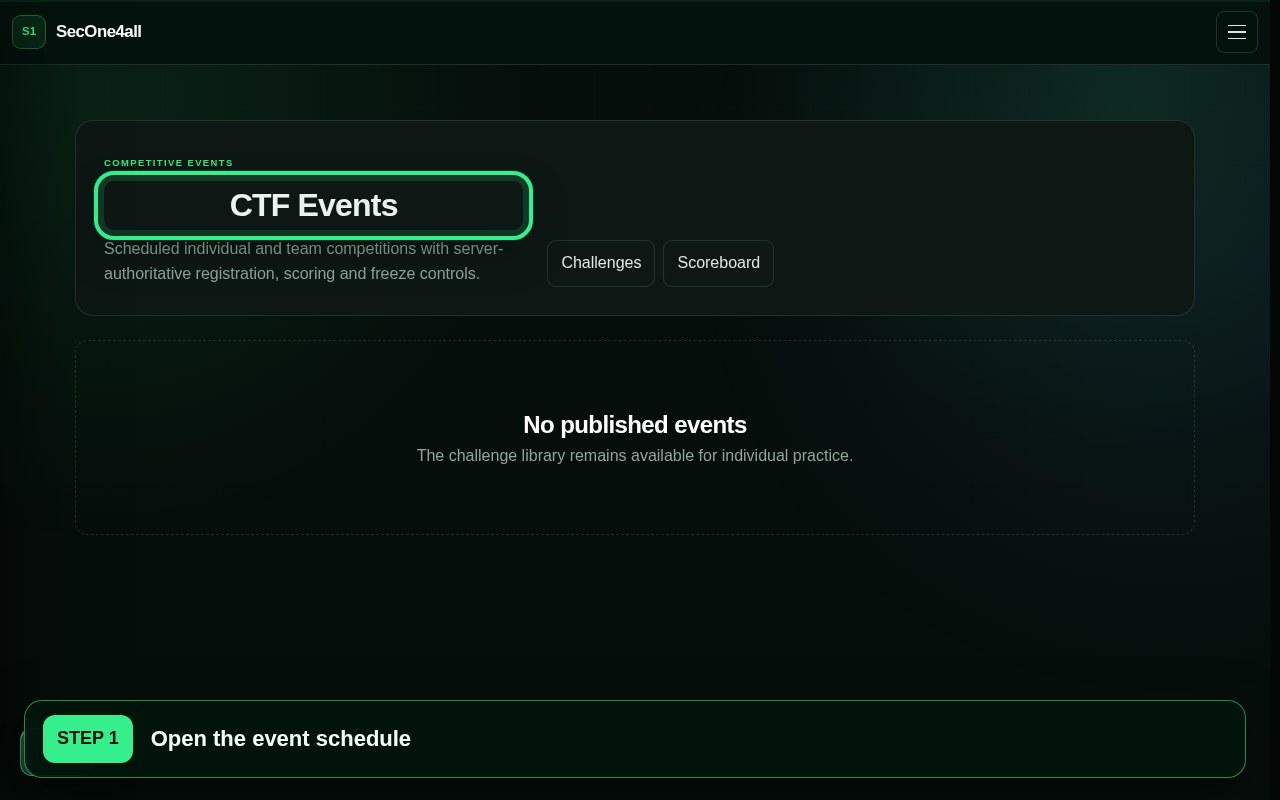
Step 1: Open the event schedule
Use the CTF navigation to open the Events page.
What you will see: The event schedule loads with its current publication state.
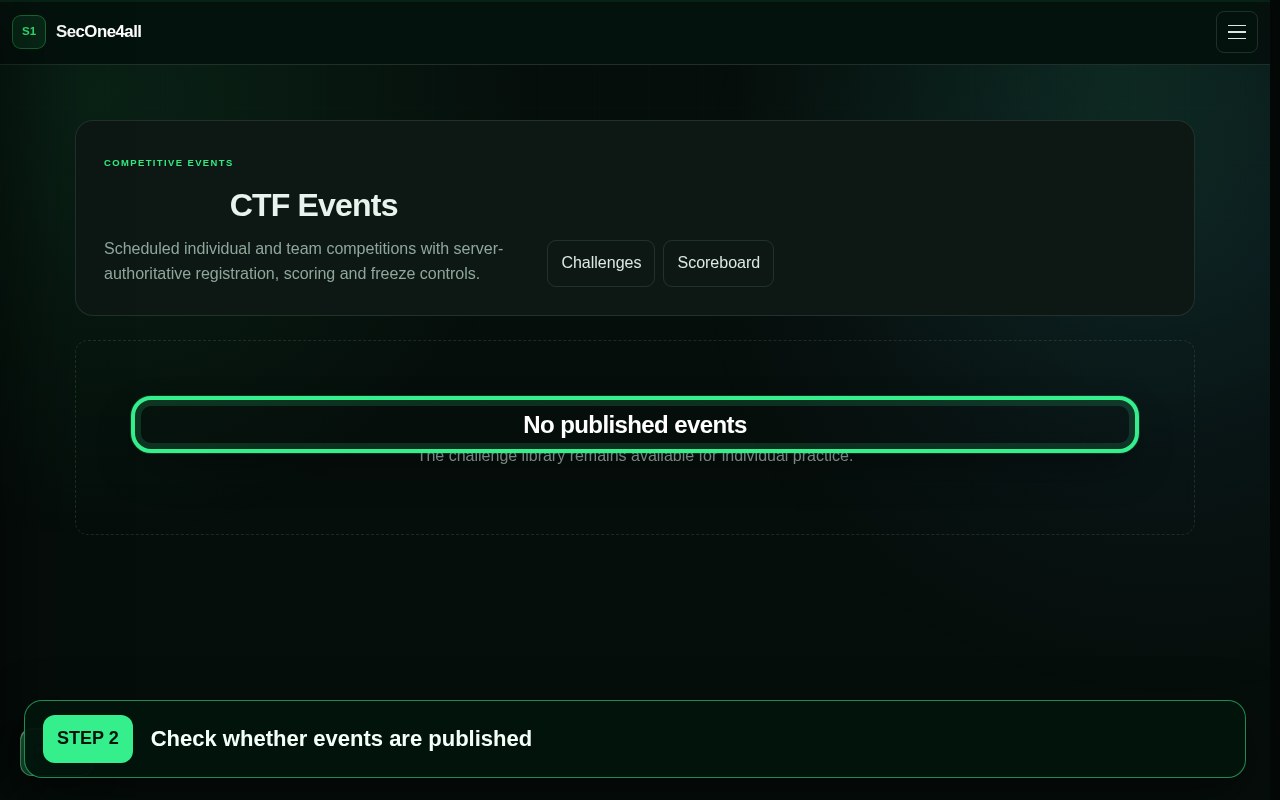
Step 2: Check whether events are published
Read the status directly below the page heading.
What you will see: If the empty state is shown, there is no event available to open or register for at that moment.
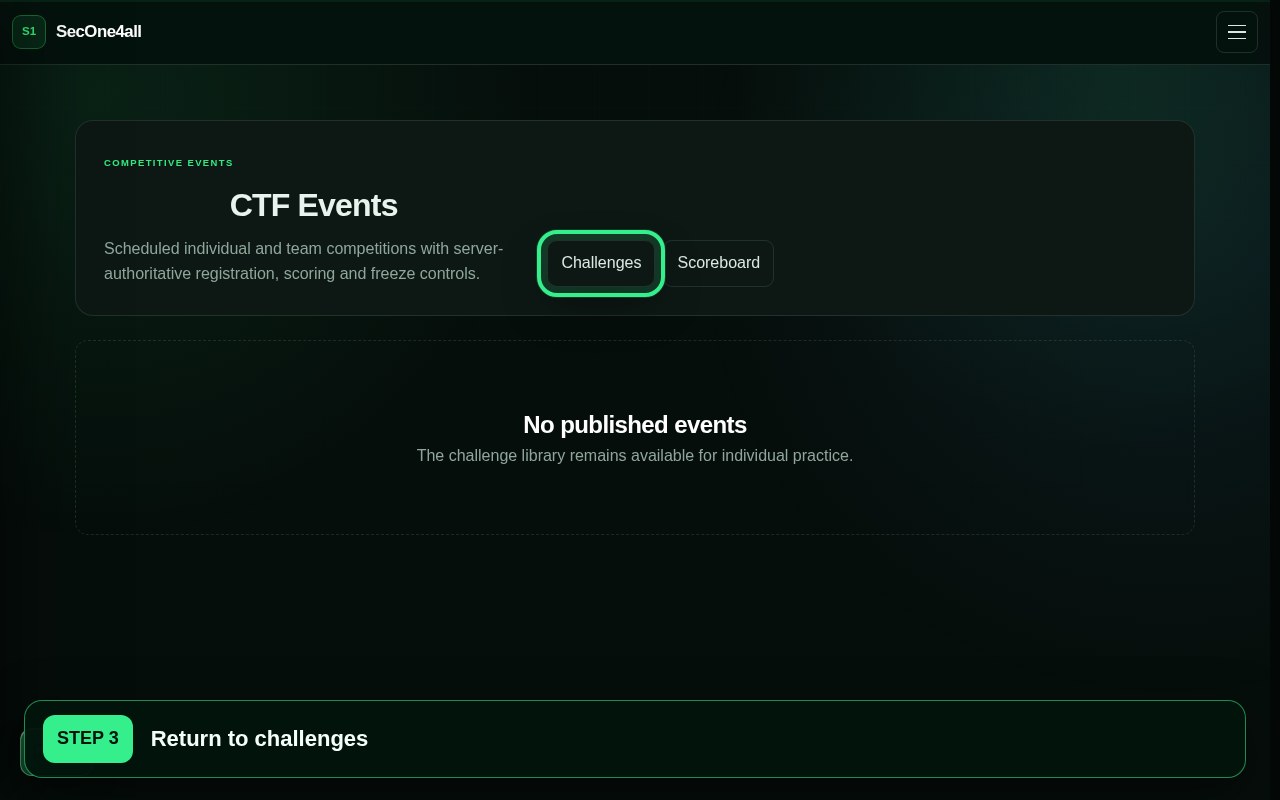
Step 3: Return to challenges
Use the Challenges navigation item to continue with the permanent challenge catalog.
What you will see: You can keep practicing even when the event schedule is empty.
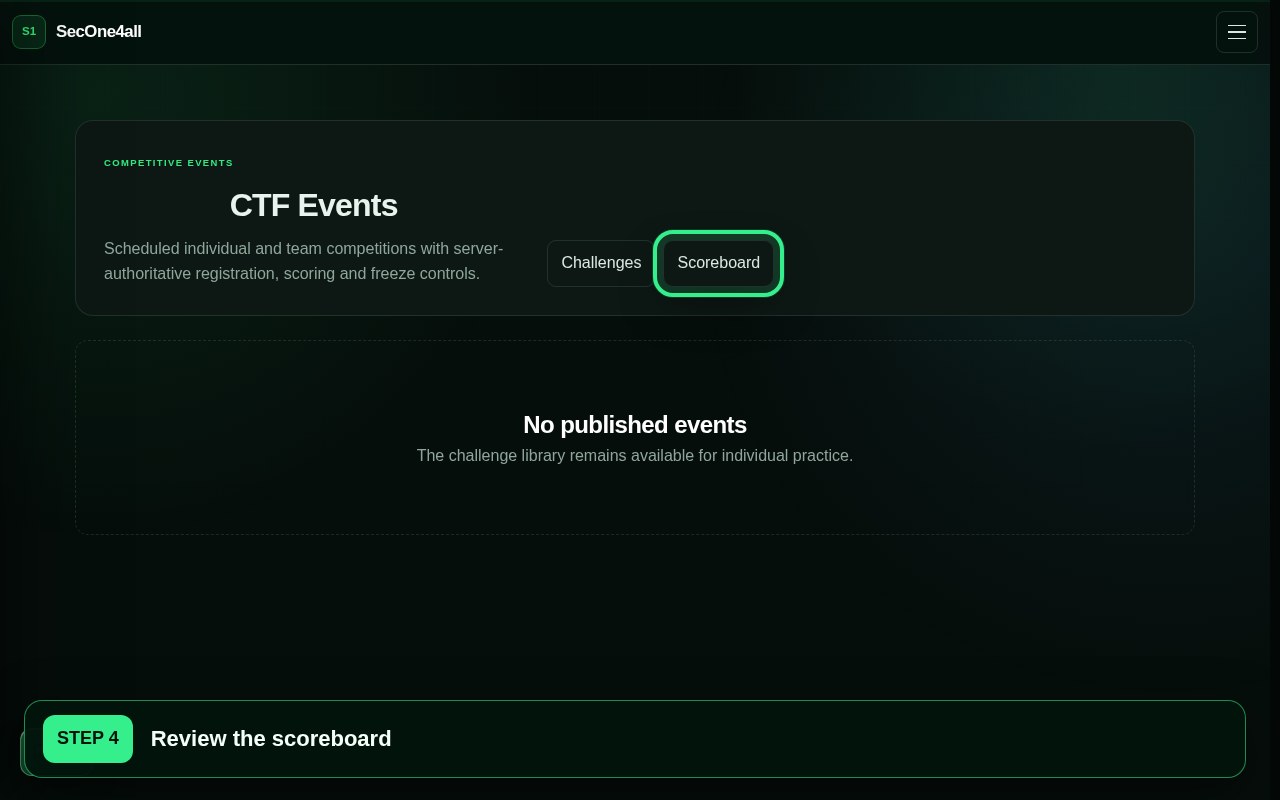
Step 4: Review the scoreboard
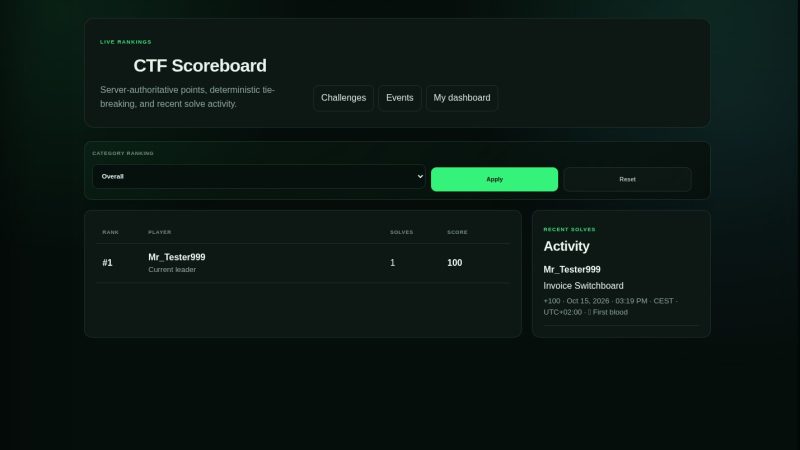
Open Scoreboard from the same CTF navigation group.
What you will see: The ranking page is available independently of the event list.
Step 5: Revisit the schedule later
Return to Events when a competition is announced.
What you will see: Published event cards and their details will appear on this page when available.
Open the feature
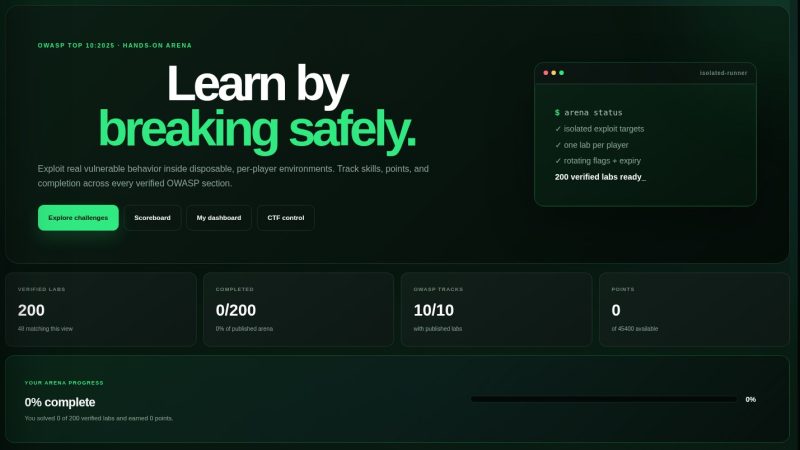
Use the button below to open the current SecOne4all interface and follow the same five steps.
Leave a Reply