Community Leaderboard: Find Members by Contribution

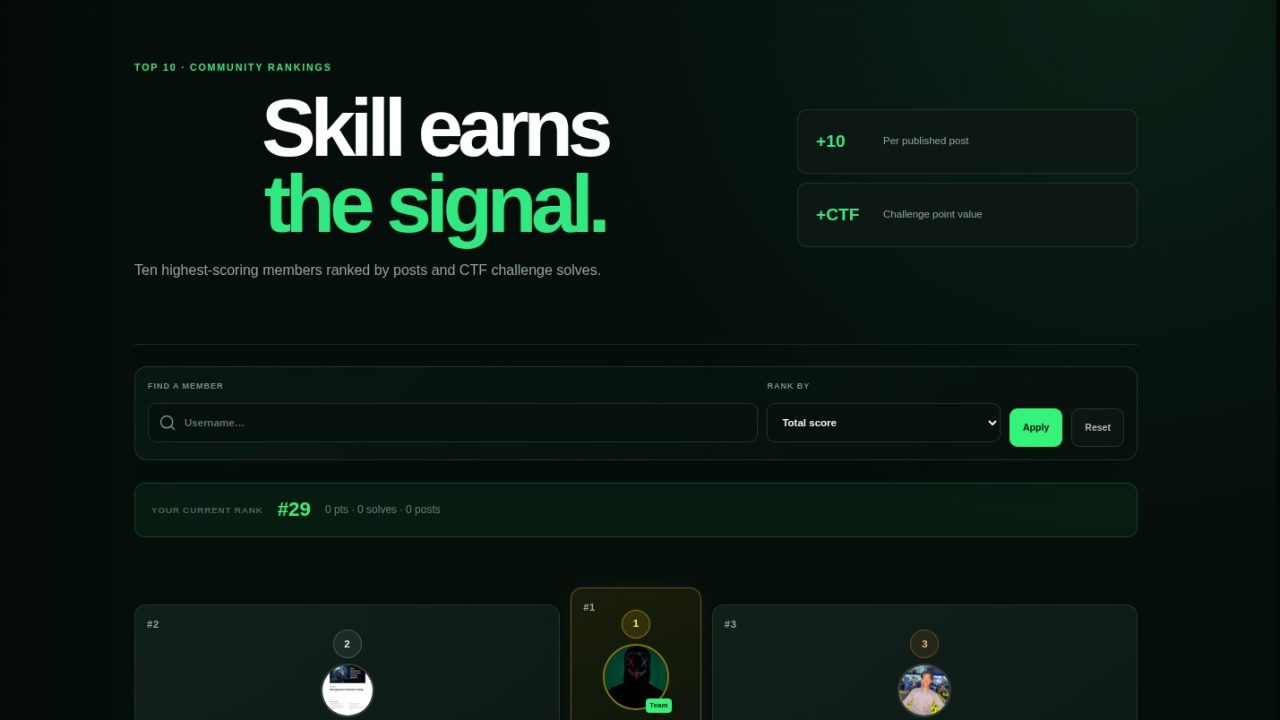
The Community Leaderboard ranks member activity using selectable contribution measures. It also doubles as a discovery tool for opening public member profiles.
What this feature does
The Community Leaderboard ranks member activity using selectable contribution measures. It also doubles as a discovery tool for opening public member profiles. The walkthrough below follows the current interface in the order shown on screen, and each step includes its own matching image.
Workflow at a glance
- 1.Find a member
- 2.Rank by total score
- 3.Rank by published posts
- 4.Rank by CTF solves
- 5.Open a public profile
How to use the feature
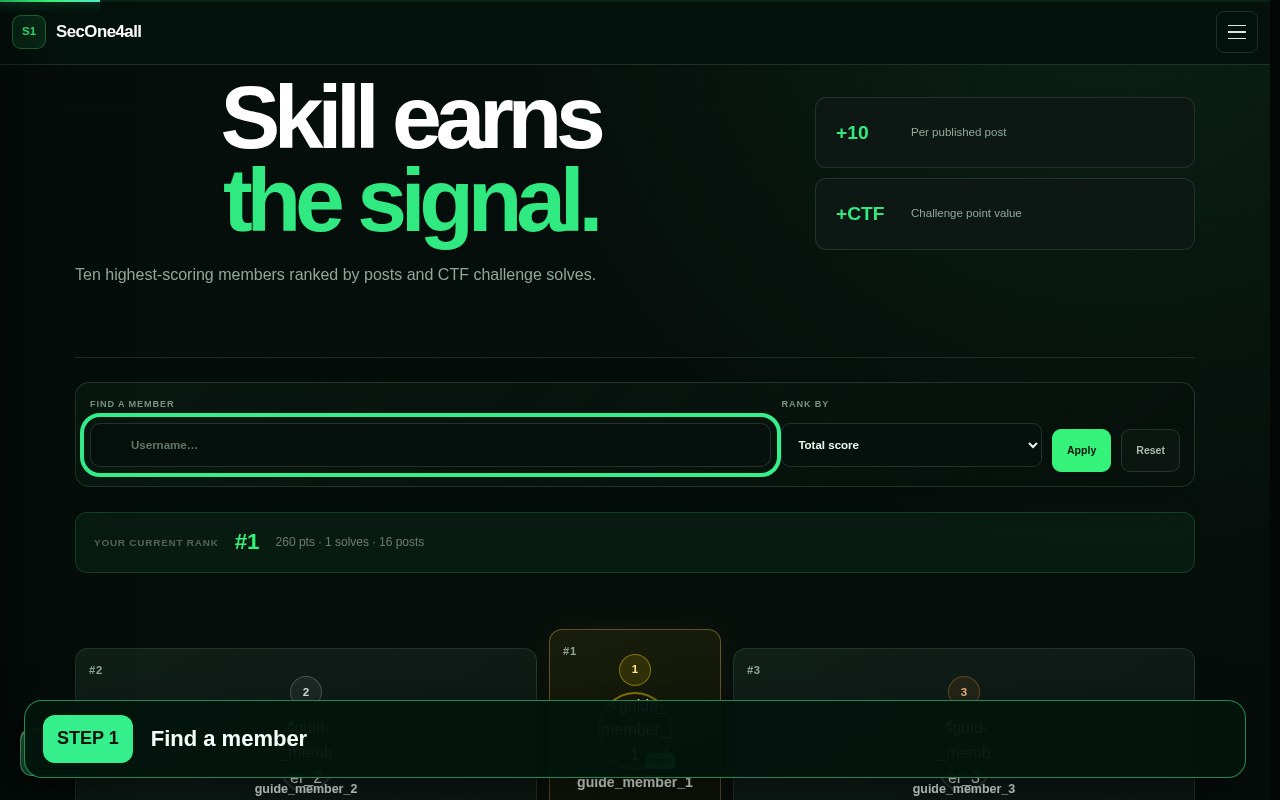
Step 1: Find a member
Enter a username in Find a member.
What you will see: The ranking list narrows to matching profiles.
Step 2: Rank by total score
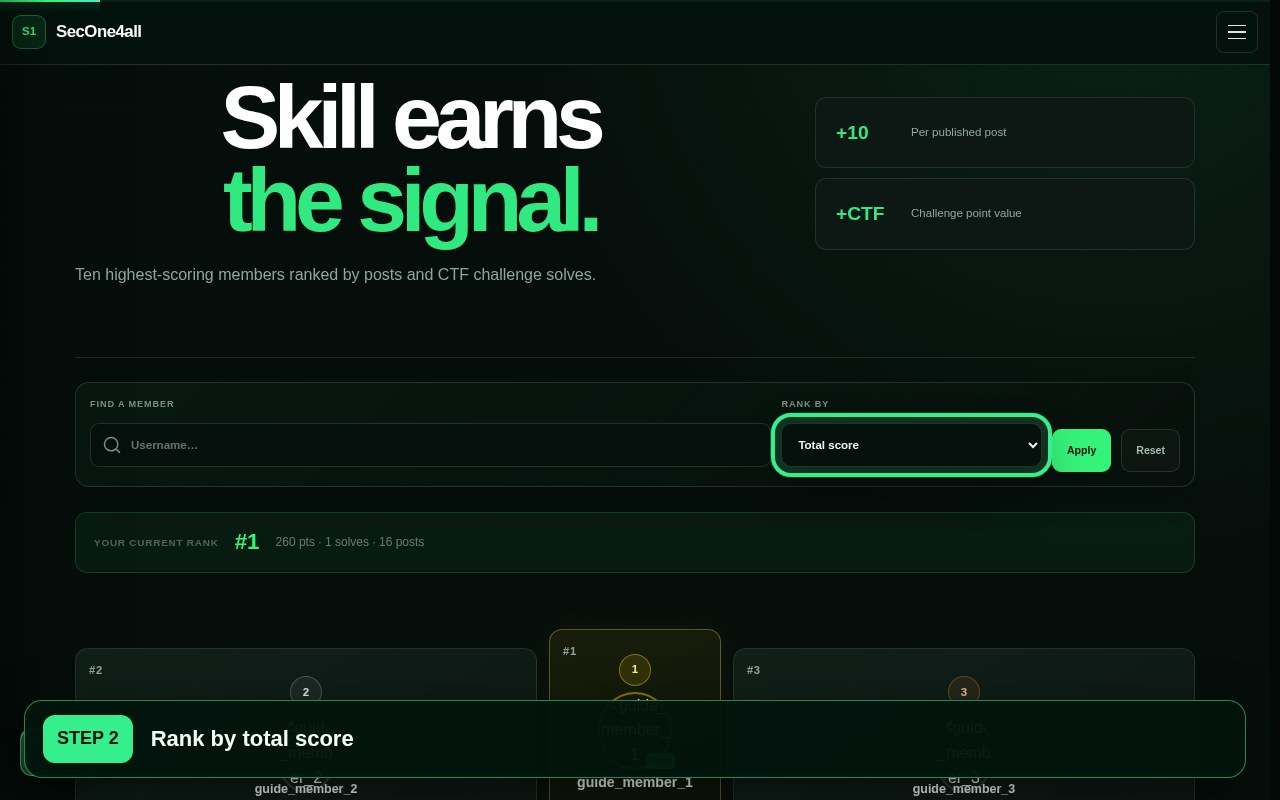
Choose Total score to compare overall contribution across the platform.
What you will see: The members are ordered by the combined score.
Step 3: Rank by published posts
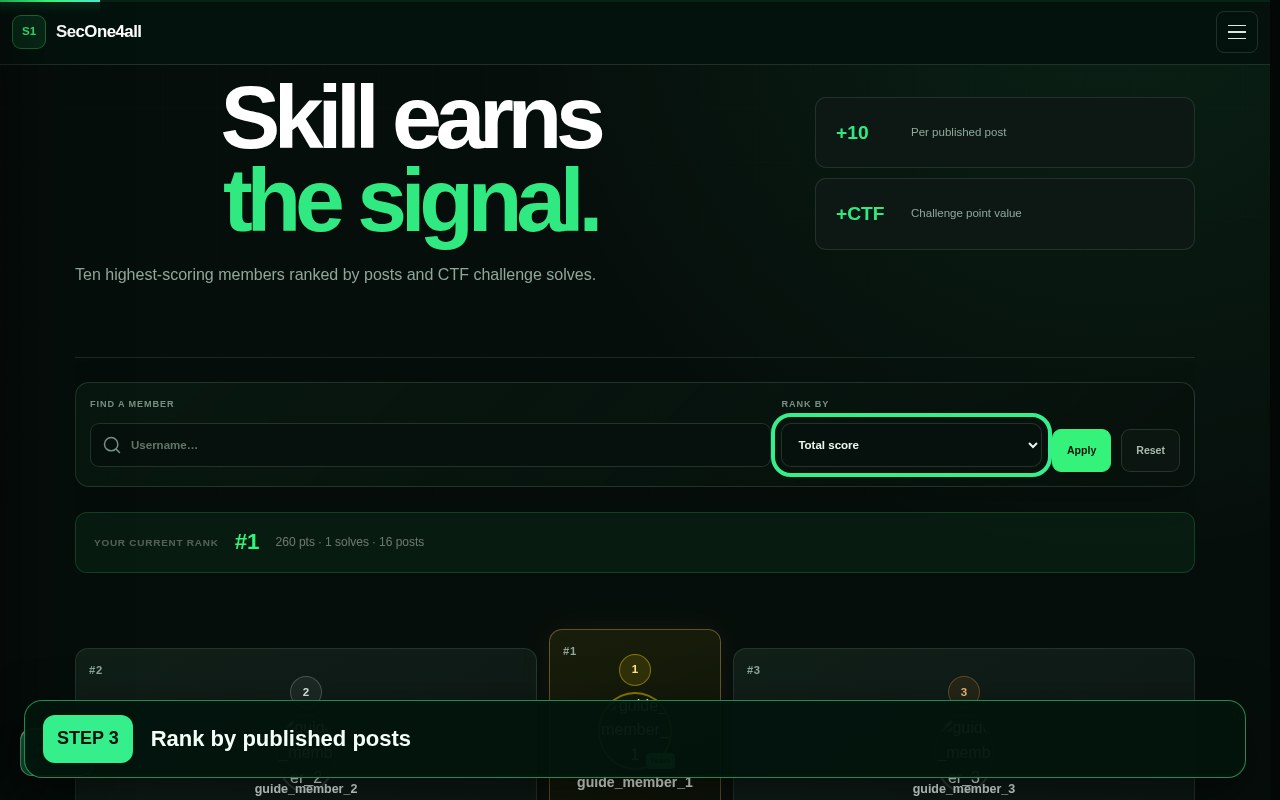
Select Published posts to focus on community publishing activity.
What you will see: The order changes to reflect the number of posts.
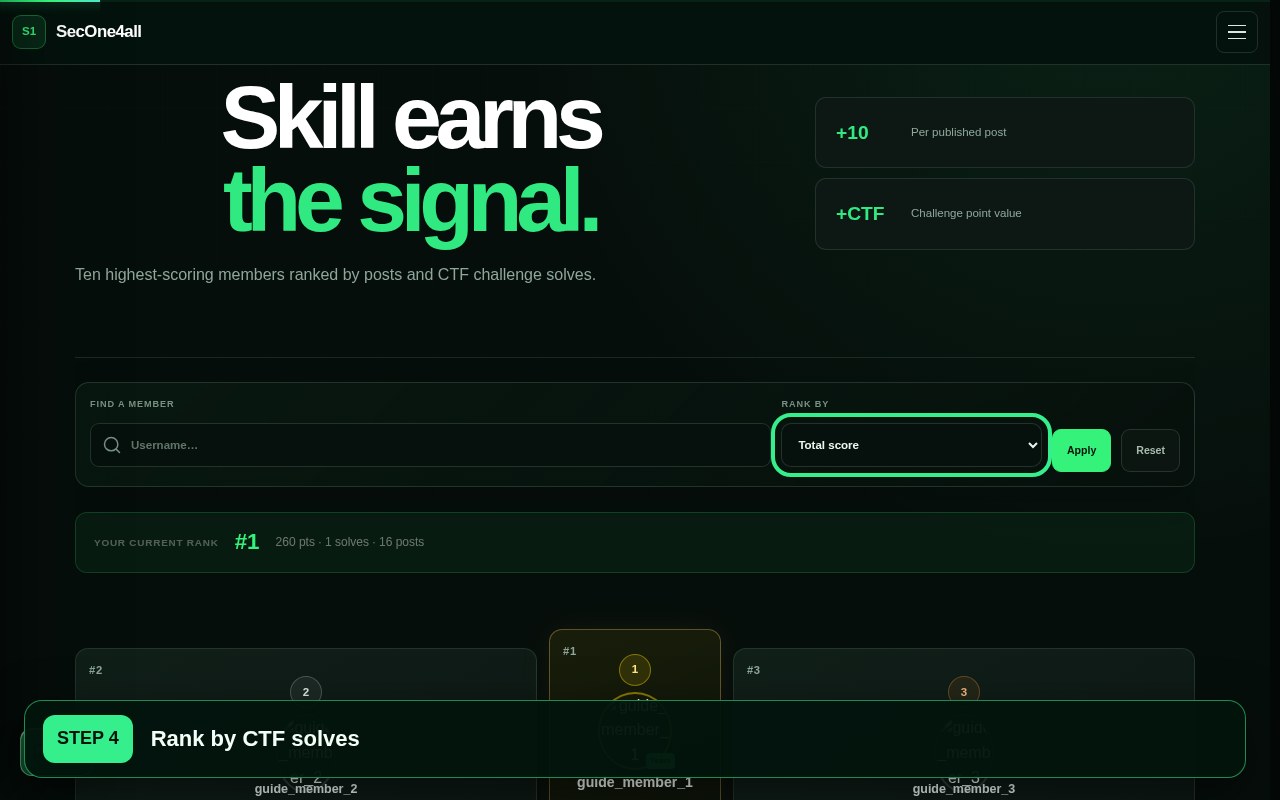
Step 4: Rank by CTF solves
Select CTF solves to compare challenge completion.
What you will see: The leaderboard now emphasizes CTF activity.
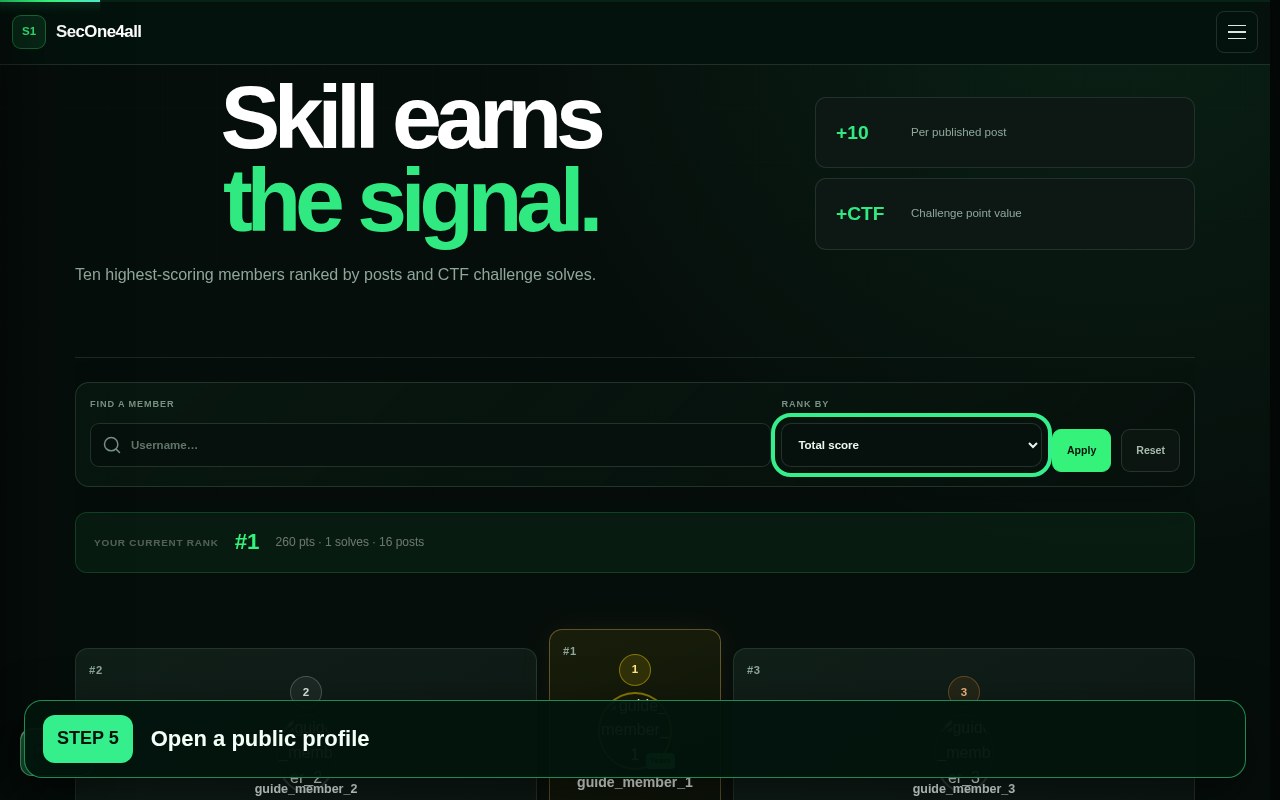
Step 5: Open a public profile
Select a username from the ranking results.
What you will see: The member’s public professional profile opens with the information they chose to share.
Open the feature
Use the button below to open the current SecOne4all interface and follow the same five steps.
Leave a Reply