Payload Library: Browse Files and Copy Direct URLs

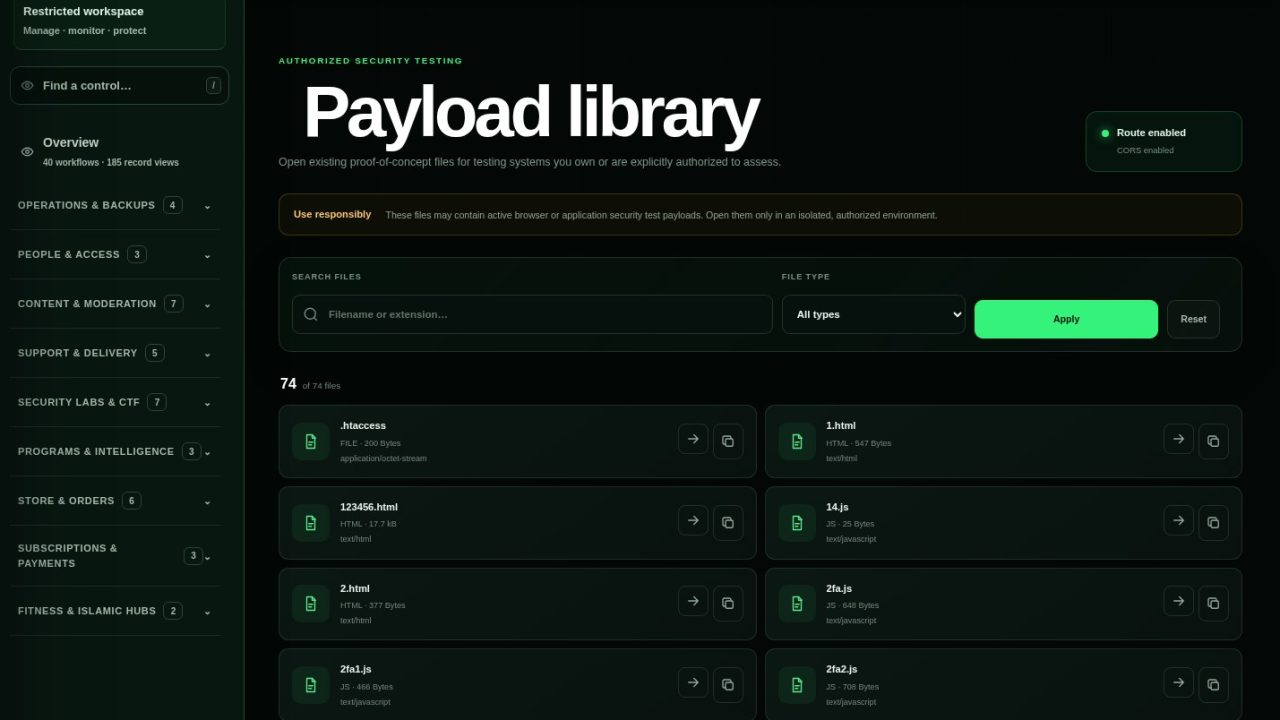
Payload Library presents downloadable test files in a searchable table. File-type filters and copy actions make it easy to locate one asset and use its direct URL.
What this feature does
Payload Library presents downloadable test files in a searchable table. File-type filters and copy actions make it easy to locate one asset and use its direct URL. The walkthrough below follows the current interface in the order shown on screen, and each step includes its own matching image.
Workflow at a glance
- 1.Open the payload catalog
- 2.Search by file name
- 3.Filter by file type
- 4.Review the file row
- 5.Copy the direct URL
How to use the feature
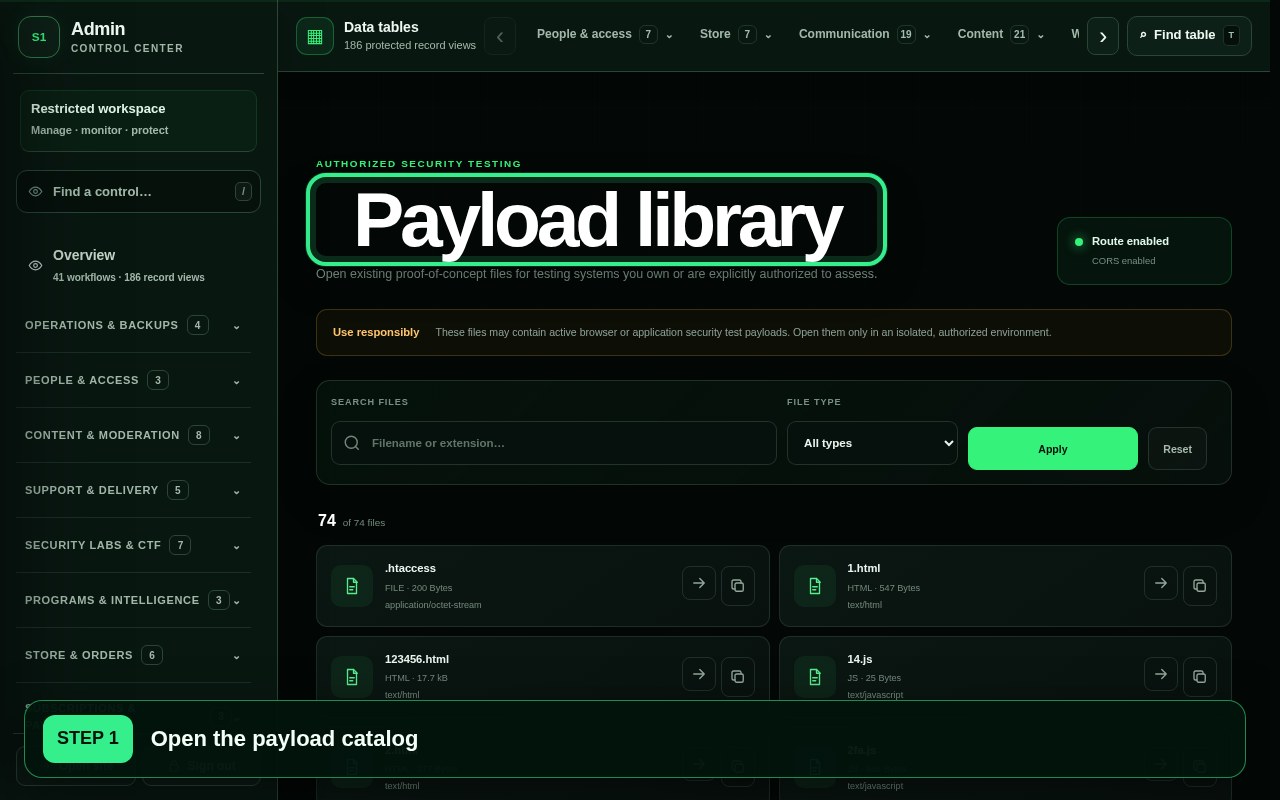
Step 1: Open the payload catalog
Open Payloads from the security resources navigation.
What you will see: The file table and its filters appear.
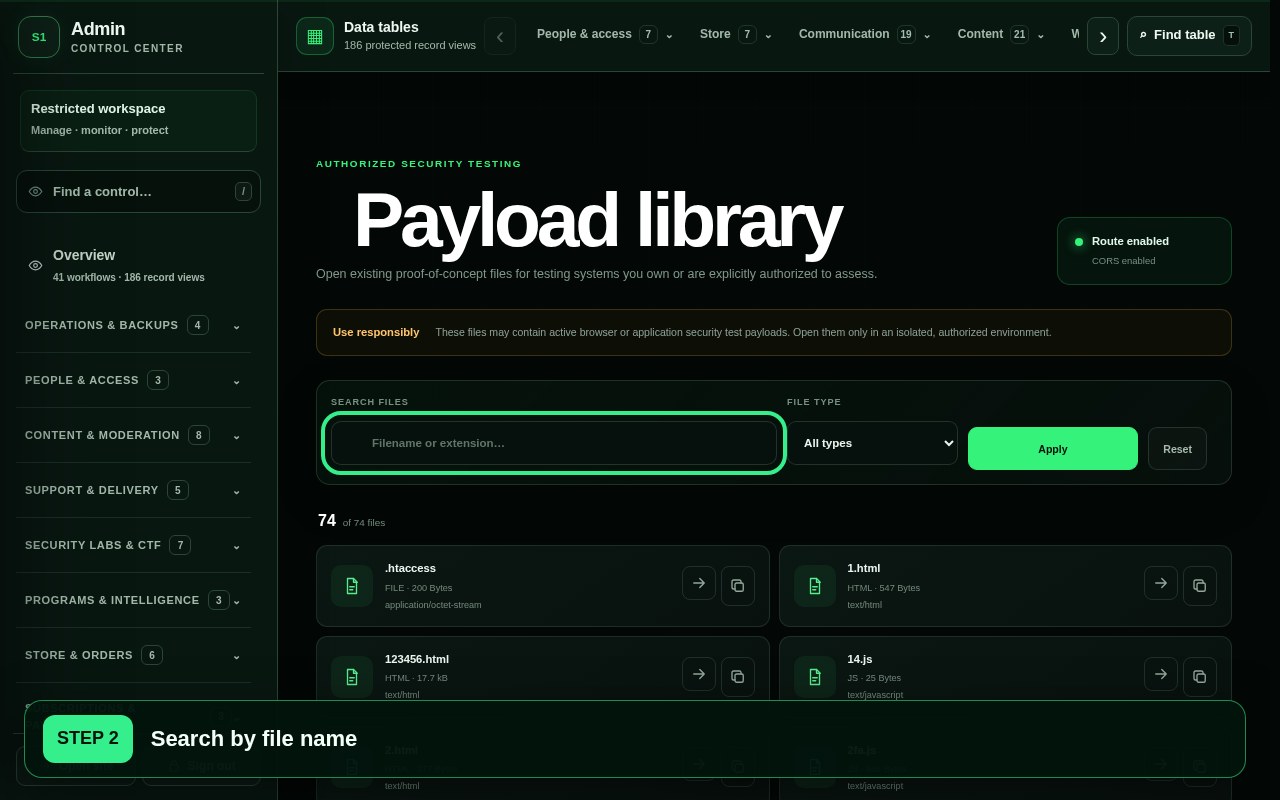
Step 2: Search by file name
Enter part of a file name or description.
What you will see: The table narrows to matching payload records.
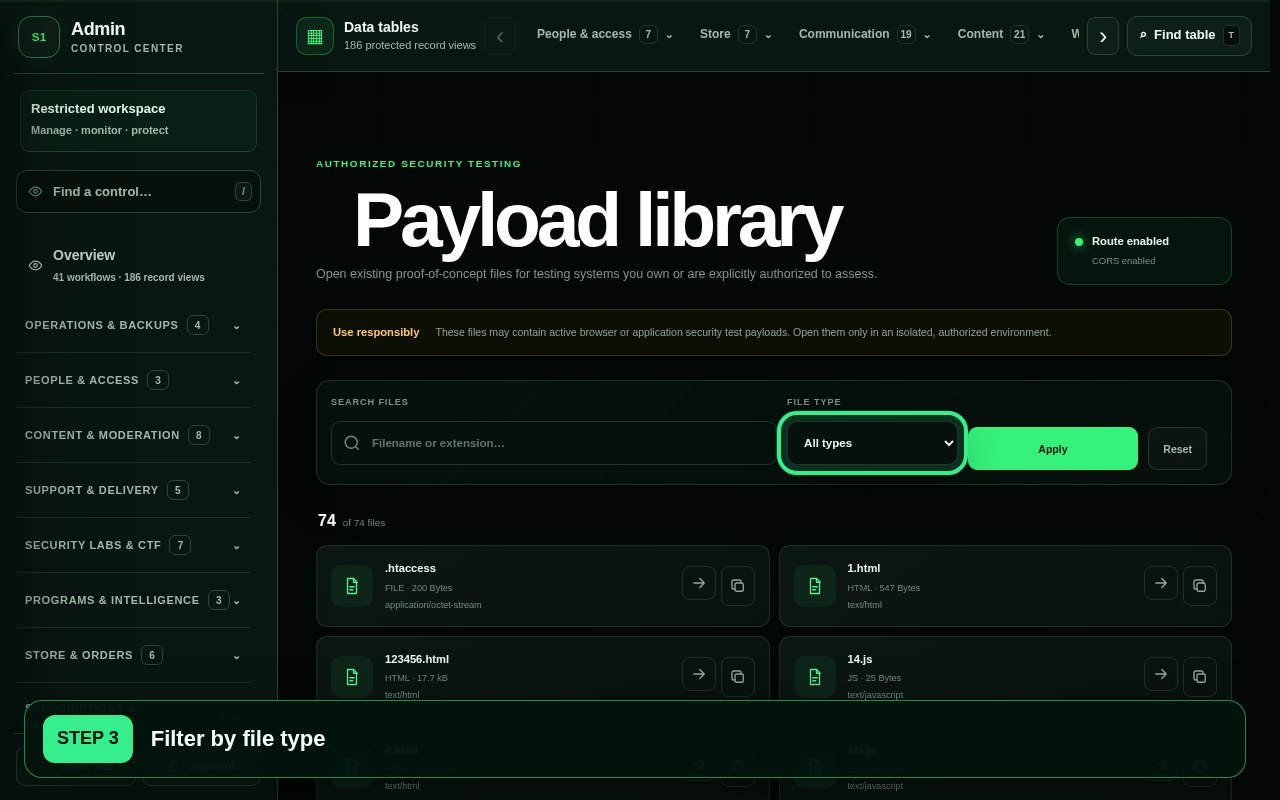
Step 3: Filter by file type
Choose the extension or content type you need.
What you will see: Files of other types are removed from the visible list.
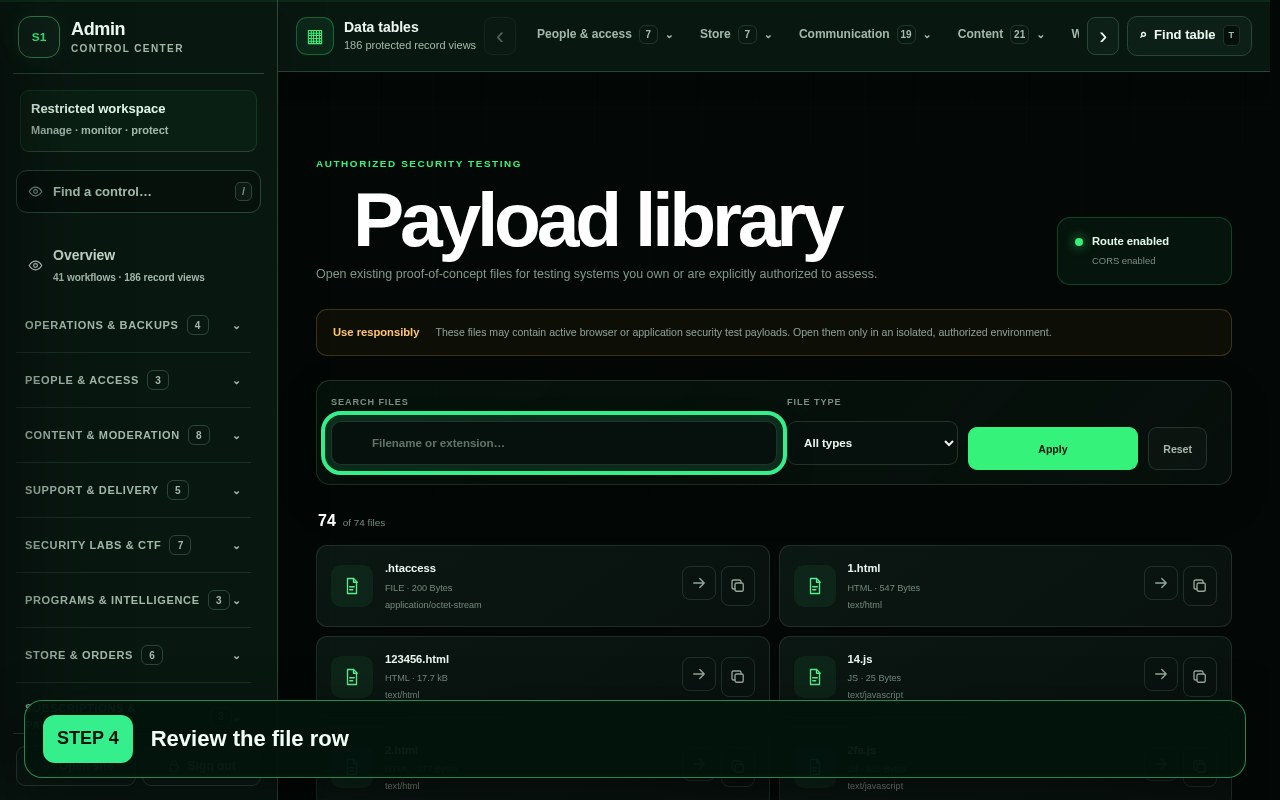
Step 4: Review the file row
Read the name, type, and available metadata on the matching row.
What you will see: You can identify the exact asset before using its URL.
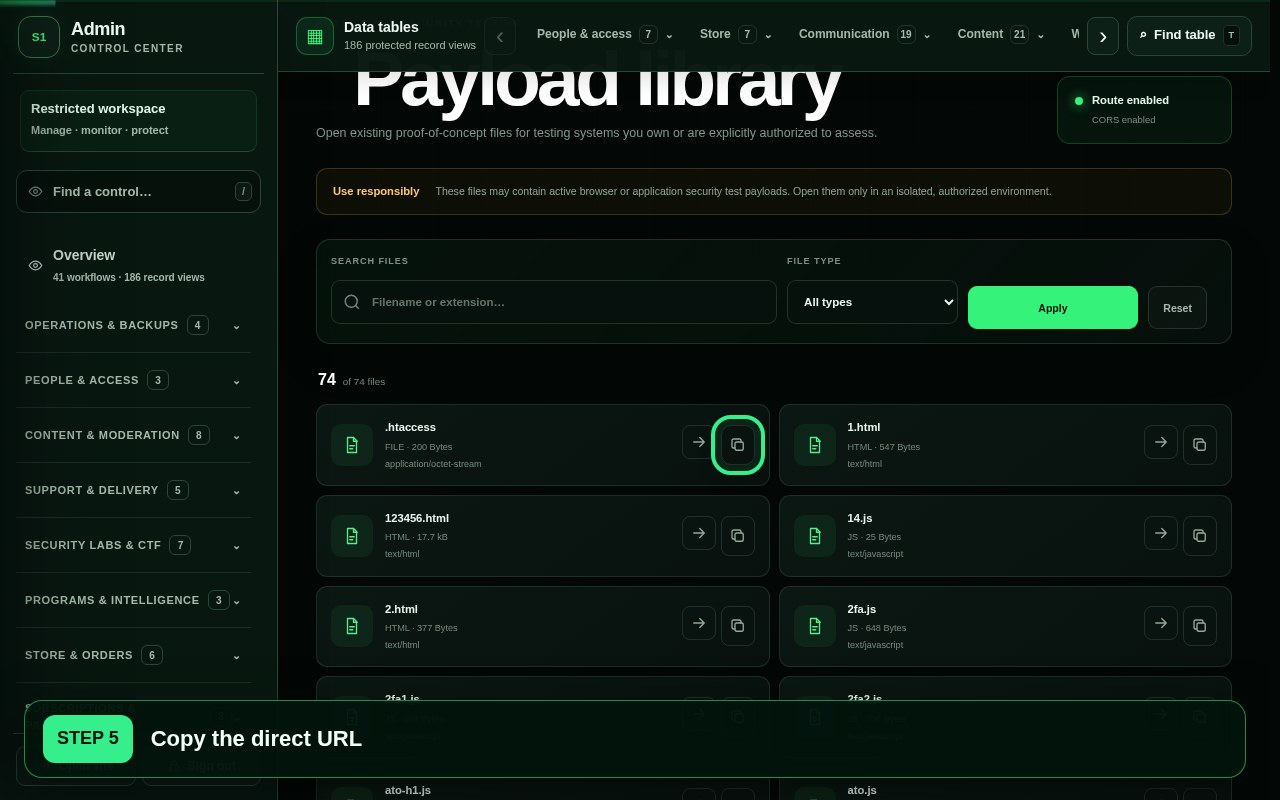
Step 5: Copy the direct URL
Use Copy URL on the selected file row.
What you will see: The direct payload URL is placed on the clipboard.
Open the feature
Use the button below to open the current SecOne4all interface and follow the same five steps.
Leave a Reply