WAF Research Library: Search the Moderated Catalog

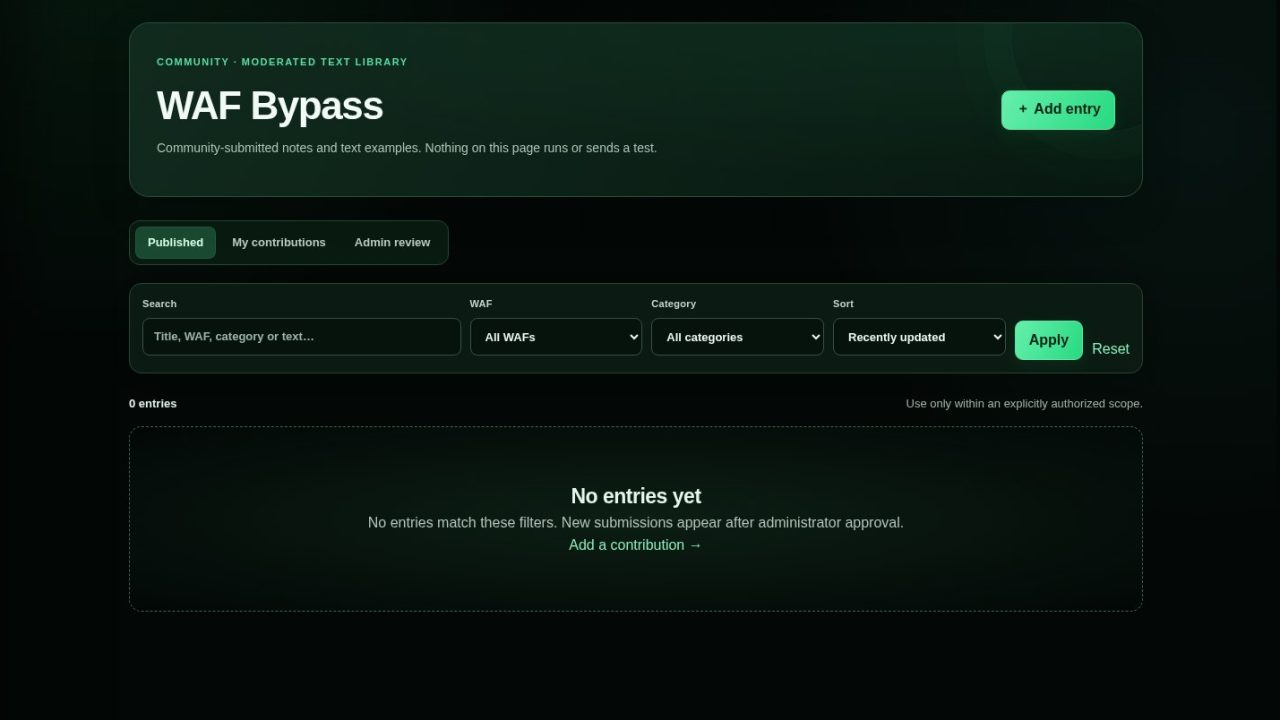
The WAF Research Library is a moderated catalog with search, WAF, category, and sorting controls. The page also communicates clearly when no reviewed entries are currently published.
What this feature does
The WAF Research Library is a moderated catalog with search, WAF, category, and sorting controls. The page also communicates clearly when no reviewed entries are currently published. The walkthrough below follows the current interface in the order shown on screen, and each step includes its own matching image.
Workflow at a glance
- 1.Search the library
- 2.Choose a WAF
- 3.Choose a category
- 4.Set the sort order
- 5.Read the current publication state
How to use the feature
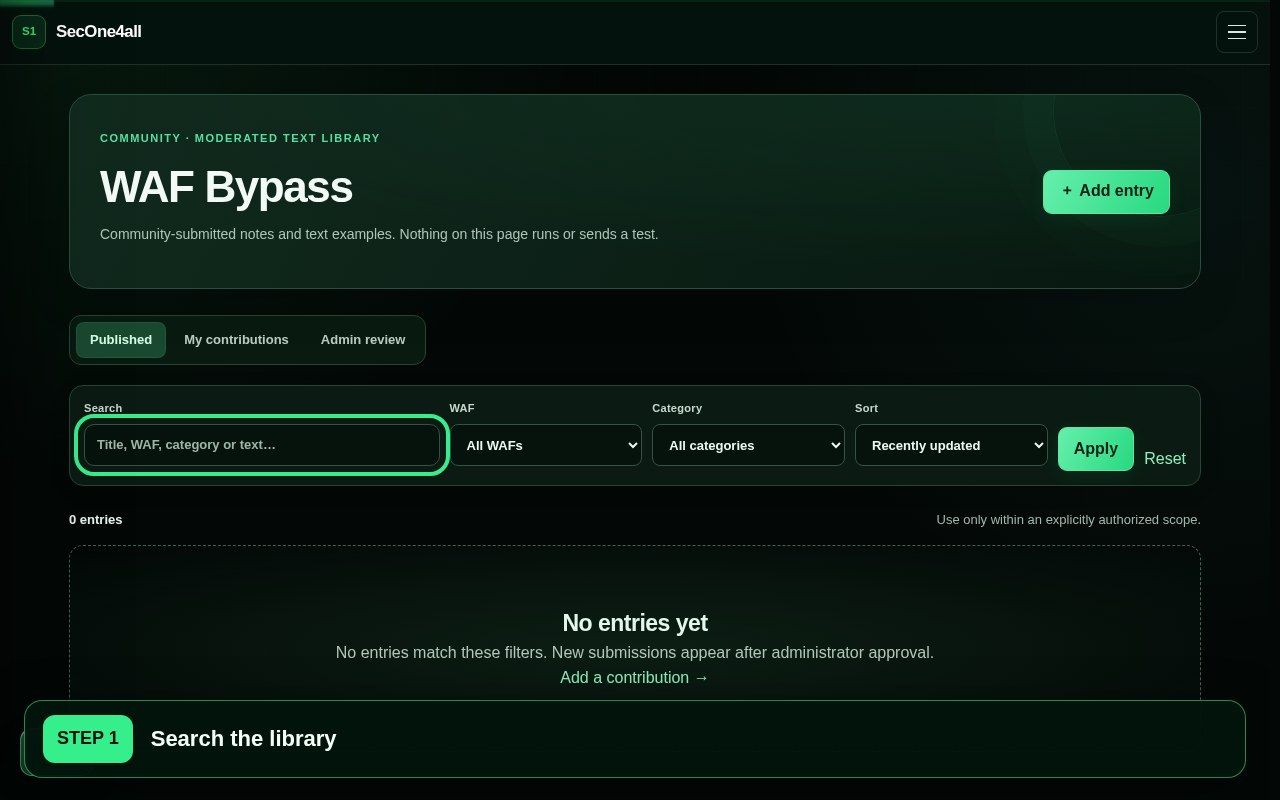
Step 1: Search the library
Enter a product, transformation, or technique term.
What you will see: The catalog searches the published research entries.
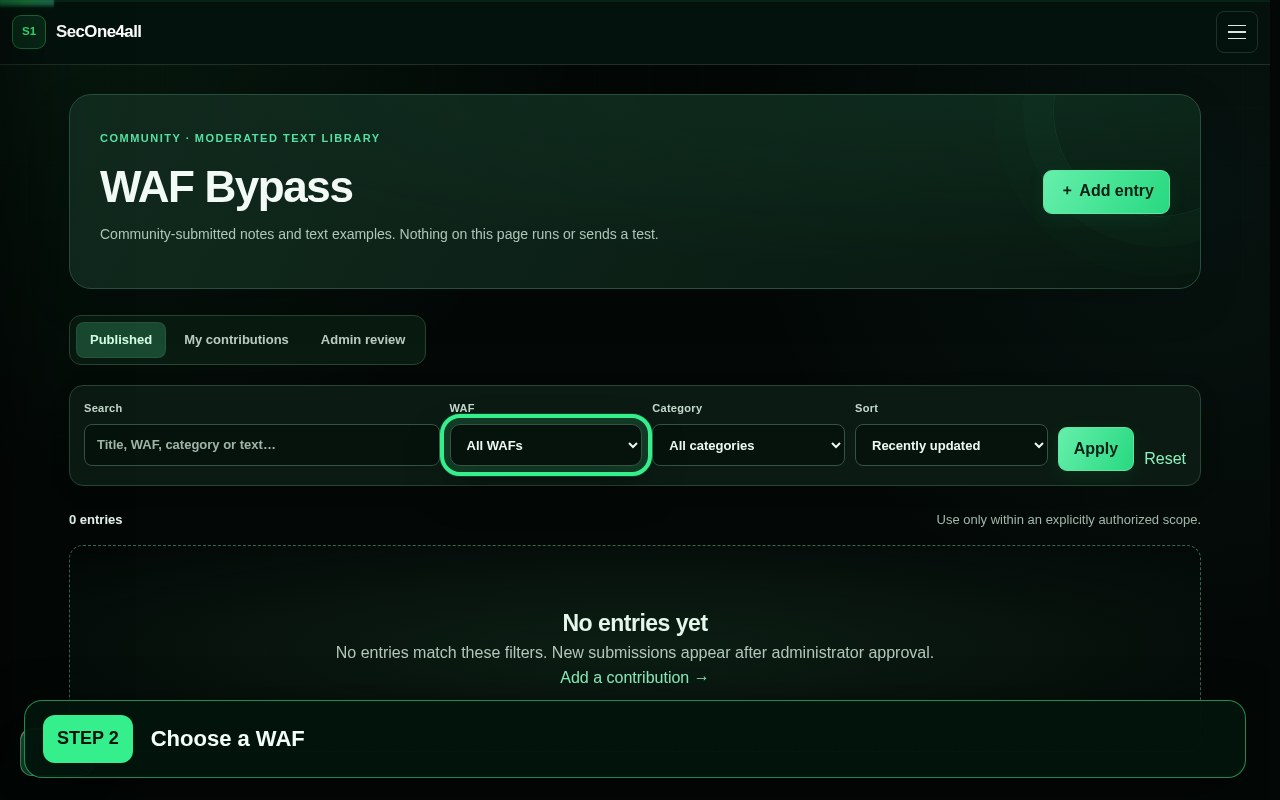
Step 2: Choose a WAF
Select a WAF product to focus the catalog.
What you will see: Entries for other products are excluded.
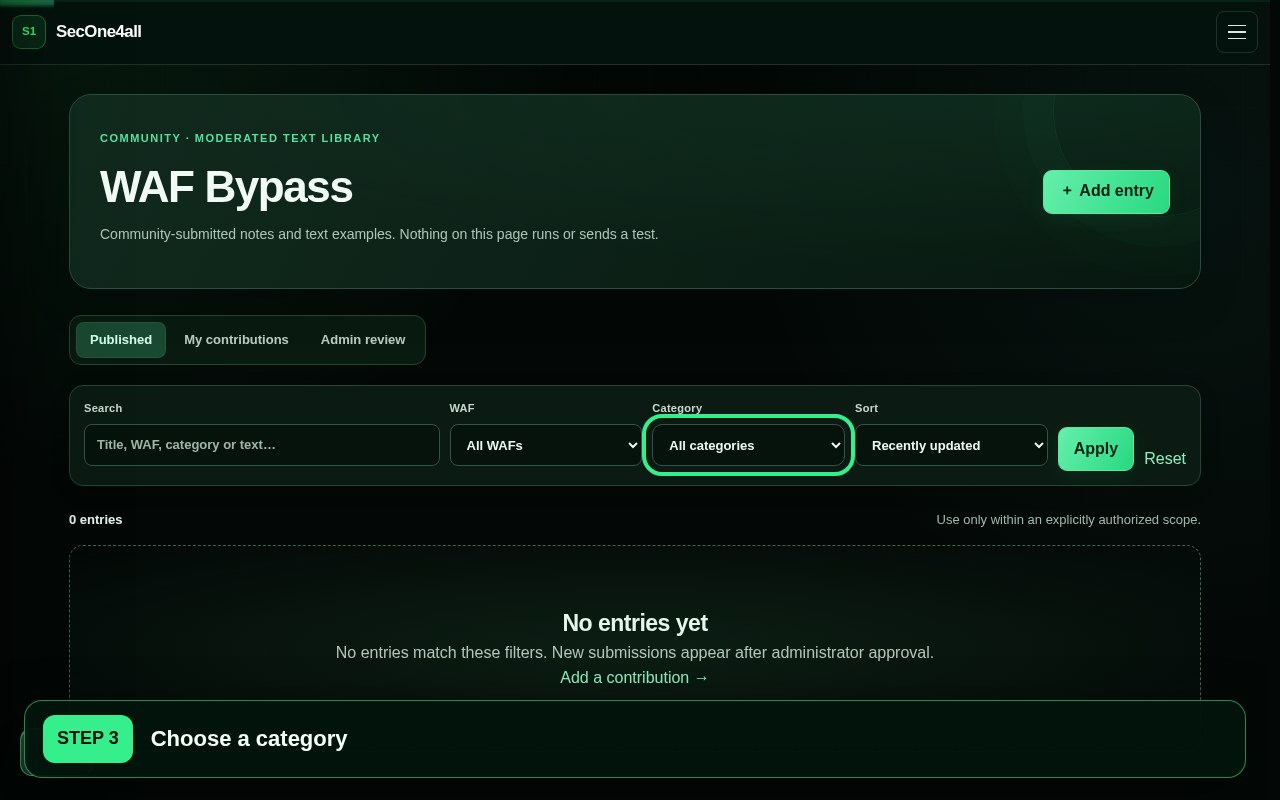
Step 3: Choose a category
Select the research category that matches the behavior you are studying.
What you will see: The WAF and category filters work together.
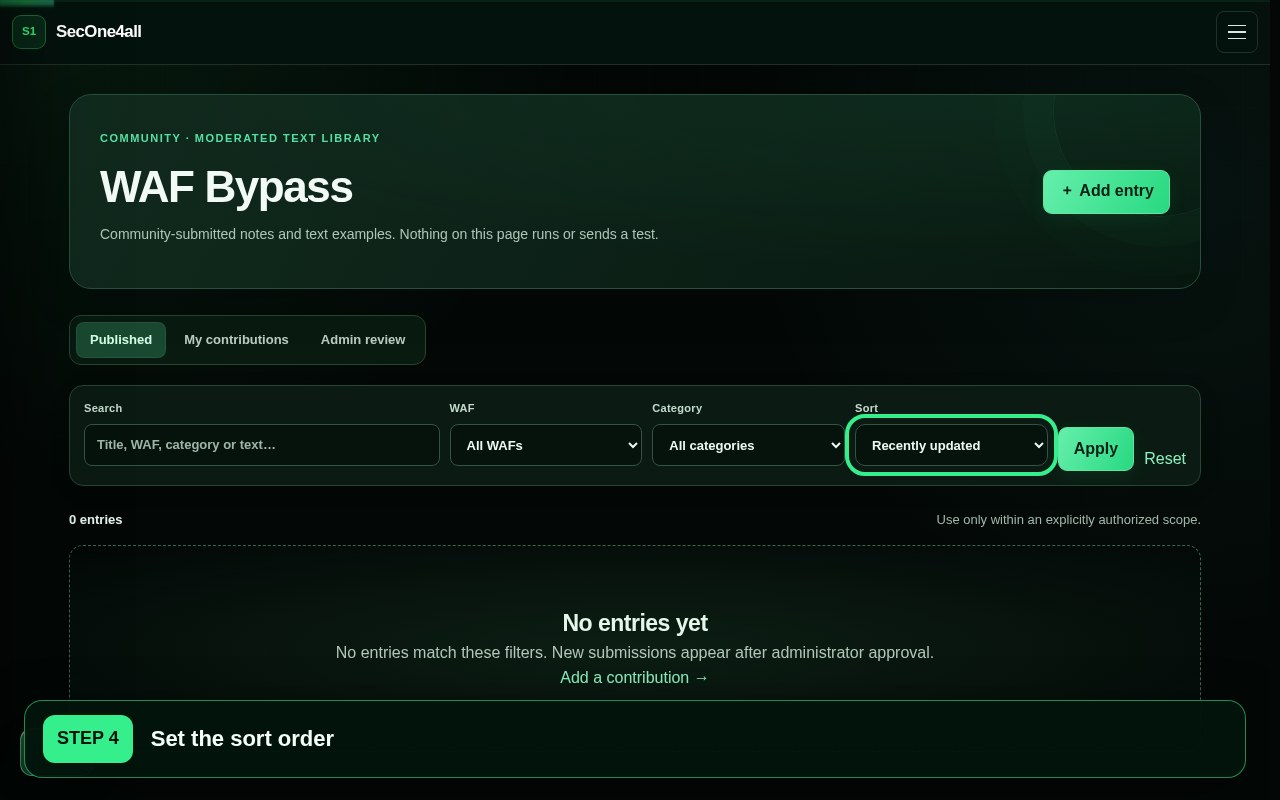
Step 4: Set the sort order
Choose the order for matching entries.
What you will see: The result area refreshes in the selected order.
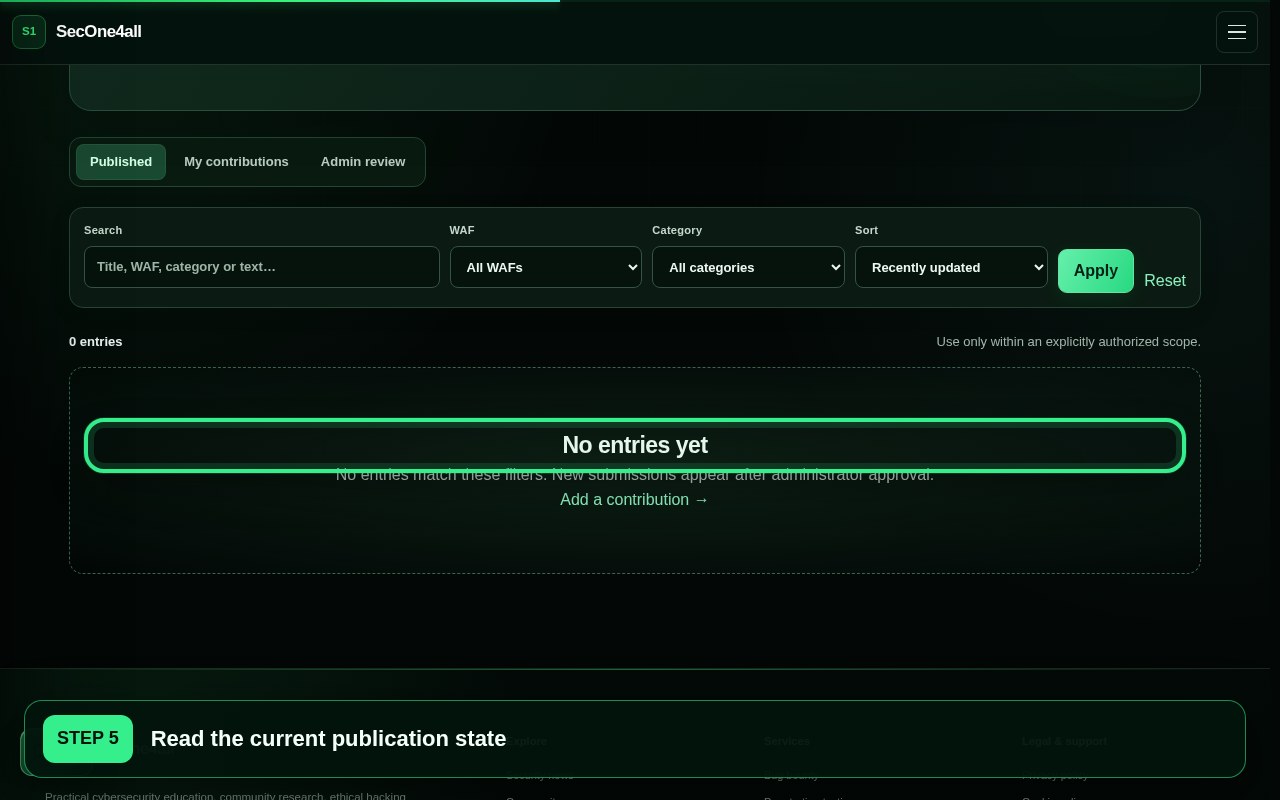
Step 5: Read the current publication state
Review the catalog message after applying the filters.
What you will see: This state means there are no moderated entries to open at present.
Open the feature
Use the button below to open the current SecOne4all interface and follow the same five steps.

Leave a Reply